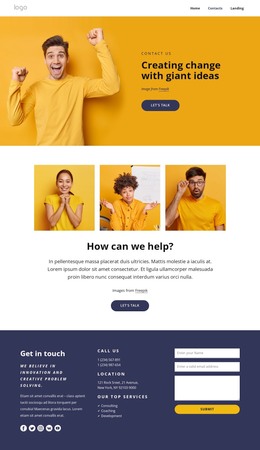
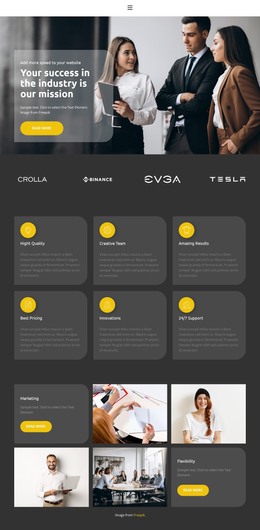
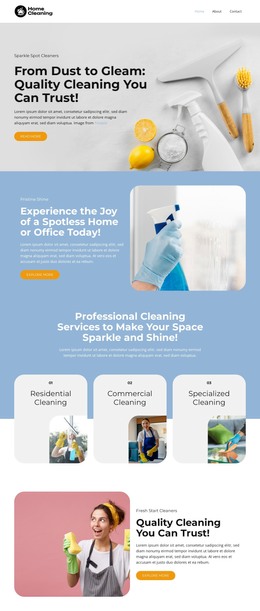
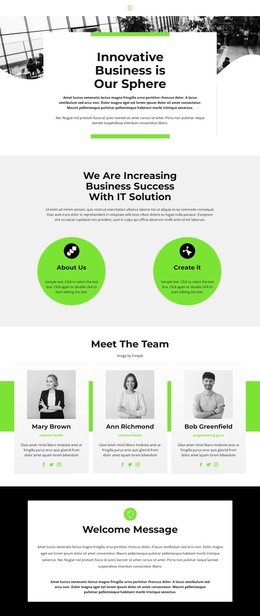
We help teams embrace change WordPress Theme


A Portrait-Led Approach Section for WordPress Page Content
The block reads as stable consulting information rather than a stream of time-sensitive updates. Its “Consulting Services” heading and introductory paragraph identify the subject, then four numbered statements provide a repeatable set of principles. Because two statements are placed on each side of the central card, the content can be understood as a balanced explanation of how the service approach is organized.
The central card gives the section a recognizable page-content unit. Its portrait image leads into the “How we work” heading and supporting description, creating a human point of reference between the two numbered columns. The vivid purple treatment separates this core explanation from the white background, while the large numerals and italicized copy make the surrounding principles easy to distinguish. No interactive component is required for the block’s message; its organization is static and self-contained.
Within a WordPress-managed page, the section can provide a durable services or approach area while the wider project manages other content around it. It may fit alongside deeper service information, company background, or contact content without being mistaken for a complete WordPress Theme. The block preserves one focused content role: presenting management consulting services and showing how the accompanying principles relate to a central working method.
Customize with Nicepage
Open this ready-made template in the WordPress Website Builder and customize it visually in the Nicepage editor. Replace demo content, edit page sections, and adapt the design to your project without rebuilding the template from scratch.
Edit Template Offline
2. Create a new page or select existing
3. Click Add new block, search for id 60917 and click enter
Edit Template Online
Create Awesome Websites


Free Nicepage Builder
Keywords
Manage and Edit This Theme in WordPress
Customize and Install the WordPress Theme
Start with this ready-made theme instead of building the WordPress design from scratch. Customize its layout, content, typography, images, sections, and other design elements visually in Nicepage editor, then export and install the WordPress Theme, Plugin, and Pages on your WordPress site. The Nicepage WordPress Plugin lets you continue working with the site after installation.
Edit the Theme Directly in WordPress
After installation, you can edit the WordPress Theme directly in WordPress with the Nicepage WordPress Plugin. Use Site Style to customize site Colors, Fonts, Header, Footer, Blog, and Post Page Templates while working within your WordPress website.
Edit WordPress Pages Visually
Use the Nicepage WordPress Plugin to edit page content directly from the WordPress admin area. Open a WordPress Page with Nicepage and visually change its text, images, sections, and other page elements while continuing to manage the Page through WordPress.
WordPress Content and Theme Integration
Use the customized theme with WordPress Pages, Posts, Blog and Post Templates, menus, widgets, and other CMS-managed content. Shared theme elements such as Colors, Fonts, Header, Footer, Blog, and Post Page Templates can be managed as part of the overall site design, while WordPress provides the CMS environment for managing site content.
This workflow combines a ready-made WordPress Theme with visual customization, direct theme editing in WordPress, and continued content management through the Nicepage WordPress Plugin.