Nature-oriented travel WordPress Theme


Travel Inquiry Content With a Clear Page-Section Role
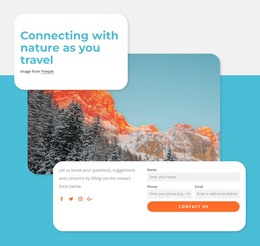
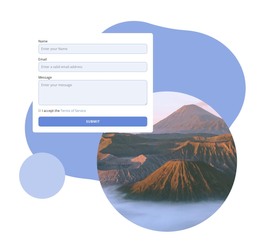
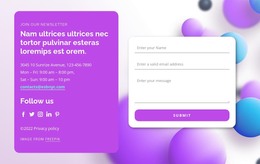
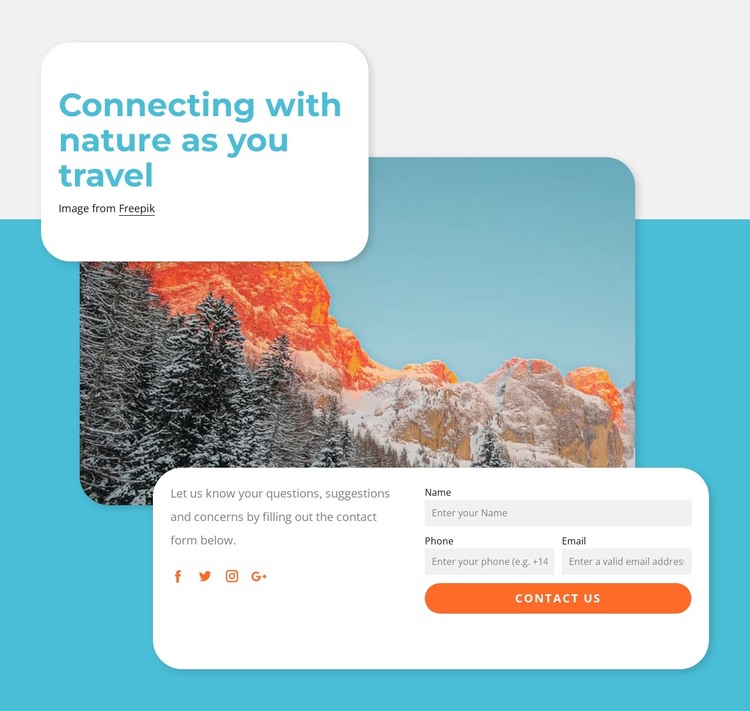
The heading and scenic image make this block read as stable travel-related page content, while the lower card supplies a practical inquiry area. “Connecting with nature as you travel” introduces the subject without requiring a separate editorial stream, and the mountain and forest photograph reinforces that theme visually. The prompt about questions, suggestions, and concerns then leads into name, phone, and email inputs, followed by the “contact us” control as the section’s direct response point.
Within a WordPress-managed page, this block can serve as a reusable contact section around which other publishable content is organized. Its four social media icons add a supporting connection route, but they do not replace the form’s central role. The layered arrangement also gives the section a recognizable boundary: the floating heading card introduces the topic, the image creates visual context, and the lower white card contains the communication task. Rounded corners, cyan background color, orange controls, and soft shadows can keep the section visually coherent with the surrounding page while the broader WordPress project manages other content areas separately. The form’s defined fields also make the block easy to recognize as a focused inquiry area within that wider content structure.
Customize with Nicepage
Open this ready-made template in the WordPress Website Builder and customize it visually in the Nicepage editor. Replace demo content, edit page sections, and adapt the design to your project without rebuilding the template from scratch.
Edit Template Offline
2. Create a new page or select existing
3. Click Add new block, search for id 1633783 and click enter
Edit Template Online
Create Awesome Websites


Free Nicepage Builder
Keywords
Manage and Edit This Theme in WordPress
Customize and Install the WordPress Theme
Start with this ready-made theme instead of building the WordPress design from scratch. Customize its layout, content, typography, images, sections, and other design elements visually in Nicepage editor, then export and install the WordPress Theme, Plugin, and Pages on your WordPress site. The Nicepage WordPress Plugin lets you continue working with the site after installation.
Edit the Theme Directly in WordPress
After installation, you can edit the WordPress Theme directly in WordPress with the Nicepage WordPress Plugin. Use Site Style to customize site Colors, Fonts, Header, Footer, Blog, and Post Page Templates while working within your WordPress website.
Edit WordPress Pages Visually
Use the Nicepage WordPress Plugin to edit page content directly from the WordPress admin area. Open a WordPress Page with Nicepage and visually change its text, images, sections, and other page elements while continuing to manage the Page through WordPress.
WordPress Content and Theme Integration
Use the customized theme with WordPress Pages, Posts, Blog and Post Templates, menus, widgets, and other CMS-managed content. Shared theme elements such as Colors, Fonts, Header, Footer, Blog, and Post Page Templates can be managed as part of the overall site design, while WordPress provides the CMS environment for managing site content.
This workflow combines a ready-made WordPress Theme with visual customization, direct theme editing in WordPress, and continued content management through the Nicepage WordPress Plugin.