Full branding and web design WordPress Theme


Edit Template Offline
2. Create new page and search for id 5673390
Edit Template Online
Create Awesome Websites


Free Nicepage Builder
Keywords
Page Content and Repeated Project Cards Fit a WordPress Theme Structure
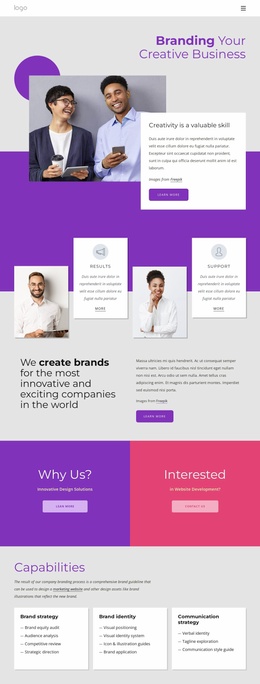
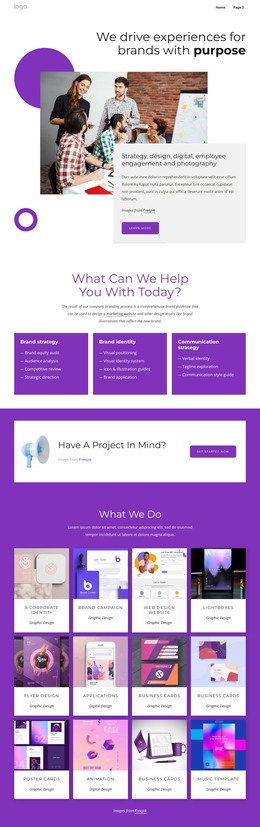
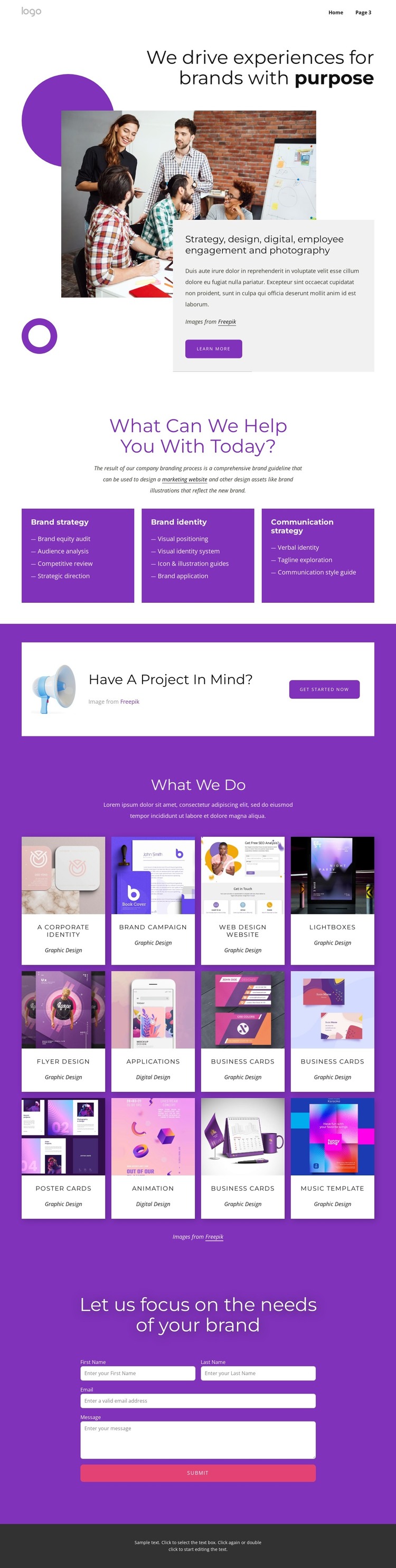
The service cards provide clear permanent page content for a branding studio. Brand strategy, brand identity, and communication strategy are separated into distinct visual areas, with supporting subjects such as audience analysis, competitive review, visual positioning, verbal identity, and strategic direction. In a WordPress-managed site, these areas can remain part of the main page presentation while related content is expanded around the same theme styling. The design itself does not prove that WordPress Pages or Posts already exist.
The twelve portfolio cards offer a different content relationship. Corporate identity, brand campaigns, web design, applications, business cards, animation, and other categories give the page a repeatable project-content pattern. That makes the grid a useful visual model for presenting selected work or future editorial updates without reducing the page to a single service statement. The Home and Landing navigation links also provide a visible starting point for connecting the portfolio with other page-oriented content.
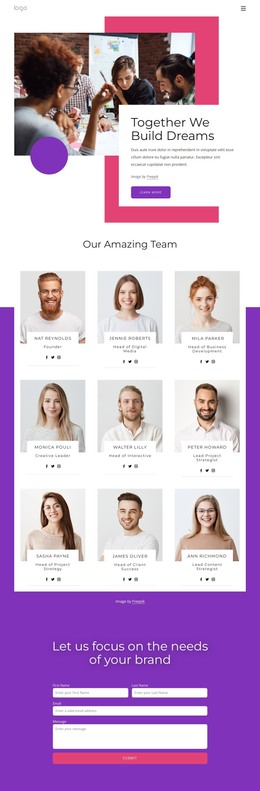
The project callout and contact form complete the visitor-facing structure. “Have A Project In Mind?” and Get Started Now create a transition from browsing work to considering an inquiry, while the final fields collect the basic information needed to describe a project. A WordPress Theme can preserve the purple-and-white visual system, dark footer, bold headings, and compact cards as content changes. Nicepage’s WordPress Plugin is an optional bridge for working with WordPress-managed content, but the template-specific value remains the relationship between permanent service content, repeatable portfolio items, navigation, and inquiry content.
Customize with Nicepage
Open this ready-made template in the WordPress Website Builder and customize it visually in the Nicepage editor. Replace demo content, edit page sections, and adapt the design to your project without rebuilding the template from scratch.
Manage and Edit This Theme in WordPress
Customize and Install the WordPress Theme
Start with this ready-made theme instead of building the WordPress design from scratch. Customize its layout, content, typography, images, sections, and other design elements visually in Nicepage editor, then export and install the WordPress Theme, Plugin, and Pages on your WordPress site. The Nicepage WordPress Plugin lets you continue working with the site after installation.
Edit the Theme Directly in WordPress
After installation, you can edit the WordPress Theme directly in WordPress with the Nicepage WordPress Plugin. Use Site Style to customize site Colors, Fonts, Header, Footer, Blog, and Post Page Templates while working within your WordPress website.
Edit WordPress Pages Visually
Use the Nicepage WordPress Plugin to edit page content directly from the WordPress admin area. Open a WordPress Page with Nicepage and visually change its text, images, sections, and other page elements while continuing to manage the Page through WordPress.
WordPress Content and Theme Integration
Use the customized theme with WordPress Pages, Posts, Blog and Post Templates, menus, widgets, and other CMS-managed content. Shared theme elements such as Colors, Fonts, Header, Footer, Blog, and Post Page Templates can be managed as part of the overall site design, while WordPress provides the CMS environment for managing site content.
This workflow combines a ready-made WordPress Theme with visual customization, direct theme editing in WordPress, and continued content management through the Nicepage WordPress Plugin.