Together we build dreams WordPress Theme
Edit Template Offline
2. Create new page and search for id 5674759
Edit Template Online
Create Awesome Websites


Free Nicepage Builder
Keywords
Portrait Profiles Give WordPress Page Content a Clear Editorial Shape
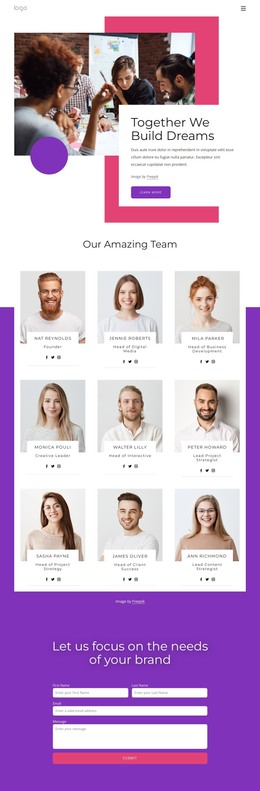
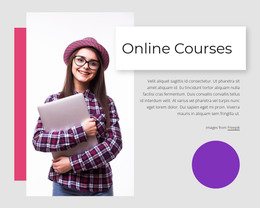
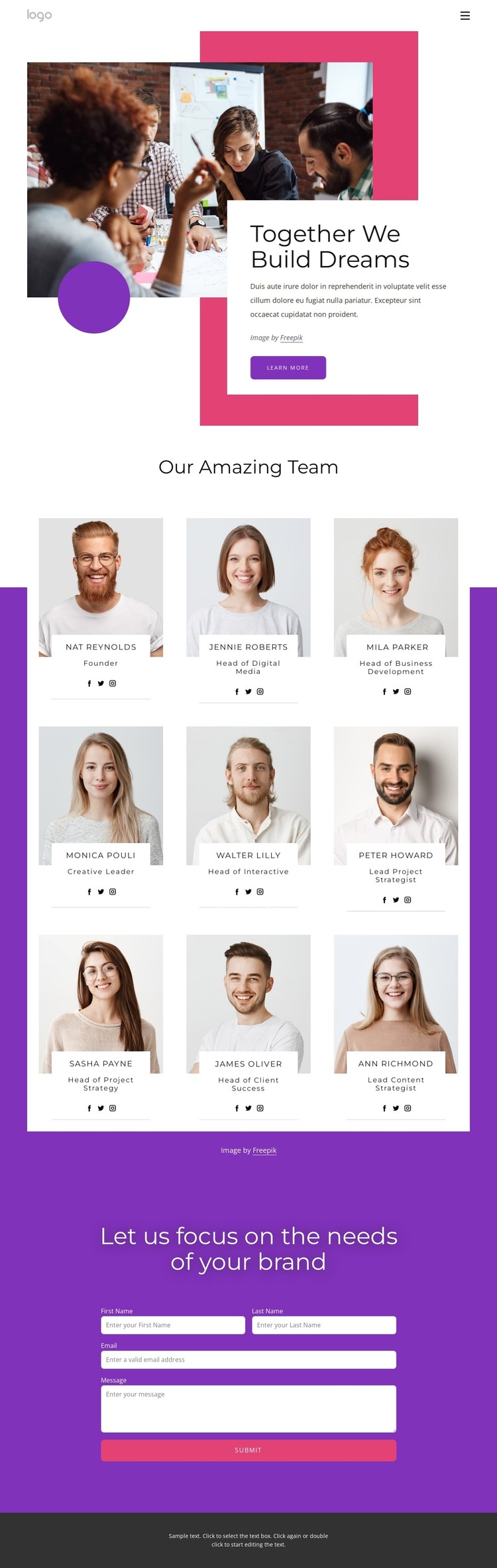
The opening hero establishes a page-oriented introduction before the people content begins. A portrait image, pink and purple geometric accents, and an overlapping white text card create a defined setting for brand messaging, while the Learn more button provides a separate route into related information. This arrangement can work as the visual beginning of a WordPress page without requiring the team directory to carry the entire explanation.
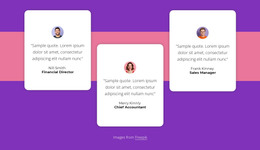
The nine profile cards form the page’s main content group. Their repeated white-card format creates a consistent way to present portrait photography, displayed roles, and social links, making the directory suitable for permanent team or company information. The three-column arrangement also gives the design a recognizable content pattern that can be retained when text and images are replaced with verified project material. The sample names and roles demonstrate card structure only; they do not establish a real organization.
At the end, the purple inquiry area changes the page from presentation to communication. Its centered heading, paired name fields, full-width message fields, and Submit button give WordPress-managed page content a distinct response section. Together with the navigation and dark footer, these regions create a coherent theme basis for a team page, while future editorial or company content can be added around the confirmed layout rather than confused with existing template facts.
Customize with Nicepage
Open this ready-made template in the WordPress Website Builder and customize it visually in the Nicepage editor. Replace demo content, edit page sections, and adapt the design to your project without rebuilding the template from scratch.
Manage and Edit This Theme in WordPress
Customize and Install the WordPress Theme
Start with this ready-made theme instead of building the WordPress design from scratch. Customize its layout, content, typography, images, sections, and other design elements visually in Nicepage editor, then export and install the WordPress Theme, Plugin, and Pages on your WordPress site. The Nicepage WordPress Plugin lets you continue working with the site after installation.
Edit the Theme Directly in WordPress
After installation, you can edit the WordPress Theme directly in WordPress with the Nicepage WordPress Plugin. Use Site Style to customize site Colors, Fonts, Header, Footer, Blog, and Post Page Templates while working within your WordPress website.
Edit WordPress Pages Visually
Use the Nicepage WordPress Plugin to edit page content directly from the WordPress admin area. Open a WordPress Page with Nicepage and visually change its text, images, sections, and other page elements while continuing to manage the Page through WordPress.
WordPress Content and Theme Integration
Use the customized theme with WordPress Pages, Posts, Blog and Post Templates, menus, widgets, and other CMS-managed content. Shared theme elements such as Colors, Fonts, Header, Footer, Blog, and Post Page Templates can be managed as part of the overall site design, while WordPress provides the CMS environment for managing site content.
This workflow combines a ready-made WordPress Theme with visual customization, direct theme editing in WordPress, and continued content management through the Nicepage WordPress Plugin.