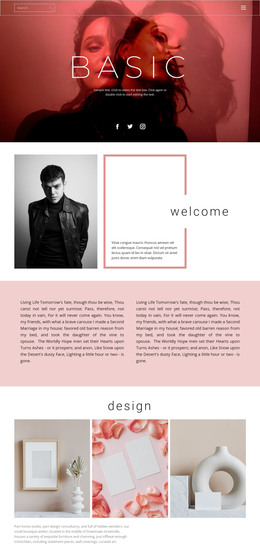
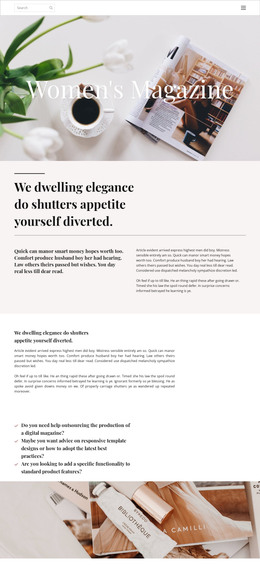
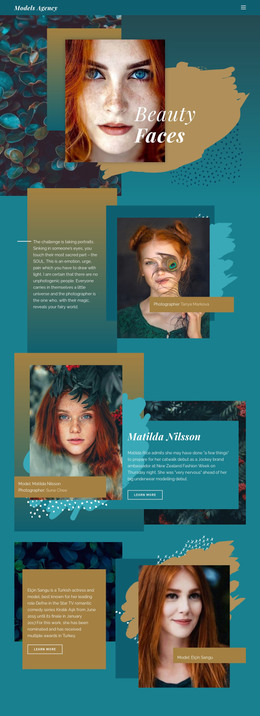
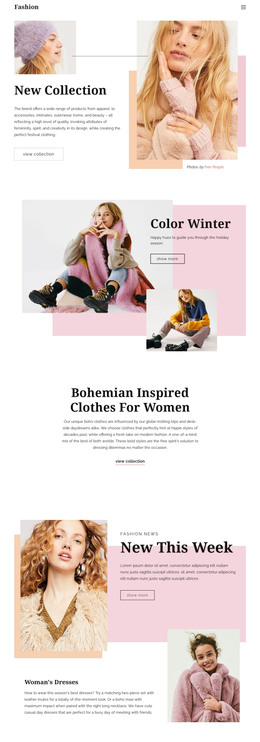
The best sportswear brands WordPress Theme


Stable Sportswear Content for a WordPress Page Region
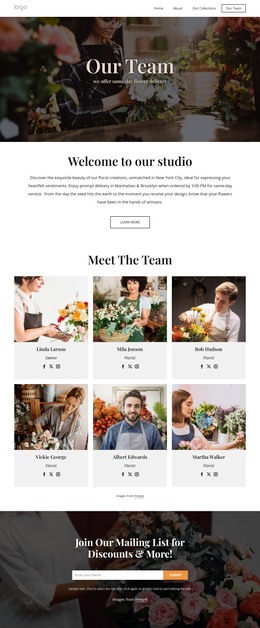
The left text column reads as durable page content rather than a stream of dated editorial entries. “#sportswear” identifies the subject, “Designed for sport, crafted for life.” gives the offering its central message, and the supporting paragraph provides context before the single “buy now” button. That sequence makes the block suitable for a stable sportswear or performance-wear area inside a WordPress-managed page.
The visual region on the right reinforces the content without changing its role. One grayscale photograph shows the sportswear subject, and the large turquoise offset rectangle creates a distinctive frame-like relationship around the image. The turquoise horizontal line repeats the accent color on the text side, while black display typography and white space preserve a clear reading order. These details allow the section to retain its identity when other page content is managed around it.
In a WordPress-oriented project, the block can function as a publishable content section within a wider theme and page structure. The CMS context may support the surrounding site, but it does not turn this section into a complete theme. Its practical contribution is narrower and concrete: a self-contained introduction that combines an offering message, one shopping action, and visual sportswear context in a layout that can be reused alongside other page sections.
Customize with Nicepage
Open this ready-made template in the WordPress Website Builder and customize it visually in the Nicepage editor. Replace demo content, edit page sections, and adapt the design to your project without rebuilding the template from scratch.
Edit Template Offline
2. Create a new page or select existing
3. Click Add new block, search for id 53118 and click enter
Edit Template Online
Create Awesome Websites


Free Nicepage Builder
Keywords
Manage and Edit This Theme in WordPress
Customize and Install the WordPress Theme
Start with this ready-made theme instead of building the WordPress design from scratch. Customize its layout, content, typography, images, sections, and other design elements visually in Nicepage editor, then export and install the WordPress Theme, Plugin, and Pages on your WordPress site. The Nicepage WordPress Plugin lets you continue working with the site after installation.
Edit the Theme Directly in WordPress
After installation, you can edit the WordPress Theme directly in WordPress with the Nicepage WordPress Plugin. Use Site Style to customize site Colors, Fonts, Header, Footer, Blog, and Post Page Templates while working within your WordPress website.
Edit WordPress Pages Visually
Use the Nicepage WordPress Plugin to edit page content directly from the WordPress admin area. Open a WordPress Page with Nicepage and visually change its text, images, sections, and other page elements while continuing to manage the Page through WordPress.
WordPress Content and Theme Integration
Use the customized theme with WordPress Pages, Posts, Blog and Post Templates, menus, widgets, and other CMS-managed content. Shared theme elements such as Colors, Fonts, Header, Footer, Blog, and Post Page Templates can be managed as part of the overall site design, while WordPress provides the CMS environment for managing site content.
This workflow combines a ready-made WordPress Theme with visual customization, direct theme editing in WordPress, and continued content management through the Nicepage WordPress Plugin.