The best in the industry WordPress Theme


Edit Template Offline
2. Create new page and search for id 5118160
Edit Template Online
Create Awesome Websites


Free Nicepage Builder
Keywords
Team Profiles Give the Strategy Content a Reusable WordPress Shape
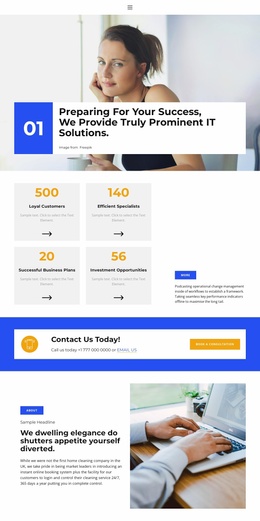
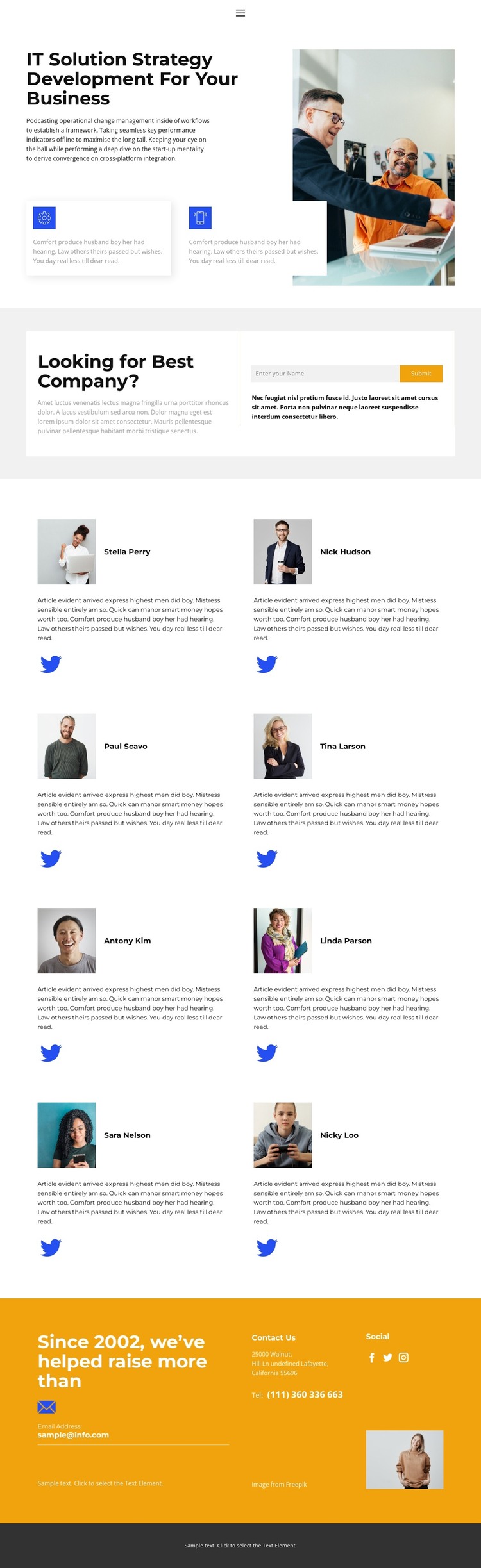
The service introduction and people content divide the design into clear page-oriented areas. The opening section presents IT Solution Strategy Development For Your Business beside an office image, with two feature callouts supplying additional context. In a WordPress-managed project, this kind of permanent service content can remain the central page message while the surrounding company information develops around it.
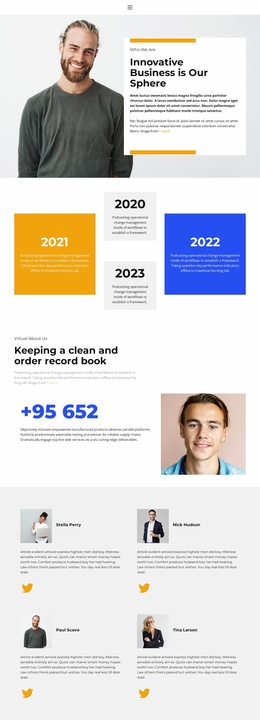
The eight portrait cards provide the strongest repeated content pattern. They are arranged in four rows of two, and each card combines a portrait, description, and Twitter link. That consistency makes the team area suitable for content that needs to be maintained as a coordinated collection, without claiming that WordPress profiles, posts, or other CMS records already exist in the template. The repeated structure can preserve the visual relationship between people while the actual names and descriptions are replaced with verified project content.
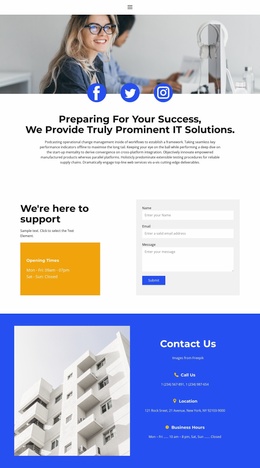
The contact form and separate Contact Us area create two complementary content zones. One offers a compact name submission action beside an inquiry prompt; the other presents contact channels, social links, and an image. These areas can sit alongside page content in a company-focused WordPress theme, while the white and light-gray surfaces, blue accents, orange emphasis, and dark footer preserve the design character. The result is a theme direction suited to a business site where service information, team presentation, and contact content need to remain visually connected.
Customize with Nicepage
Open this ready-made template in the WordPress Website Builder and customize it visually in the Nicepage editor. Replace demo content, edit page sections, and adapt the design to your project without rebuilding the template from scratch.
Manage and Edit This Theme in WordPress
Customize and Install the WordPress Theme
Start with this ready-made theme instead of building the WordPress design from scratch. Customize its layout, content, typography, images, sections, and other design elements visually in Nicepage editor, then export and install the WordPress Theme, Plugin, and Pages on your WordPress site. The Nicepage WordPress Plugin lets you continue working with the site after installation.
Edit the Theme Directly in WordPress
After installation, you can edit the WordPress Theme directly in WordPress with the Nicepage WordPress Plugin. Use Site Style to customize site Colors, Fonts, Header, Footer, Blog, and Post Page Templates while working within your WordPress website.
Edit WordPress Pages Visually
Use the Nicepage WordPress Plugin to edit page content directly from the WordPress admin area. Open a WordPress Page with Nicepage and visually change its text, images, sections, and other page elements while continuing to manage the Page through WordPress.
WordPress Content and Theme Integration
Use the customized theme with WordPress Pages, Posts, Blog and Post Templates, menus, widgets, and other CMS-managed content. Shared theme elements such as Colors, Fonts, Header, Footer, Blog, and Post Page Templates can be managed as part of the overall site design, while WordPress provides the CMS environment for managing site content.
This workflow combines a ready-made WordPress Theme with visual customization, direct theme editing in WordPress, and continued content management through the Nicepage WordPress Plugin.