Boost your credibility and authority WordPress Theme


Edit Template Offline
2. Create new page and search for id 4584706
Edit Template Online
Create Awesome Websites


Free Nicepage Builder
Keywords
Location Content and Inquiry Content Fit a Consulting Theme
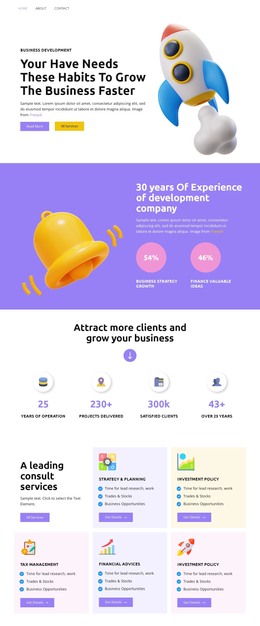
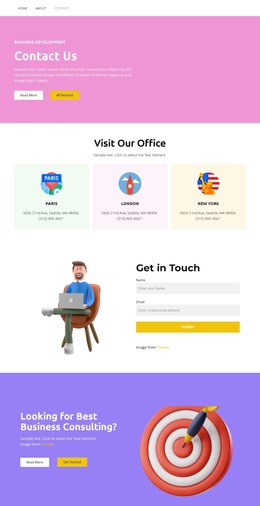
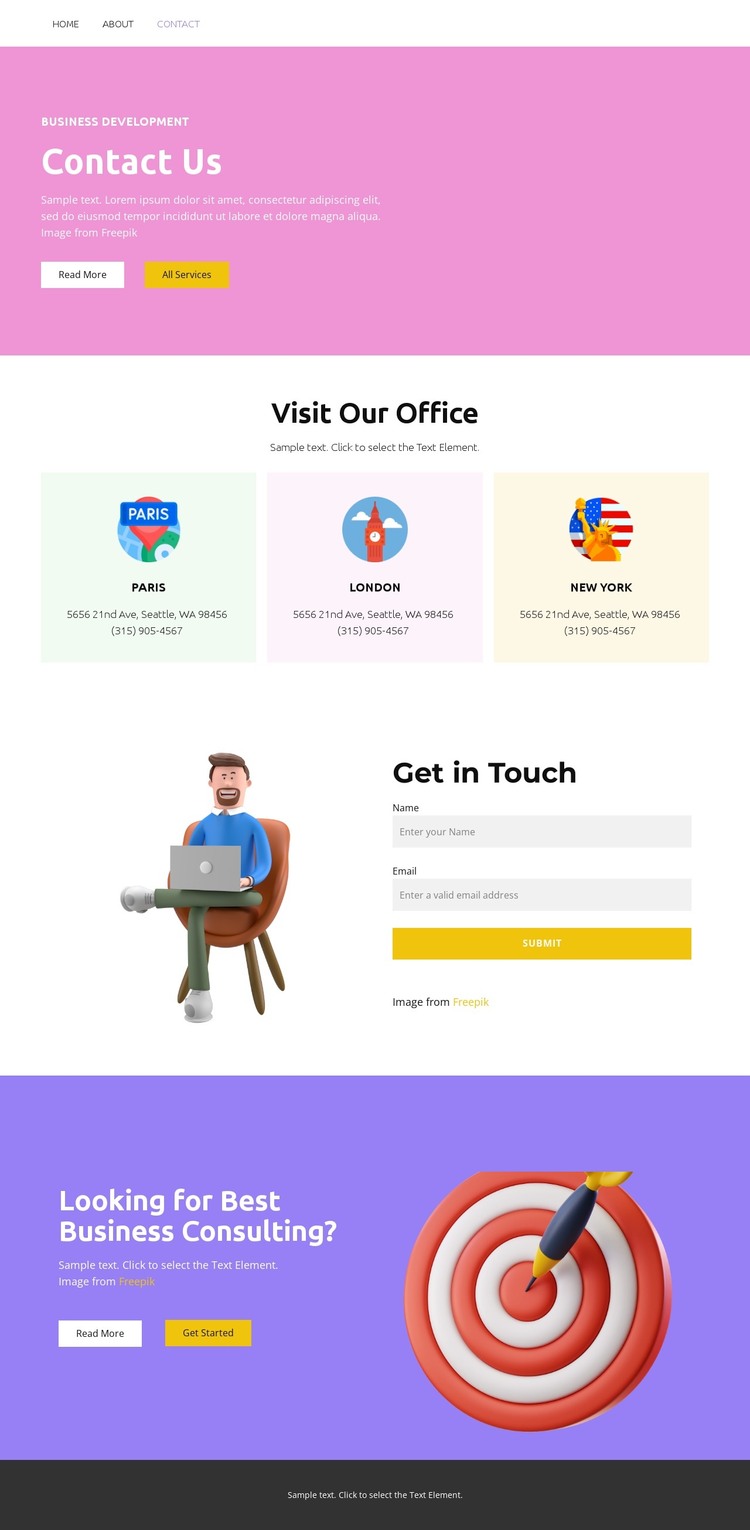
The repeated Paris, London, and New York cards give the design a useful page-oriented content structure for a consulting theme. Each location is presented as part of the Visit Our Office section, so office coverage can be understood as a distinct information area rather than being buried inside a paragraph. That structure works alongside the opening Contact Us band, where the Business Development label and All Services action provide a route toward broader service content, while Read More supplies a secondary path for additional explanation.
The Get in Touch block introduces a different kind of content relationship: an illustration shares space with a contact inquiry form, separating visual context from the direct response area. The following purple section then emphasizes business consulting and offers Read More and Get Started actions, creating a natural place for a service-focused page or campaign link within the same visual direction. These relationships make the design suitable for WordPress-managed permanent content such as contact information, office descriptions, and consulting service pages. They do not prove that WordPress Posts, categories, or blog structures already exist; instead, the verified page areas show how this theme could organize editorially maintained content while preserving its location and inquiry-focused character.
Customize with Nicepage
Open this ready-made template in the WordPress Website Builder and customize it visually in the Nicepage editor. Replace demo content, edit page sections, and adapt the design to your project without rebuilding the template from scratch.
Manage and Edit This Theme in WordPress
Customize and Install the WordPress Theme
Start with this ready-made theme instead of building the WordPress design from scratch. Customize its layout, content, typography, images, sections, and other design elements visually in Nicepage editor, then export and install the WordPress Theme, Plugin, and Pages on your WordPress site. The Nicepage WordPress Plugin lets you continue working with the site after installation.
Edit the Theme Directly in WordPress
After installation, you can edit the WordPress Theme directly in WordPress with the Nicepage WordPress Plugin. Use Site Style to customize site Colors, Fonts, Header, Footer, Blog, and Post Page Templates while working within your WordPress website.
Edit WordPress Pages Visually
Use the Nicepage WordPress Plugin to edit page content directly from the WordPress admin area. Open a WordPress Page with Nicepage and visually change its text, images, sections, and other page elements while continuing to manage the Page through WordPress.
WordPress Content and Theme Integration
Use the customized theme with WordPress Pages, Posts, Blog and Post Templates, menus, widgets, and other CMS-managed content. Shared theme elements such as Colors, Fonts, Header, Footer, Blog, and Post Page Templates can be managed as part of the overall site design, while WordPress provides the CMS environment for managing site content.
This workflow combines a ready-made WordPress Theme with visual customization, direct theme editing in WordPress, and continued content management through the Nicepage WordPress Plugin.