A leading consult services WordPress Theme



Edit Template Offline
2. Create new page and search for id 4584719
Edit Template Online
Create Awesome Websites


Free Nicepage Builder
Keywords
Service Areas and Shared Navigation Support CMS Content
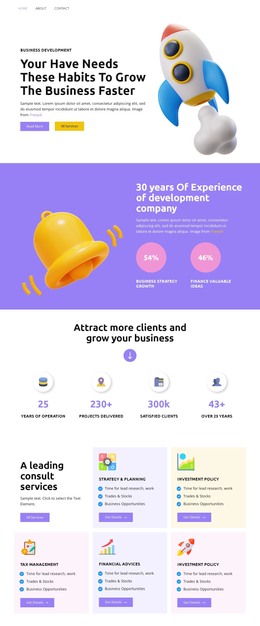
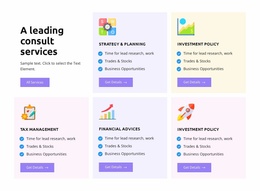
The navigation links Home, About, and Contact give the design a clear set of page-oriented destinations, while the homepage itself gathers the main consulting message into distinct content regions. The hero introduces Business Development with a rocket illustration and two actions. Farther down, the service grid separates Strategy & Planning, Investment Policy, Tax Management, and Financial Advices into recurring informational units that can be treated as durable page content rather than one undifferentiated paragraph.
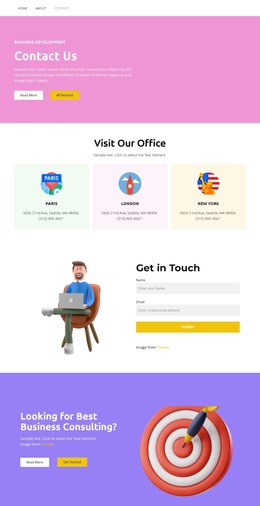
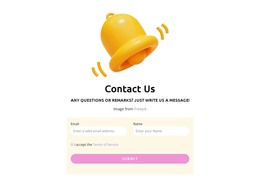
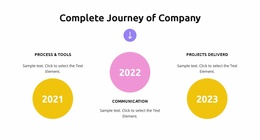
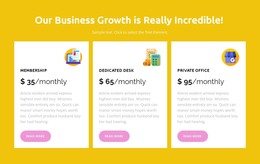
The experience section and four counters provide additional places for explanatory business content, while the three milestone items create a chronological company-journey area. The pricing cards, testimonial card, visible phone channel, and final Read More and Get Started actions add different content roles: package information, feedback structure, direct contact, and a closing response point. Demo prices, names, dates, and statistics should remain replaceable sample content rather than being presented as verified claims.
For a WordPress-managed project, this arrangement gives permanent consulting information a coherent visual setting while leaving room for regularly maintained content around the established sections. The combination of shared navigation, repeated service cards, package cards, and a focused contact ending is more useful than treating the design as a single illustration: it provides a practical content map for pages and updates that can continue using the same consulting direction.
Customize with Nicepage
Open this ready-made template in the WordPress Website Builder and customize it visually in the Nicepage editor. Replace demo content, edit page sections, and adapt the design to your project without rebuilding the template from scratch.
Manage and Edit This Theme in WordPress
Customize and Install the WordPress Theme
Start with this ready-made theme instead of building the WordPress design from scratch. Customize its layout, content, typography, images, sections, and other design elements visually in Nicepage editor, then export and install the WordPress Theme, Plugin, and Pages on your WordPress site. The Nicepage WordPress Plugin lets you continue working with the site after installation.
Edit the Theme Directly in WordPress
After installation, you can edit the WordPress Theme directly in WordPress with the Nicepage WordPress Plugin. Use Site Style to customize site Colors, Fonts, Header, Footer, Blog, and Post Page Templates while working within your WordPress website.
Edit WordPress Pages Visually
Use the Nicepage WordPress Plugin to edit page content directly from the WordPress admin area. Open a WordPress Page with Nicepage and visually change its text, images, sections, and other page elements while continuing to manage the Page through WordPress.
WordPress Content and Theme Integration
Use the customized theme with WordPress Pages, Posts, Blog and Post Templates, menus, widgets, and other CMS-managed content. Shared theme elements such as Colors, Fonts, Header, Footer, Blog, and Post Page Templates can be managed as part of the overall site design, while WordPress provides the CMS environment for managing site content.
This workflow combines a ready-made WordPress Theme with visual customization, direct theme editing in WordPress, and continued content management through the Nicepage WordPress Plugin.