Exclusive apartments WordPress Theme


Edit Template Offline
2. Create new page and search for id 4491331
Edit Template Online
Create Awesome Websites


Free Nicepage Builder
Keywords
Property and Location Content Fit a Managed Theme Structure
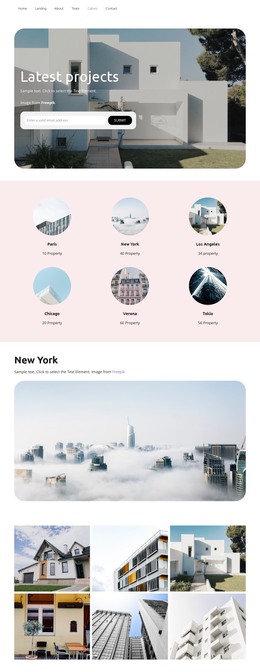
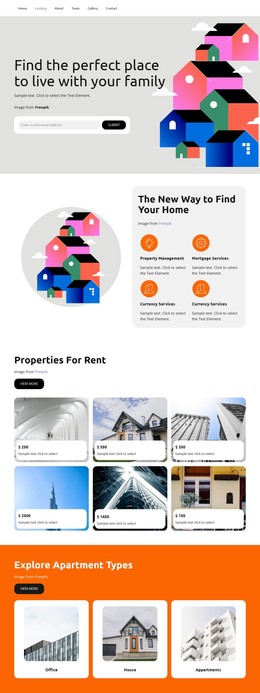
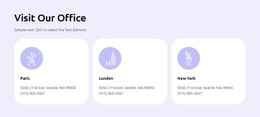
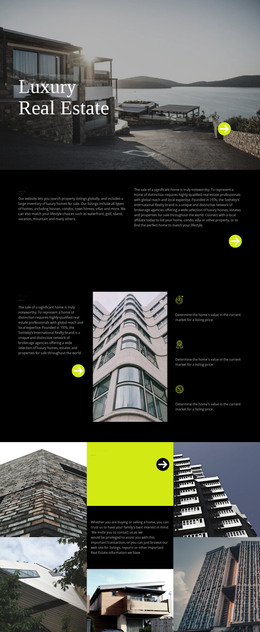
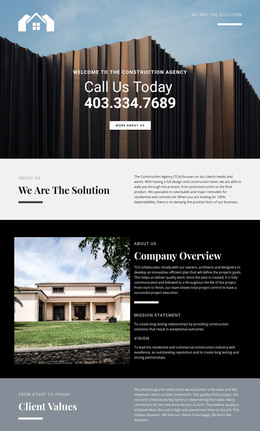
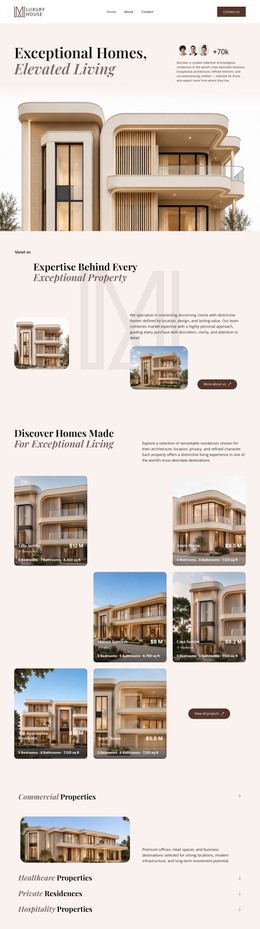
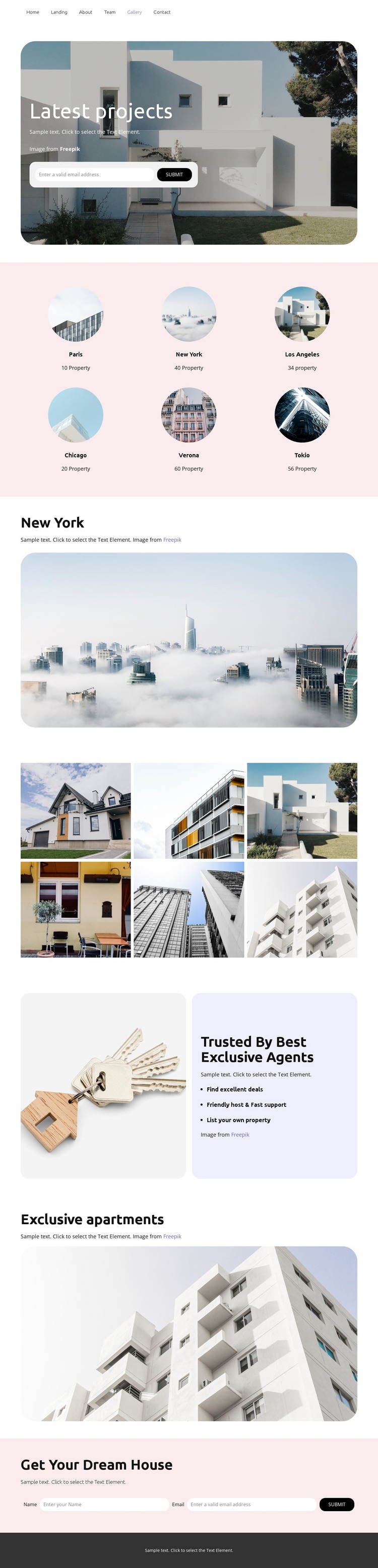
The design separates permanent real estate information into clear page areas that can be interpreted within a WordPress-managed theme. The six-location grid gives the visual system a geographic content layer, with Paris, New York, Los Angeles, Chicago, Verona, and Tokio presented as a consistent group. The larger New York section then shows how selected location content can be emphasized with supporting text and one wide property image, while the six-photo gallery provides a denser visual area for property presentation.
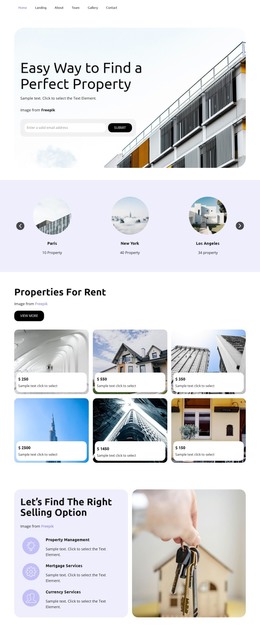
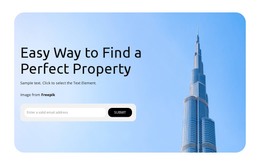
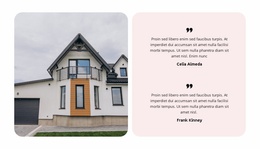
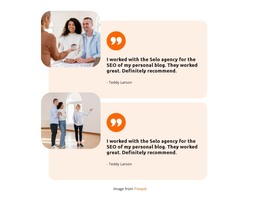
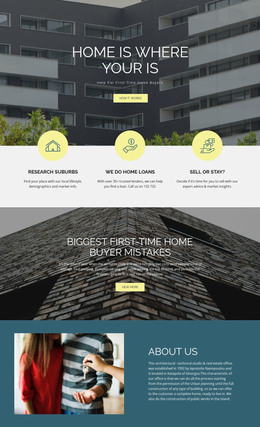
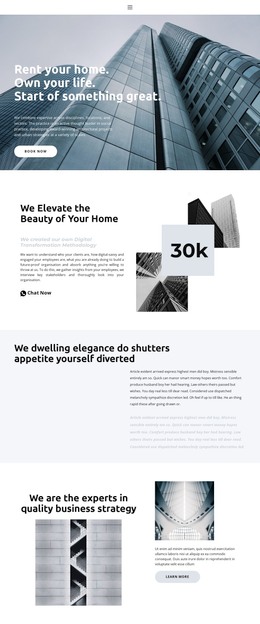
Other sections support different content roles. The Trusted By Best Exclusive Agents block combines an image with statements about excellent deals, friendly host and fast support, and listing a property, creating a service-and-benefit area distinct from the location grid. The Exclusive apartments block returns to a large image-led presentation, keeping the visual direction consistent across separate content groups. At the start and end of the page, the email capture form and the Get Your Dream House name-and-email form provide identifiable inquiry areas for prospective property seekers. In a WordPress project, these page-oriented sections can remain visually coordinated while the site's broader content evolves. This interpretation does not assume that WordPress posts, categories, or blog structures are already present in the template.
Customize with Nicepage
Open this ready-made template in the WordPress Website Builder and customize it visually in the Nicepage editor. Replace demo content, edit page sections, and adapt the design to your project without rebuilding the template from scratch.
Manage and Edit This Theme in WordPress
Customize and Install the WordPress Theme
Start with this ready-made theme instead of building the WordPress design from scratch. Customize its layout, content, typography, images, sections, and other design elements visually in Nicepage editor, then export and install the WordPress Theme, Plugin, and Pages on your WordPress site. The Nicepage WordPress Plugin lets you continue working with the site after installation.
Edit the Theme Directly in WordPress
After installation, you can edit the WordPress Theme directly in WordPress with the Nicepage WordPress Plugin. Use Site Style to customize site Colors, Fonts, Header, Footer, Blog, and Post Page Templates while working within your WordPress website.
Edit WordPress Pages Visually
Use the Nicepage WordPress Plugin to edit page content directly from the WordPress admin area. Open a WordPress Page with Nicepage and visually change its text, images, sections, and other page elements while continuing to manage the Page through WordPress.
WordPress Content and Theme Integration
Use the customized theme with WordPress Pages, Posts, Blog and Post Templates, menus, widgets, and other CMS-managed content. Shared theme elements such as Colors, Fonts, Header, Footer, Blog, and Post Page Templates can be managed as part of the overall site design, while WordPress provides the CMS environment for managing site content.
This workflow combines a ready-made WordPress Theme with visual customization, direct theme editing in WordPress, and continued content management through the Nicepage WordPress Plugin.