Luxury real estate WordPress Theme


Edit Template Offline
2. Create new page and search for id 29649
Edit Template Online
Create Awesome Websites


Free Nicepage Builder
Keywords
Page Content and Repeated Services Support a Real Estate Theme Structure
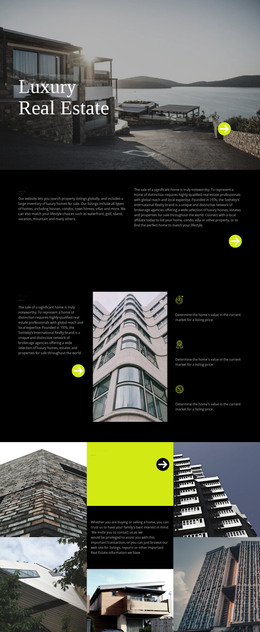
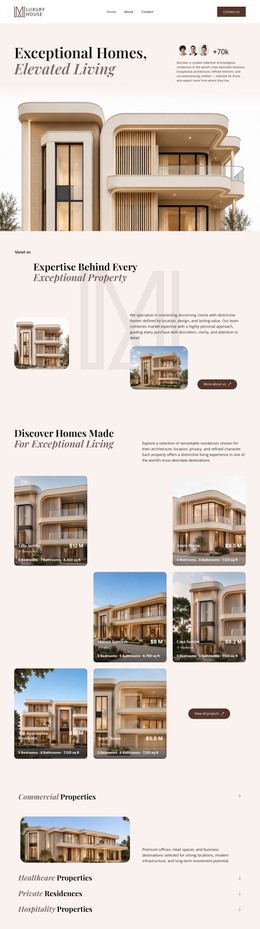
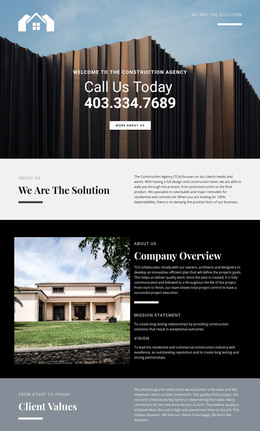
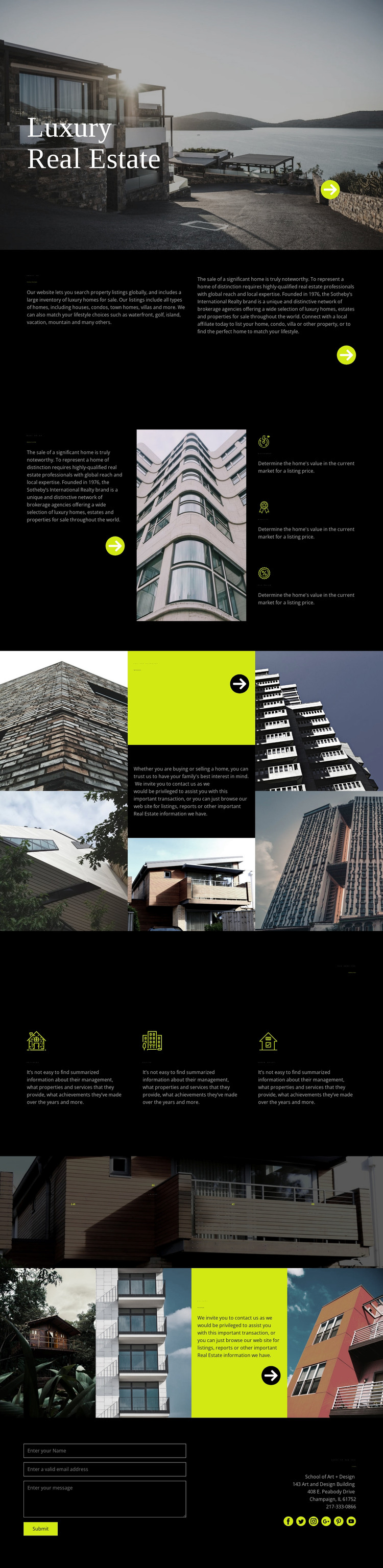
The page-oriented content begins with a clear property-search proposition: “The Home of Home Search” introduces the subject, while the surrounding categories identify houses, condos, town homes, villas, waterfront properties, and other luxury settings. These permanent informational areas could form the core content of a WordPress-managed real estate page without claiming that WordPress Posts, categories, or blog structures already exist in the analyzed template.
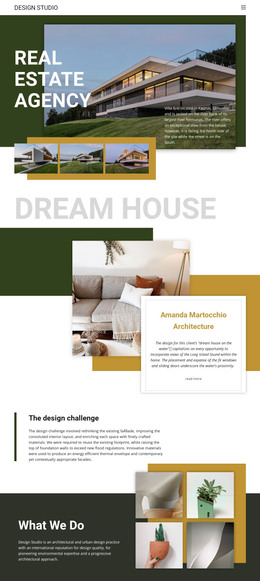
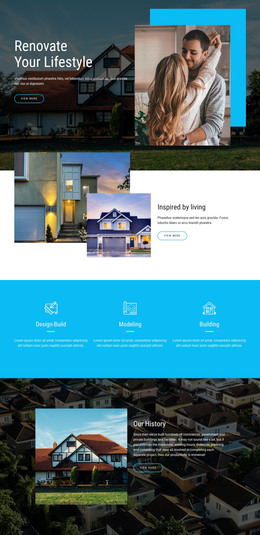
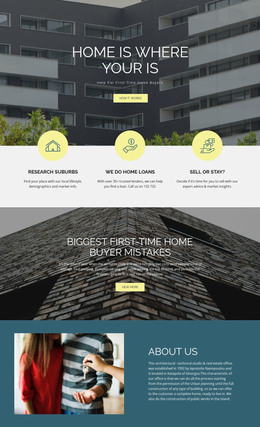
The design also contains repeated service-oriented material that can be interpreted as content requiring ongoing refinement. “Marketing Your Home” separates seller support from the broader search proposition and presents Quickness, Quality, and Fix price beside architectural imagery. The three service items—Cottages, Office, and Dream house—provide another repeatable content grouping. The home-loan area adds “Get pre-approved” and buying or selling assistance language, giving the page a distinct financing-related content region.
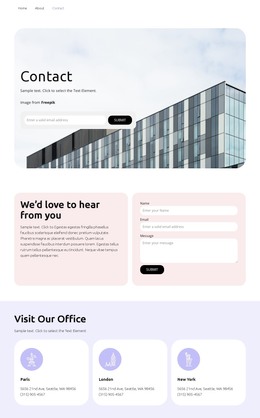
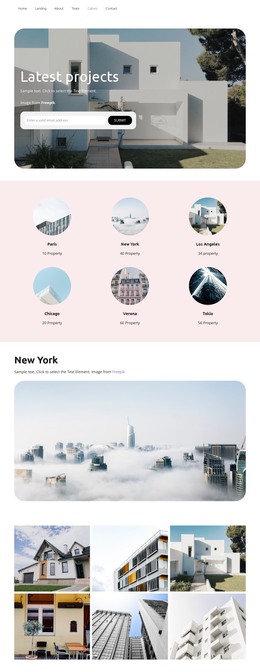
The four-image “Our Last Projects” gallery and closing Contact Us section extend the page beyond general description. Project imagery can carry visual case-study content, while the inquiry form, contact details, and social links provide a direct communication area. In a WordPress project, these page regions can remain within one visual direction while new editorial or property-related content is added around them. The optional WordPress interpretation is therefore based on the design’s page areas and repeated content relationships, not on an unsupported claim that a blog or post template is already present.
Customize with Nicepage
Open this ready-made template in the WordPress Website Builder and customize it visually in the Nicepage editor. Replace demo content, edit page sections, and adapt the design to your project without rebuilding the template from scratch.
Manage and Edit This Theme in WordPress
Customize and Install the WordPress Theme
Start with this ready-made theme instead of building the WordPress design from scratch. Customize its layout, content, typography, images, sections, and other design elements visually in Nicepage editor, then export and install the WordPress Theme, Plugin, and Pages on your WordPress site. The Nicepage WordPress Plugin lets you continue working with the site after installation.
Edit the Theme Directly in WordPress
After installation, you can edit the WordPress Theme directly in WordPress with the Nicepage WordPress Plugin. Use Site Style to customize site Colors, Fonts, Header, Footer, Blog, and Post Page Templates while working within your WordPress website.
Edit WordPress Pages Visually
Use the Nicepage WordPress Plugin to edit page content directly from the WordPress admin area. Open a WordPress Page with Nicepage and visually change its text, images, sections, and other page elements while continuing to manage the Page through WordPress.
WordPress Content and Theme Integration
Use the customized theme with WordPress Pages, Posts, Blog and Post Templates, menus, widgets, and other CMS-managed content. Shared theme elements such as Colors, Fonts, Header, Footer, Blog, and Post Page Templates can be managed as part of the overall site design, while WordPress provides the CMS environment for managing site content.
This workflow combines a ready-made WordPress Theme with visual customization, direct theme editing in WordPress, and continued content management through the Nicepage WordPress Plugin.