Fashion House WordPress Theme


Edit Template Offline
2. Create new page and search for id 21059
Edit Template Online
Create Awesome Websites


Free Nicepage Builder
Keywords
Service Pages and Editorial Content Can Share One Visual System
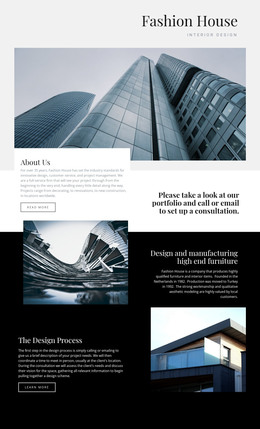
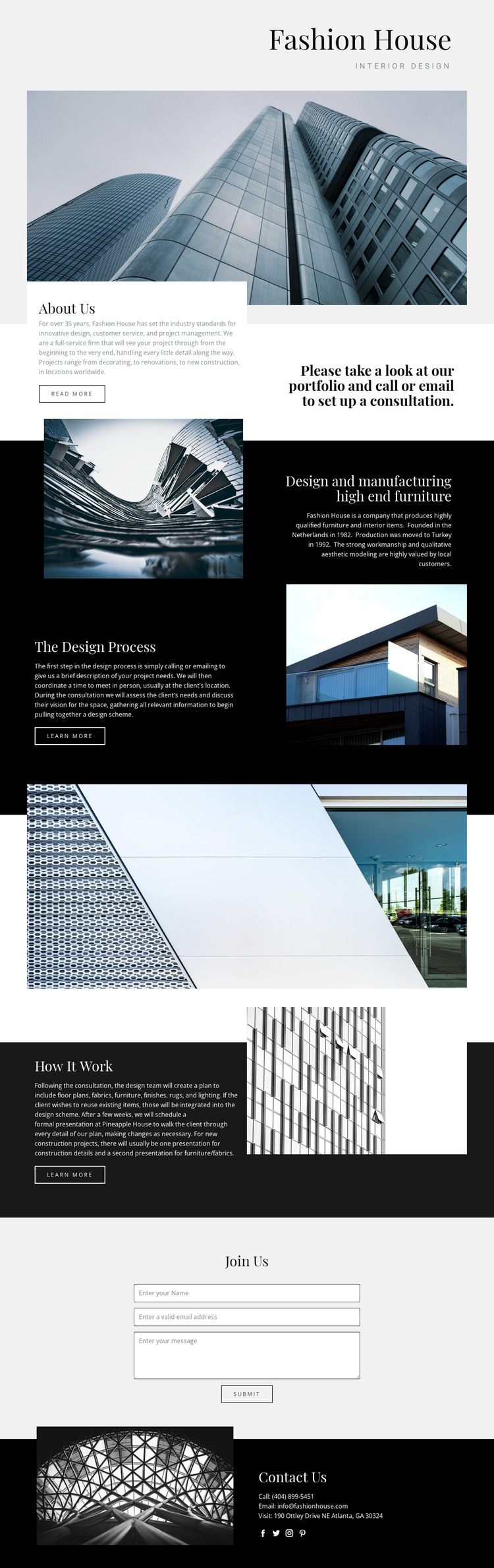
The page-oriented content in Fashion House gives a WordPress project several clear areas for permanent information. About Us can represent company background, while the furniture-manufacturing section explains a specific offering. The Design Process and How It Work sections are especially useful for editorial expansion because they separate the beginning of a project from later planning, presentations, and revisions. Together, these areas create a content relationship that is more specific than a generic theme homepage.
The repeated visual treatment helps different kinds of content remain connected. Interior images sit beside explanatory copy, dark sections emphasize capability and workflow, and lighter sections provide space for introduction and inquiry. That same direction could frame additional service descriptions, project stories, or other regularly updated material without claiming that those content types already exist in the template.
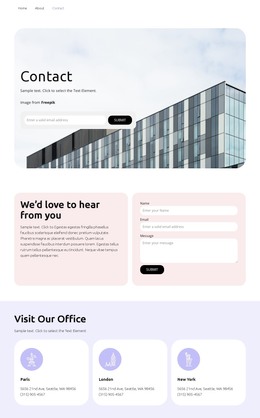
The response areas complete the page-oriented structure. Join Us contains name, email, and message inputs for prospective client inquiries, while Contact Us supplies phone, email, physical address, and social links. In a WordPress-managed project, these permanent page areas can remain the visual anchors while new content is added around them. The result is a theme interpretation based on company information, service explanation, and publishable project context rather than on CMS terminology alone.
Customize with Nicepage
Open this ready-made template in the WordPress Website Builder and customize it visually in the Nicepage editor. Replace demo content, edit page sections, and adapt the design to your project without rebuilding the template from scratch.
Manage and Edit This Theme in WordPress
Customize and Install the WordPress Theme
Start with this ready-made theme instead of building the WordPress design from scratch. Customize its layout, content, typography, images, sections, and other design elements visually in Nicepage editor, then export and install the WordPress Theme, Plugin, and Pages on your WordPress site. The Nicepage WordPress Plugin lets you continue working with the site after installation.
Edit the Theme Directly in WordPress
After installation, you can edit the WordPress Theme directly in WordPress with the Nicepage WordPress Plugin. Use Site Style to customize site Colors, Fonts, Header, Footer, Blog, and Post Page Templates while working within your WordPress website.
Edit WordPress Pages Visually
Use the Nicepage WordPress Plugin to edit page content directly from the WordPress admin area. Open a WordPress Page with Nicepage and visually change its text, images, sections, and other page elements while continuing to manage the Page through WordPress.
WordPress Content and Theme Integration
Use the customized theme with WordPress Pages, Posts, Blog and Post Templates, menus, widgets, and other CMS-managed content. Shared theme elements such as Colors, Fonts, Header, Footer, Blog, and Post Page Templates can be managed as part of the overall site design, while WordPress provides the CMS environment for managing site content.
This workflow combines a ready-made WordPress Theme with visual customization, direct theme editing in WordPress, and continued content management through the Nicepage WordPress Plugin.