Mortgage Services WordPress Theme


Edit Template Offline
2. Create new page and search for id 4460251
Edit Template Online
Create Awesome Websites


Free Nicepage Builder
Keywords
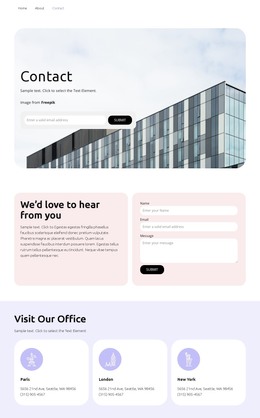
Contact Content, Location Cards, and Navigation Fit a Managed Page Structure
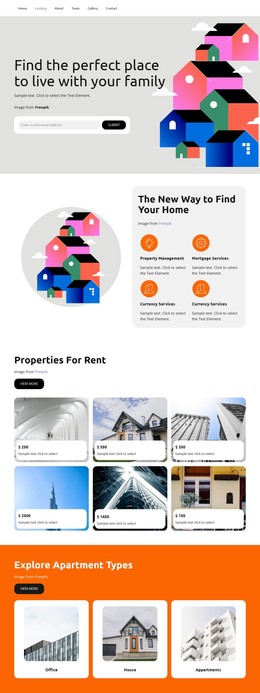
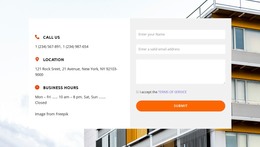
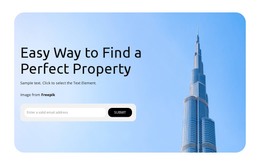
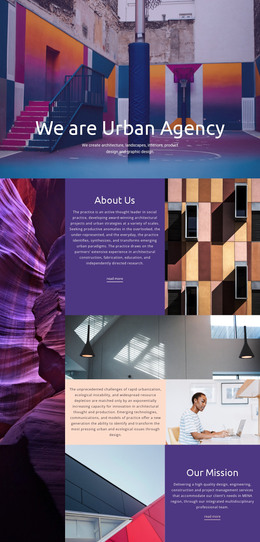
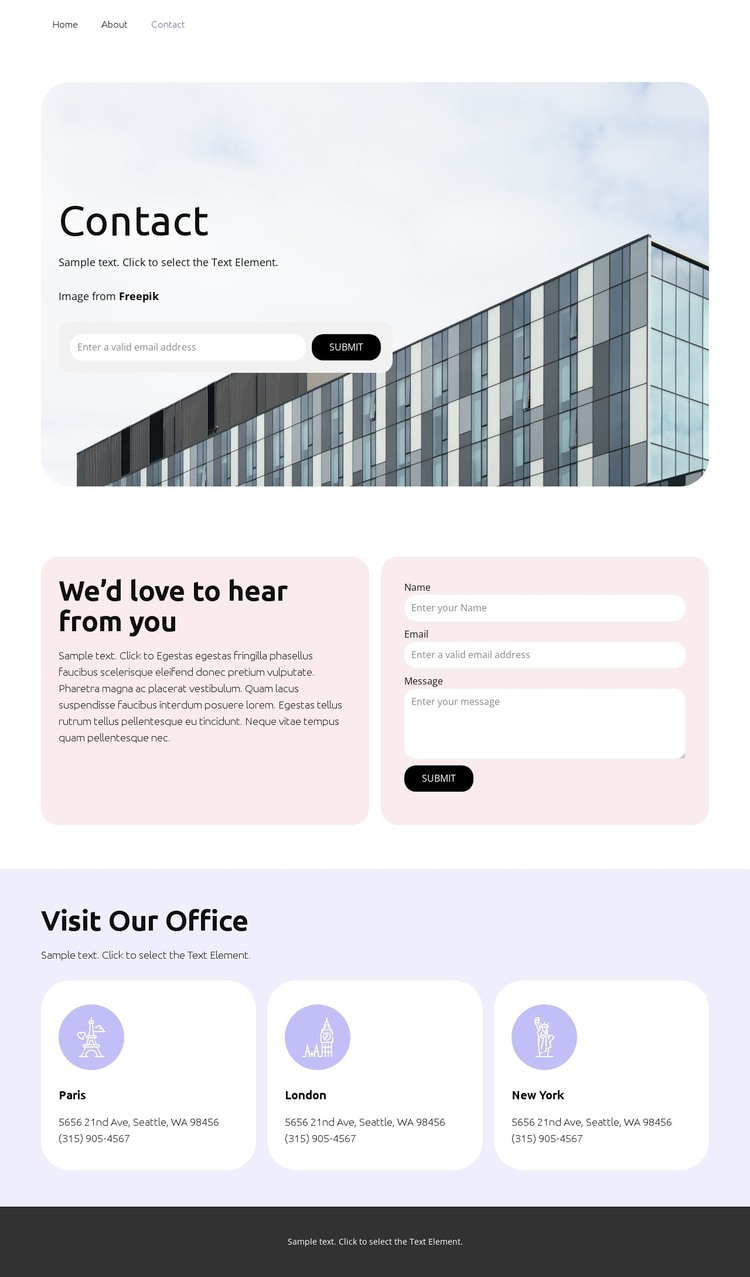
The page divides its permanent information into clear content areas that can be interpreted naturally in a WordPress-managed site. The opening Contact section combines architectural imagery with introductory copy and a compact email inquiry form, creating a page-oriented starting point. The second section gives the contact subject more depth by pairing invitation text with a larger form containing name, email, and message fields. This separation allows the main page content to remain organized around two related but distinct inquiry areas.
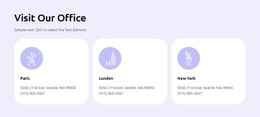
The office section provides a different type of repeatable content. Its Visit Our Office heading introduces three location cards for Paris, London, and New York, each presented within the same grid treatment. These cards can be understood as structured location information rather than as verified WordPress posts or categories; the template analysis confirms the cards, but not a blog or editorial system. Navigation and mobile navigation also give the page a clear access framework, while the footer supplies a shared-looking closing area.
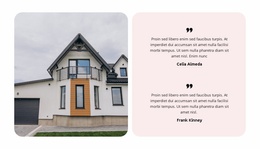
The soft pastel backgrounds, rounded panels, dark buttons, and architectural image can keep page content visually coordinated as a WordPress project develops. The design therefore offers a concrete page and content direction for a WordPress theme without claiming that WordPress Pages, Posts, widgets, or other CMS structures already exist in the template. Its strongest foundation is the relationship between inquiry content, location information, navigation, and a repeatable visual system.
Customize with Nicepage
Open this ready-made template in the WordPress Website Builder and customize it visually in the Nicepage editor. Replace demo content, edit page sections, and adapt the design to your project without rebuilding the template from scratch.
Manage and Edit This Theme in WordPress
Customize and Install the WordPress Theme
Start with this ready-made theme instead of building the WordPress design from scratch. Customize its layout, content, typography, images, sections, and other design elements visually in Nicepage editor, then export and install the WordPress Theme, Plugin, and Pages on your WordPress site. The Nicepage WordPress Plugin lets you continue working with the site after installation.
Edit the Theme Directly in WordPress
After installation, you can edit the WordPress Theme directly in WordPress with the Nicepage WordPress Plugin. Use Site Style to customize site Colors, Fonts, Header, Footer, Blog, and Post Page Templates while working within your WordPress website.
Edit WordPress Pages Visually
Use the Nicepage WordPress Plugin to edit page content directly from the WordPress admin area. Open a WordPress Page with Nicepage and visually change its text, images, sections, and other page elements while continuing to manage the Page through WordPress.
WordPress Content and Theme Integration
Use the customized theme with WordPress Pages, Posts, Blog and Post Templates, menus, widgets, and other CMS-managed content. Shared theme elements such as Colors, Fonts, Header, Footer, Blog, and Post Page Templates can be managed as part of the overall site design, while WordPress provides the CMS environment for managing site content.
This workflow combines a ready-made WordPress Theme with visual customization, direct theme editing in WordPress, and continued content management through the Nicepage WordPress Plugin.