Find the perfect place WordPress Theme


Edit Template Offline
2. Create new page and search for id 4480779
Edit Template Online
Create Awesome Websites


Free Nicepage Builder
Keywords
Listing Cards and Property Categories Support Page Content
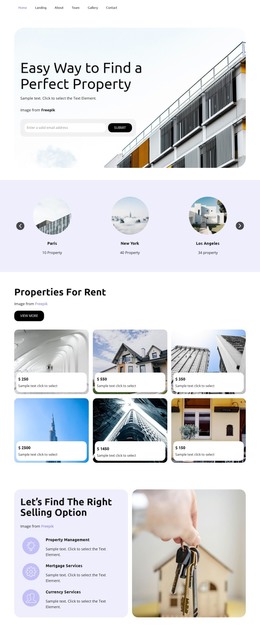
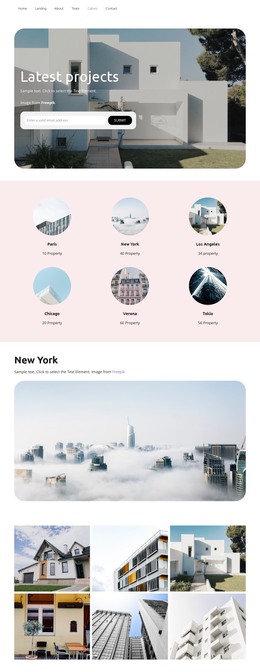
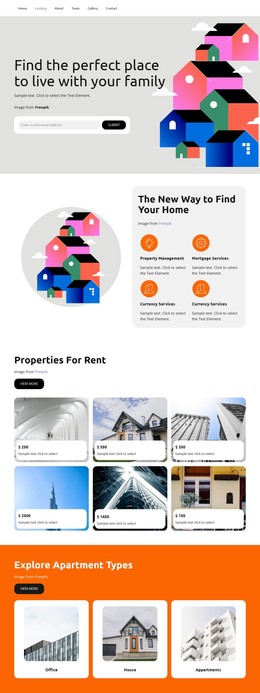
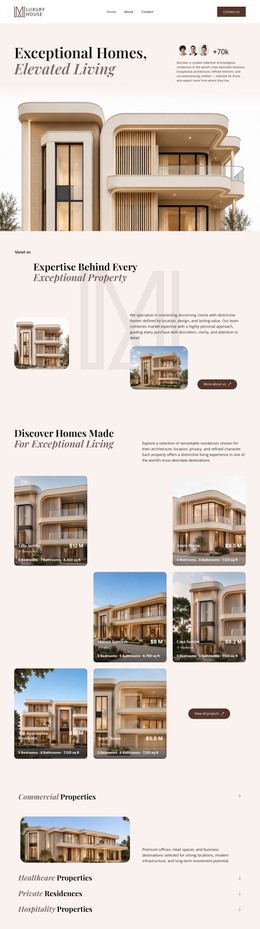
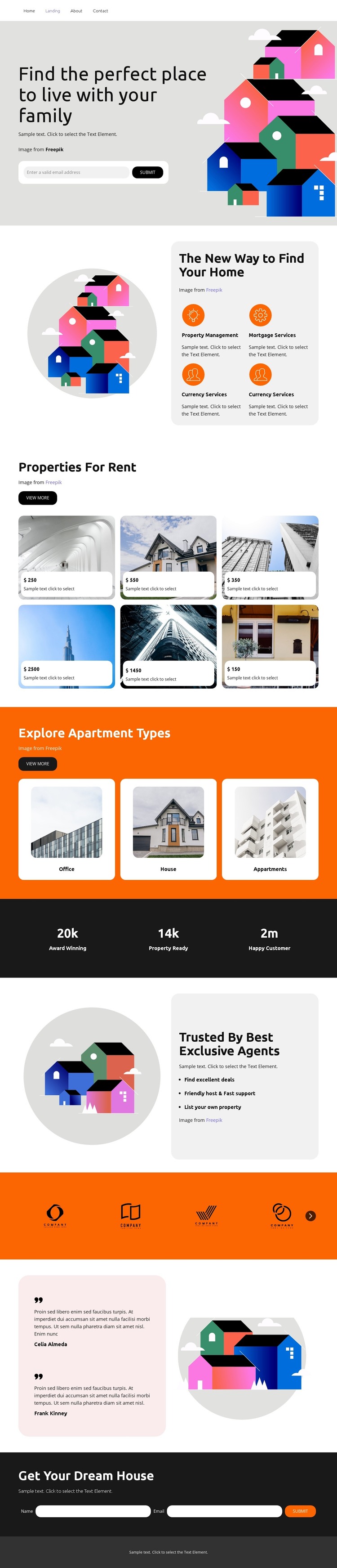
The six rental property cards create a substantial page-content area for a WordPress-oriented real estate project. Their repeated image backgrounds and price labels give individual property choices a consistent presentation, while the three separate category cards for Office, House, and Appartments provide a broader way to organize or extend the property subject. The two groups therefore support different kinds of content rather than repeating the same listing role.
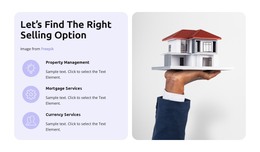
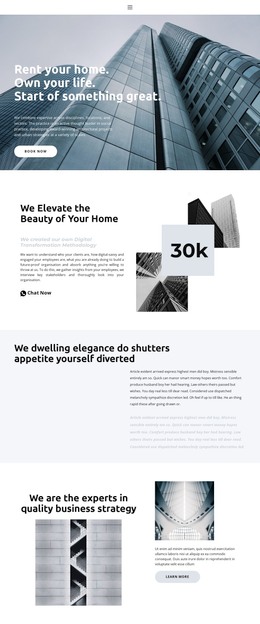
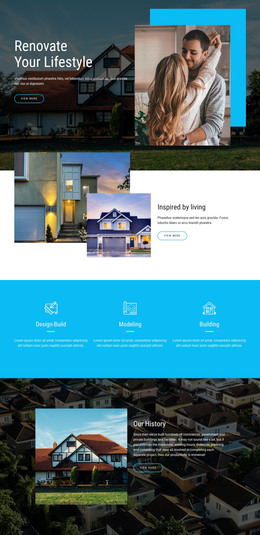
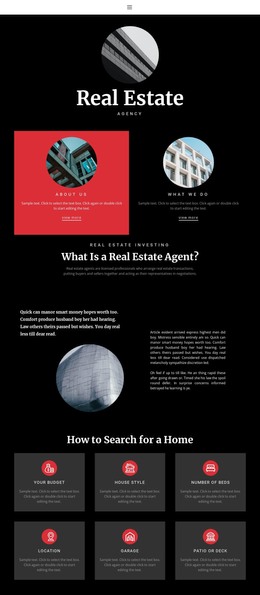
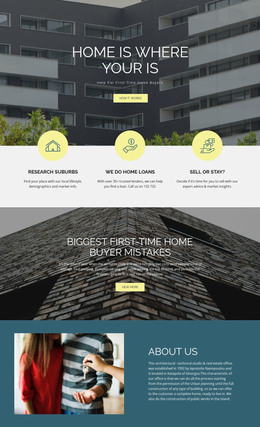
The page also contains permanent informational areas that can remain central to the theme’s visual direction. The hero addresses families searching for a place to live, and the four service entries introduce Property Management, Mortgage Services, and Currency Services. The agent section adds benefits such as finding excellent deals, offering support, and listing a property, giving the design content that can sit alongside listings without becoming another property card grid.
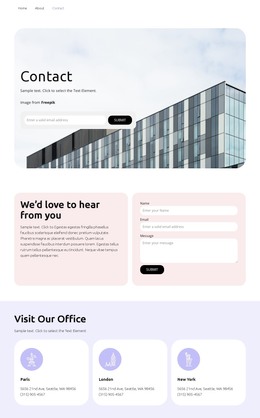
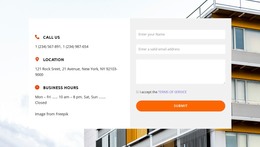
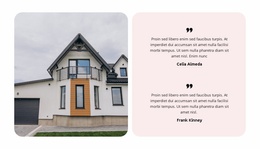
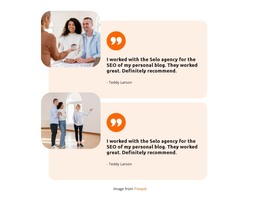
A dark counter band, seven partner logos, two attributed testimonials, and the closing contact form complete the content relationship. The testimonials can provide a separate feedback area, while the final “Get Your Dream House” form gives visitors a direct place to submit property questions. This combination makes the design suitable for a WordPress-managed site where stable page content and future property-focused material can share one coordinated residential theme. It does not require claiming that any unverified blog or post structure already exists.
Customize with Nicepage
Open this ready-made template in the WordPress Website Builder and customize it visually in the Nicepage editor. Replace demo content, edit page sections, and adapt the design to your project without rebuilding the template from scratch.
Manage and Edit This Theme in WordPress
Customize and Install the WordPress Theme
Start with this ready-made theme instead of building the WordPress design from scratch. Customize its layout, content, typography, images, sections, and other design elements visually in Nicepage editor, then export and install the WordPress Theme, Plugin, and Pages on your WordPress site. The Nicepage WordPress Plugin lets you continue working with the site after installation.
Edit the Theme Directly in WordPress
After installation, you can edit the WordPress Theme directly in WordPress with the Nicepage WordPress Plugin. Use Site Style to customize site Colors, Fonts, Header, Footer, Blog, and Post Page Templates while working within your WordPress website.
Edit WordPress Pages Visually
Use the Nicepage WordPress Plugin to edit page content directly from the WordPress admin area. Open a WordPress Page with Nicepage and visually change its text, images, sections, and other page elements while continuing to manage the Page through WordPress.
WordPress Content and Theme Integration
Use the customized theme with WordPress Pages, Posts, Blog and Post Templates, menus, widgets, and other CMS-managed content. Shared theme elements such as Colors, Fonts, Header, Footer, Blog, and Post Page Templates can be managed as part of the overall site design, while WordPress provides the CMS environment for managing site content.
This workflow combines a ready-made WordPress Theme with visual customization, direct theme editing in WordPress, and continued content management through the Nicepage WordPress Plugin.