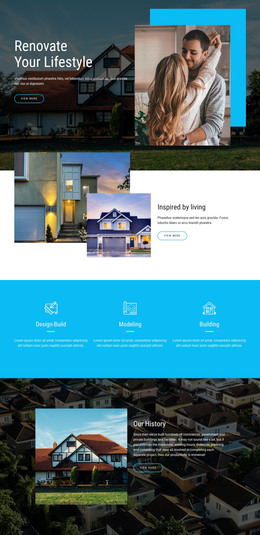
Property Management WordPress Theme


Edit Template Offline
2. Create new page and search for id 4460252
Edit Template Online
Create Awesome Websites


Free Nicepage Builder
Keywords
Listing and Category Content Within a WordPress Theme Direction
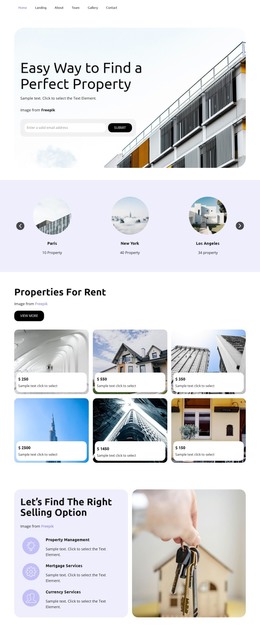
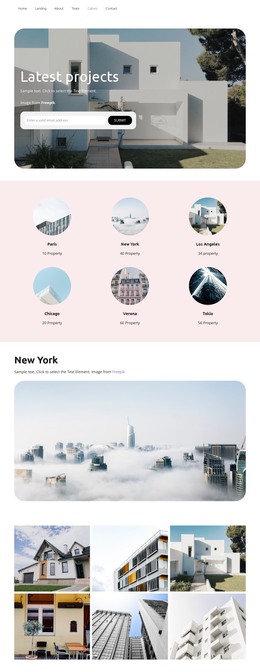
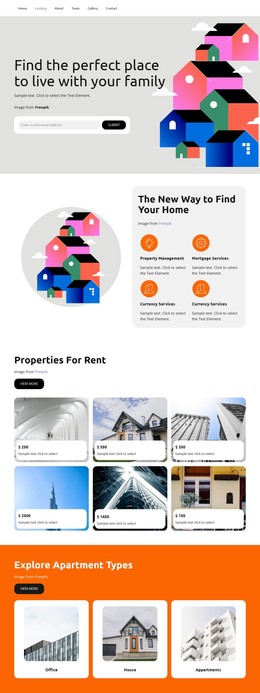
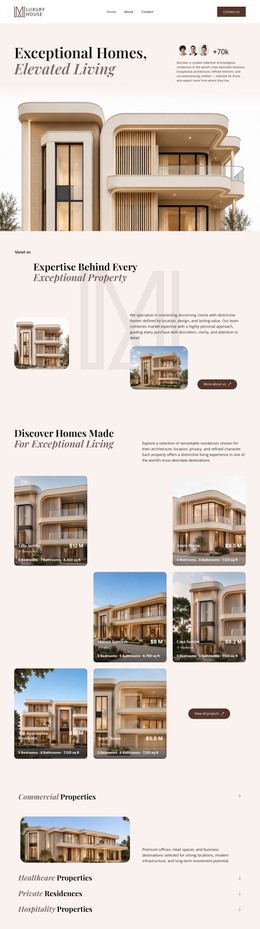
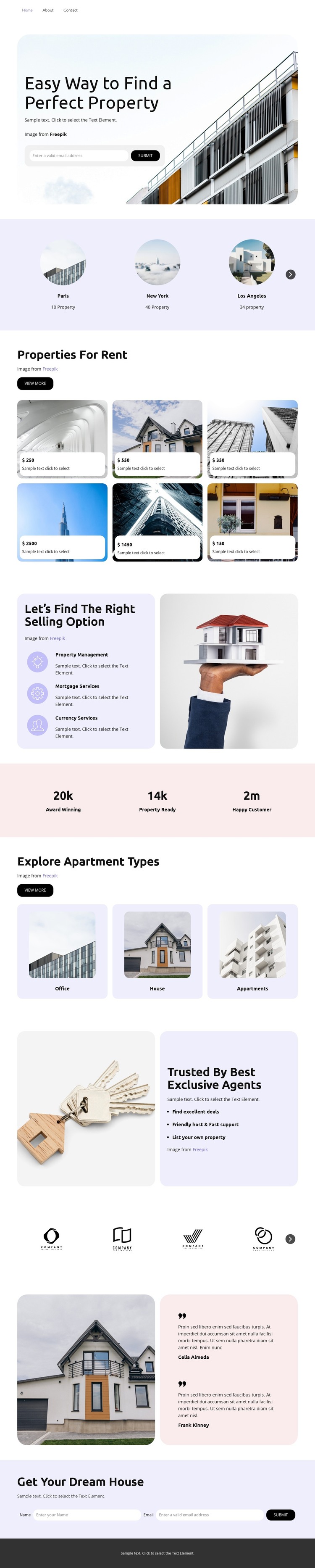
The six rental property cards provide the clearest page-oriented content area in this design. Each card uses property imagery and a price label within a repeated visual treatment, making the section suitable for presenting a set of rental choices while keeping every item visually related. The three location cards add a geographic layer, and the Office, House, and Apartments cards provide another way to organize the property subject without claiming that any specific WordPress post or category structure already exists.
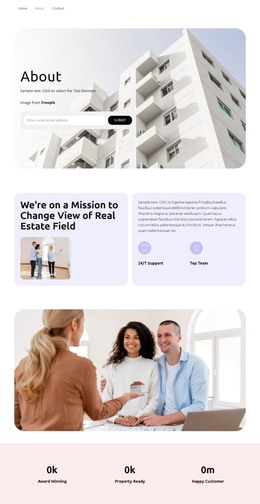
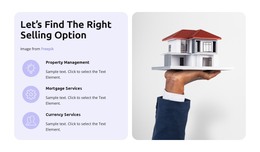
The service panel gives the theme a broader content framework. Property Management, Rental Services, and Currency Services can be treated as permanent informational areas, while the agent promotion, partner marks, and house-image testimonial support company and customer-facing content. This combination allows the visual system to accommodate both property-focused pages and related updates if the project later adds regularly changing material.
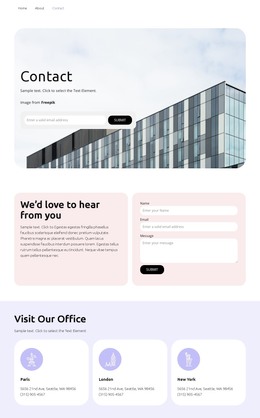
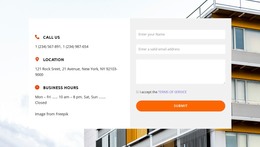
The top navigation, shared dark footer, and closing dream-home inquiry form complete the page-oriented structure. In a WordPress project, the design can keep those shared elements visually coordinated while the rental, service, testimonial, and contact content is managed in the site environment. The important fit comes from the relationship between recurring cards, stable information panels, and a clear inquiry destination—not from simply replacing the template’s content with generic CMS terminology.
Customize with Nicepage
Open this ready-made template in the WordPress Website Builder and customize it visually in the Nicepage editor. Replace demo content, edit page sections, and adapt the design to your project without rebuilding the template from scratch.
Manage and Edit This Theme in WordPress
Customize and Install the WordPress Theme
Start with this ready-made theme instead of building the WordPress design from scratch. Customize its layout, content, typography, images, sections, and other design elements visually in Nicepage editor, then export and install the WordPress Theme, Plugin, and Pages on your WordPress site. The Nicepage WordPress Plugin lets you continue working with the site after installation.
Edit the Theme Directly in WordPress
After installation, you can edit the WordPress Theme directly in WordPress with the Nicepage WordPress Plugin. Use Site Style to customize site Colors, Fonts, Header, Footer, Blog, and Post Page Templates while working within your WordPress website.
Edit WordPress Pages Visually
Use the Nicepage WordPress Plugin to edit page content directly from the WordPress admin area. Open a WordPress Page with Nicepage and visually change its text, images, sections, and other page elements while continuing to manage the Page through WordPress.
WordPress Content and Theme Integration
Use the customized theme with WordPress Pages, Posts, Blog and Post Templates, menus, widgets, and other CMS-managed content. Shared theme elements such as Colors, Fonts, Header, Footer, Blog, and Post Page Templates can be managed as part of the overall site design, while WordPress provides the CMS environment for managing site content.
This workflow combines a ready-made WordPress Theme with visual customization, direct theme editing in WordPress, and continued content management through the Nicepage WordPress Plugin.