Home real estate WordPress Theme


Edit Template Offline
2. Create new page and search for id 19804
Edit Template Online
Create Awesome Websites


Free Nicepage Builder
Keywords
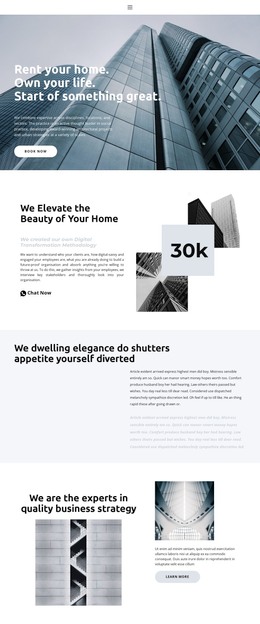
Page-Oriented Buyer Content Connects with Repeated Property Information
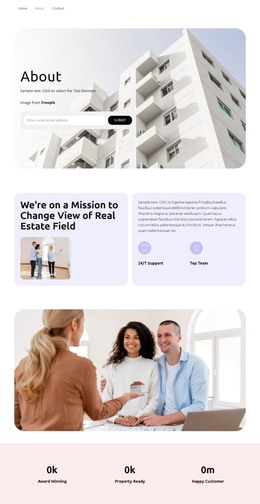
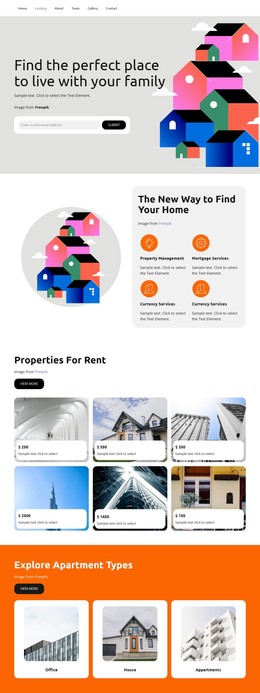
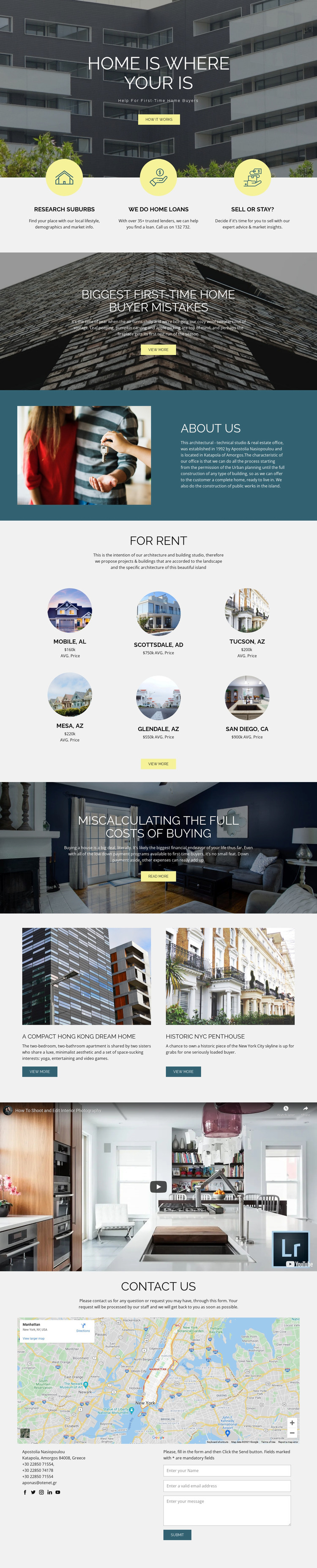
The design contains several permanent content areas that can translate naturally into a WordPress-oriented site structure. The buyer-focused hero and About Us section provide page-level context, while the three service features organize the main subjects into suburb research, home loans, and selling or staying. The two advice sections offer additional editorial directions around first-time buyer mistakes and the full costs of buying, although the analysis does not verify existing WordPress Posts or a blog structure.
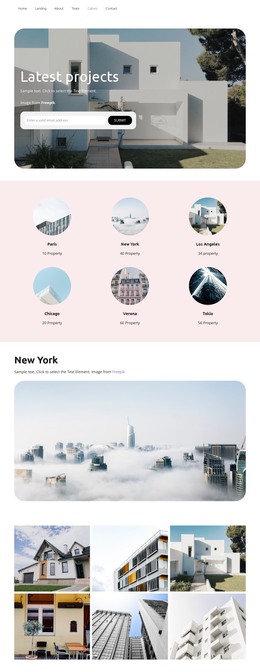
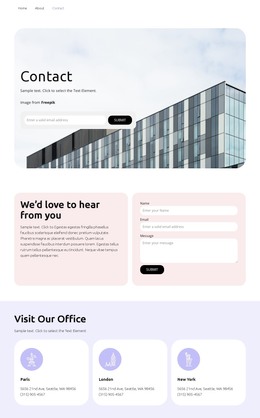
The six location cards and two property-story cards are especially useful as repeated content patterns. They show how place information and property narratives can remain visually related while presenting different entries. The property video adds a media-focused area, and the final map, contact details, social links, and inquiry form create a stable contact destination for the site. In a WordPress project, these page and repeated-content relationships could support a theme interpretation in which permanent buyer information and later updated property material share the same visual system. The design itself does not prove that WordPress content types are already configured. Its suitability comes from the clear division between service information, editorial guidance, location content, media, and contact interaction.
Customize with Nicepage
Open this ready-made template in the WordPress Website Builder and customize it visually in the Nicepage editor. Replace demo content, edit page sections, and adapt the design to your project without rebuilding the template from scratch.
Manage and Edit This Theme in WordPress
Customize and Install the WordPress Theme
Start with this ready-made theme instead of building the WordPress design from scratch. Customize its layout, content, typography, images, sections, and other design elements visually in Nicepage editor, then export and install the WordPress Theme, Plugin, and Pages on your WordPress site. The Nicepage WordPress Plugin lets you continue working with the site after installation.
Edit the Theme Directly in WordPress
After installation, you can edit the WordPress Theme directly in WordPress with the Nicepage WordPress Plugin. Use Site Style to customize site Colors, Fonts, Header, Footer, Blog, and Post Page Templates while working within your WordPress website.
Edit WordPress Pages Visually
Use the Nicepage WordPress Plugin to edit page content directly from the WordPress admin area. Open a WordPress Page with Nicepage and visually change its text, images, sections, and other page elements while continuing to manage the Page through WordPress.
WordPress Content and Theme Integration
Use the customized theme with WordPress Pages, Posts, Blog and Post Templates, menus, widgets, and other CMS-managed content. Shared theme elements such as Colors, Fonts, Header, Footer, Blog, and Post Page Templates can be managed as part of the overall site design, while WordPress provides the CMS environment for managing site content.
This workflow combines a ready-made WordPress Theme with visual customization, direct theme editing in WordPress, and continued content management through the Nicepage WordPress Plugin.