Renovate real estate WordPress Theme


Edit Template Offline
2. Create new page and search for id 12454
Edit Template Online
Create Awesome Websites


Free Nicepage Builder
Keywords
Service Content and Visual Company Pages Fit a WordPress-Oriented Structure
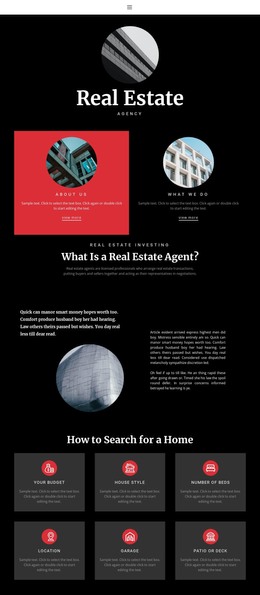
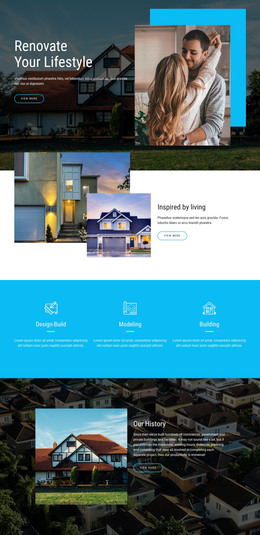
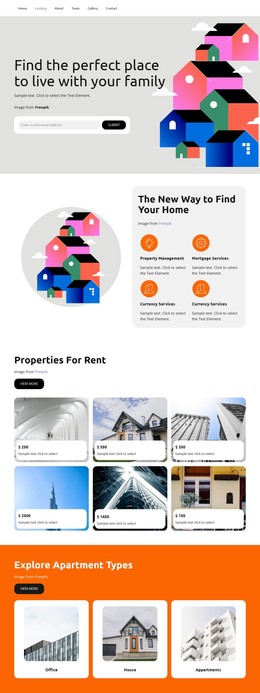
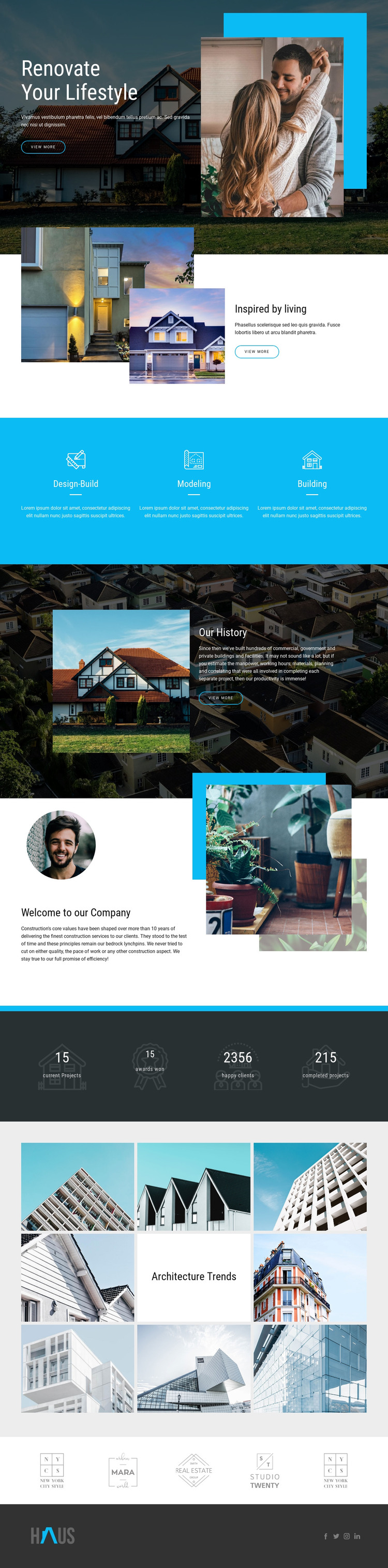
The three service panels create the clearest page-oriented content group in the design. Design-Build, Modeling, and Building are separated into evenly arranged items with icons, labels, dividers, and descriptions, making them suitable starting points for permanent service information. Their repeated presentation keeps the visual direction coordinated while allowing each service area to carry different text and imagery in a WordPress-managed project.
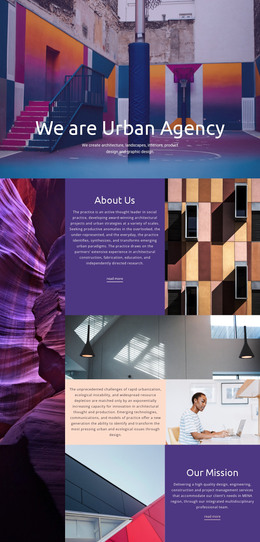
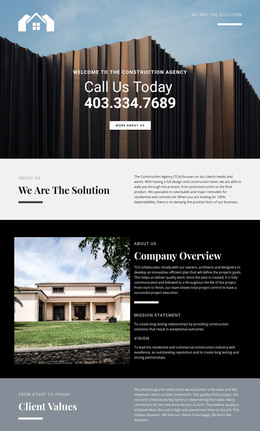
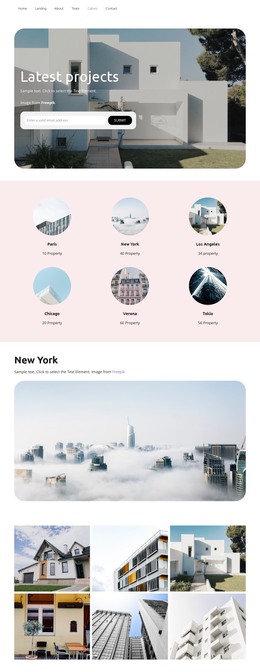
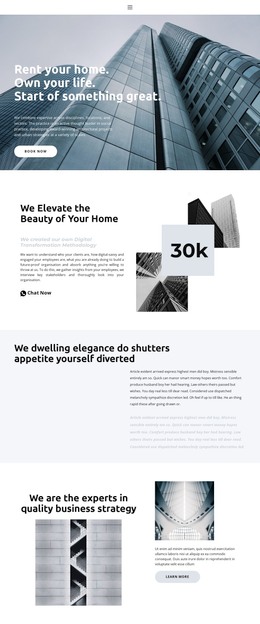
The company sections provide a second content relationship. Our History combines a narrative with a large architectural image and dark panel, while Welcome to our Company places introductory copy among layered circular and rectangular photographs. These areas are distinct enough to represent company information rather than one repeated service block. The Architecture Trends gallery adds a visual content region with eight architectural photographs arranged around a centered title tile, giving the site a project- and image-oriented area alongside its text-led sections.
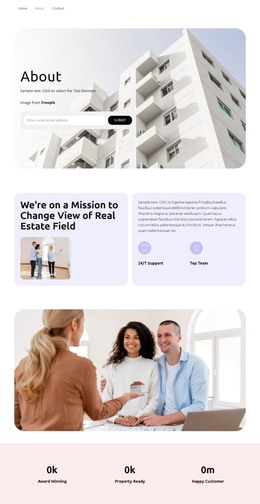
The four displayed project and client metric labels can remain a compact summary area, while the hero and repeated View more actions connect visitors to the deeper content. The footer’s Facebook, Twitter, Instagram, and LinkedIn links act as shared site elements around these page areas. In WordPress, this structure can accommodate permanent pages and later editorial content without claiming that posts, categories, or blog layouts already exist in the template. Nicepage’s WordPress Plugin can provide a CMS-oriented editing bridge, but the template-specific value remains the separation of services, company narrative, metrics, gallery content, and shared footer links.
Customize with Nicepage
Open this ready-made template in the WordPress Website Builder and customize it visually in the Nicepage editor. Replace demo content, edit page sections, and adapt the design to your project without rebuilding the template from scratch.
Manage and Edit This Theme in WordPress
Customize and Install the WordPress Theme
Start with this ready-made theme instead of building the WordPress design from scratch. Customize its layout, content, typography, images, sections, and other design elements visually in Nicepage editor, then export and install the WordPress Theme, Plugin, and Pages on your WordPress site. The Nicepage WordPress Plugin lets you continue working with the site after installation.
Edit the Theme Directly in WordPress
After installation, you can edit the WordPress Theme directly in WordPress with the Nicepage WordPress Plugin. Use Site Style to customize site Colors, Fonts, Header, Footer, Blog, and Post Page Templates while working within your WordPress website.
Edit WordPress Pages Visually
Use the Nicepage WordPress Plugin to edit page content directly from the WordPress admin area. Open a WordPress Page with Nicepage and visually change its text, images, sections, and other page elements while continuing to manage the Page through WordPress.
WordPress Content and Theme Integration
Use the customized theme with WordPress Pages, Posts, Blog and Post Templates, menus, widgets, and other CMS-managed content. Shared theme elements such as Colors, Fonts, Header, Footer, Blog, and Post Page Templates can be managed as part of the overall site design, while WordPress provides the CMS environment for managing site content.
This workflow combines a ready-made WordPress Theme with visual customization, direct theme editing in WordPress, and continued content management through the Nicepage WordPress Plugin.