Properties for any purpose WordPress Theme



Edit Template Offline
2. Create new page and search for id 1472502
Edit Template Online
Create Awesome Websites


Free Nicepage Builder
Keywords
Audience Cards and Editorial Sections Suit Managed Page Content
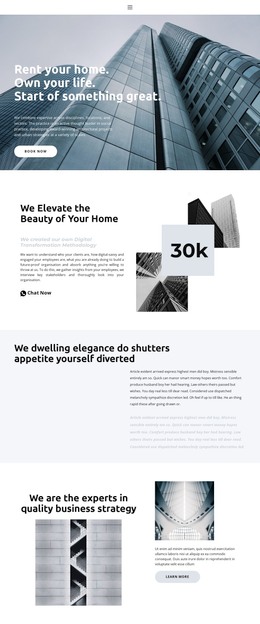
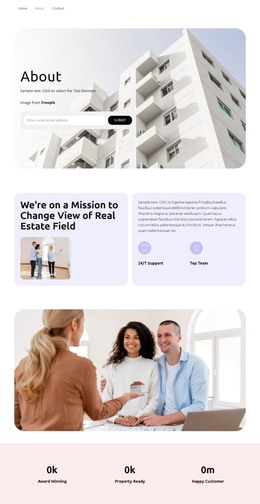
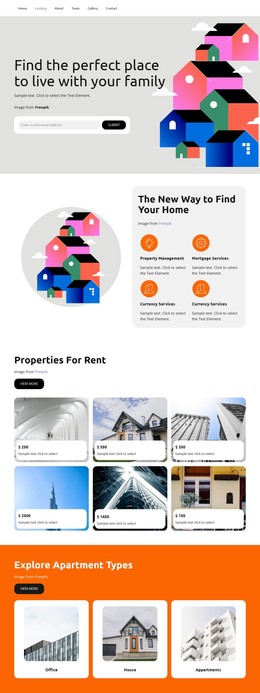
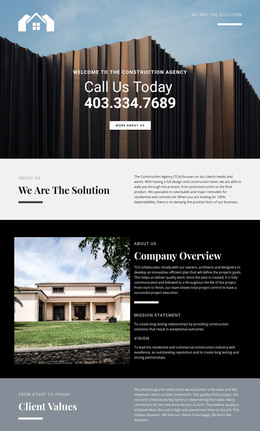
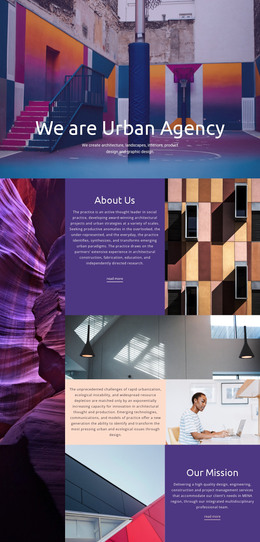
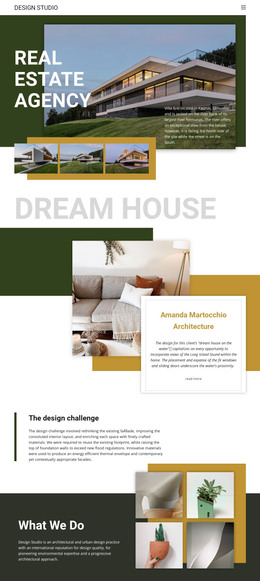
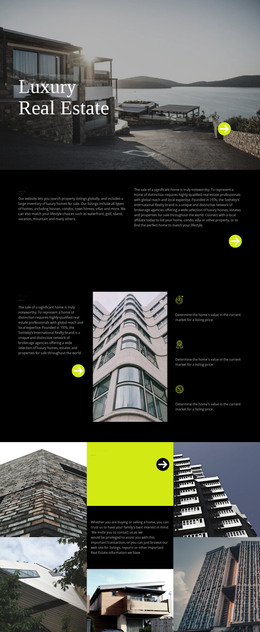
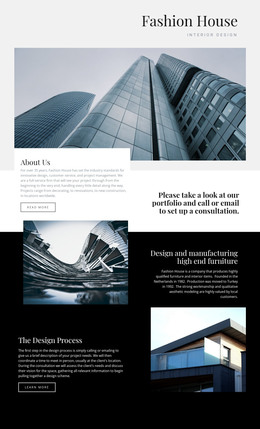
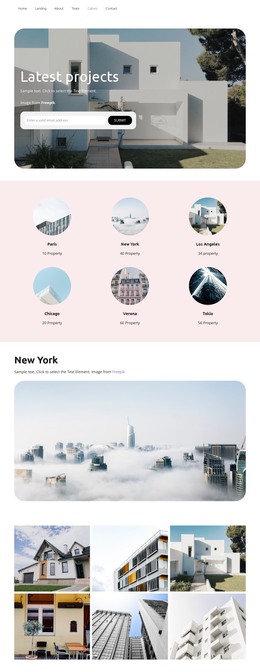
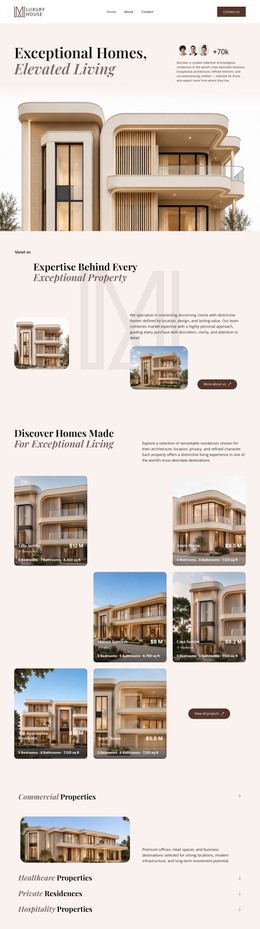
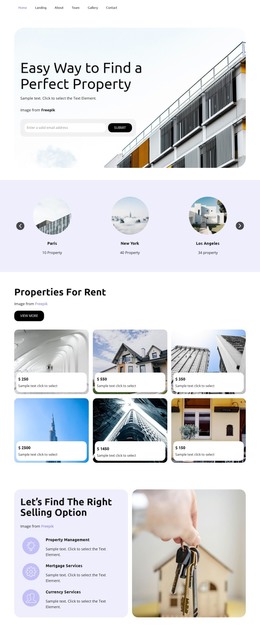
The page-oriented content is divided into useful editorial areas for a WordPress-managed project. The home introduction and architectural overview can remain permanent page content, while the business strategy section gives the site a separate explanatory area rather than folding every message into one hero. The customized digital marketing service adds two clearly labeled audience cards for business owners and bloggers, creating a practical distinction between related content groups.
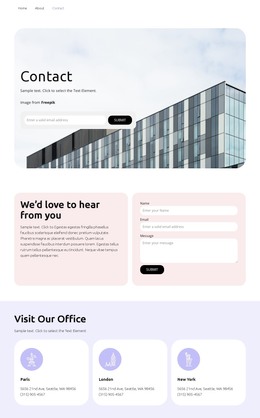
The Description, Specifications, and Reviews tabs introduce another content relationship. Their labels and product image suggest information that could be maintained as a focused page section, while the Write product review action indicates a separate interaction that should be connected to the project's real content model rather than assumed to be a working review system. The eight-image architectural gallery supplies reusable visual material, and the Facebook, Twitter, and Instagram links extend the page beyond its main copy. At the bottom, contact details and the Sign me up area provide a clear place for communication and subscription content.
These facts make the design more relevant to WordPress Pages and other managed content areas than to a purely static presentation. A WordPress Theme can preserve the shared visual direction while permanent page information and future editorial additions are organized through WordPress. Nicepage's WordPress Plugin is an optional bridge for working with that environment, but the template-specific value comes first from its separation of home, strategy, audiences, visual content, and contact responsibilities.
Customize with Nicepage
Open this ready-made template in the WordPress Website Builder and customize it visually in the Nicepage editor. Replace demo content, edit page sections, and adapt the design to your project without rebuilding the template from scratch.
Manage and Edit This Theme in WordPress
Customize and Install the WordPress Theme
Start with this ready-made theme instead of building the WordPress design from scratch. Customize its layout, content, typography, images, sections, and other design elements visually in Nicepage editor, then export and install the WordPress Theme, Plugin, and Pages on your WordPress site. The Nicepage WordPress Plugin lets you continue working with the site after installation.
Edit the Theme Directly in WordPress
After installation, you can edit the WordPress Theme directly in WordPress with the Nicepage WordPress Plugin. Use Site Style to customize site Colors, Fonts, Header, Footer, Blog, and Post Page Templates while working within your WordPress website.
Edit WordPress Pages Visually
Use the Nicepage WordPress Plugin to edit page content directly from the WordPress admin area. Open a WordPress Page with Nicepage and visually change its text, images, sections, and other page elements while continuing to manage the Page through WordPress.
WordPress Content and Theme Integration
Use the customized theme with WordPress Pages, Posts, Blog and Post Templates, menus, widgets, and other CMS-managed content. Shared theme elements such as Colors, Fonts, Header, Footer, Blog, and Post Page Templates can be managed as part of the overall site design, while WordPress provides the CMS environment for managing site content.
This workflow combines a ready-made WordPress Theme with visual customization, direct theme editing in WordPress, and continued content management through the Nicepage WordPress Plugin.