Dental care and dental services WordPress Theme



Stable Dental Service Content in a WordPress Page Section
The heading and four service items read as stable page content that can remain relevant within a WordPress-managed dental site. The list separates exams and X-rays, cleanings, fillings with root canals and extractions, and cosmetic whitening into compact groups, making the section suitable for explaining a range of care offerings without relying on a long continuous paragraph. The Learn more button can connect this overview to deeper information elsewhere in the surrounding page structure.
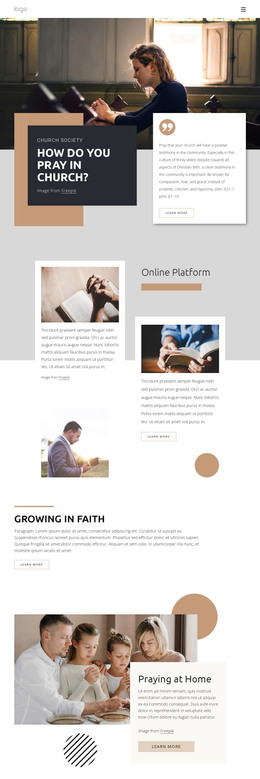
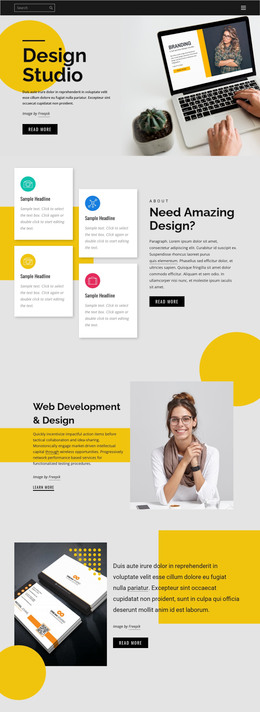
Visually, two tall dental photographs anchor the left side, while the white panel on the right keeps the text hierarchy distinct. A pale peach vertical rectangle behind the images adds a recognizable accent, and the open spacing prevents the service list from competing with the photography. As a WordPress-oriented content region, the block can sit within a permanent services page or another publishable page area while remaining one reusable section rather than a complete theme. The image credit line can travel with the visual content, and related WordPress-managed material can surround the block without changing its existing service-focused arrangement. This separation also lets the surrounding project handle broader page content while this section retains its focused dental-care message.
Customize with Nicepage
Open this ready-made template in the WordPress Website Builder and customize it visually in the Nicepage editor. Replace demo content, edit page sections, and adapt the design to your project without rebuilding the template from scratch.
Edit Template Offline
2. Create a new page or select existing
3. Click Add new block, search for id 325520 and click enter
Edit Template Online
Create Awesome Websites


Free Nicepage Builder
Keywords
Manage and Edit This Theme in WordPress
Customize and Install the WordPress Theme
Start with this ready-made theme instead of building the WordPress design from scratch. Customize its layout, content, typography, images, sections, and other design elements visually in Nicepage editor, then export and install the WordPress Theme, Plugin, and Pages on your WordPress site. The Nicepage WordPress Plugin lets you continue working with the site after installation.
Edit the Theme Directly in WordPress
After installation, you can edit the WordPress Theme directly in WordPress with the Nicepage WordPress Plugin. Use Site Style to customize site Colors, Fonts, Header, Footer, Blog, and Post Page Templates while working within your WordPress website.
Edit WordPress Pages Visually
Use the Nicepage WordPress Plugin to edit page content directly from the WordPress admin area. Open a WordPress Page with Nicepage and visually change its text, images, sections, and other page elements while continuing to manage the Page through WordPress.
WordPress Content and Theme Integration
Use the customized theme with WordPress Pages, Posts, Blog and Post Templates, menus, widgets, and other CMS-managed content. Shared theme elements such as Colors, Fonts, Header, Footer, Blog, and Post Page Templates can be managed as part of the overall site design, while WordPress provides the CMS environment for managing site content.
This workflow combines a ready-made WordPress Theme with visual customization, direct theme editing in WordPress, and continued content management through the Nicepage WordPress Plugin.