Cryptocurrency consulting consultant WordPress Theme


“Who We Are” Turns Introductory Copy Into Stable Page Content
The left text region is organized around the “Who We Are” heading, a short descriptive paragraph, an image credit line, and a “learn more” action. That grouping gives the block a practical page-content role: it can introduce an organization before visitors reach more detailed information elsewhere in the WordPress-managed project. The paragraph is placeholder copy, so the section’s structure is ready for replacement with the organization’s own background rather than presenting the sample wording as a factual business statement.
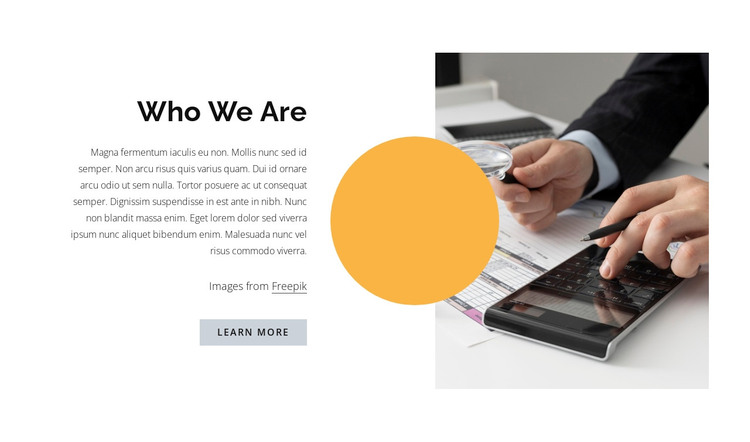
The right side changes how that information is received. A business finance photograph supplies visual context, while the large yellow-orange circle overlaps the image and creates a recognizable accent beside the text. The two-column split keeps the message and image distinct, and the generous white space prevents the heading, paragraph, credit line, and button from becoming a dense group. The muted button treatment supports a secondary “learn more” step rather than suggesting that this section contains the entire visitor journey.
Within a WordPress-oriented project, the block can function as a stable About area on a page while surrounding content handles services, proof, articles, or contact details. Its value is the combination of introductory copy, a supporting image, and a restrained visual motif—not a standalone theme or complete site.
Customize with Nicepage
Open this ready-made template in the WordPress Website Builder and customize it visually in the Nicepage editor. Replace demo content, edit page sections, and adapt the design to your project without rebuilding the template from scratch.
Edit Template Offline
2. Create a new page or select existing
3. Click Add new block, search for id 299619 and click enter
Edit Template Online
Create Awesome Websites


Free Nicepage Builder
Keywords
Manage and Edit This Theme in WordPress
Customize and Install the WordPress Theme
Start with this ready-made theme instead of building the WordPress design from scratch. Customize its layout, content, typography, images, sections, and other design elements visually in Nicepage editor, then export and install the WordPress Theme, Plugin, and Pages on your WordPress site. The Nicepage WordPress Plugin lets you continue working with the site after installation.
Edit the Theme Directly in WordPress
After installation, you can edit the WordPress Theme directly in WordPress with the Nicepage WordPress Plugin. Use Site Style to customize site Colors, Fonts, Header, Footer, Blog, and Post Page Templates while working within your WordPress website.
Edit WordPress Pages Visually
Use the Nicepage WordPress Plugin to edit page content directly from the WordPress admin area. Open a WordPress Page with Nicepage and visually change its text, images, sections, and other page elements while continuing to manage the Page through WordPress.
WordPress Content and Theme Integration
Use the customized theme with WordPress Pages, Posts, Blog and Post Templates, menus, widgets, and other CMS-managed content. Shared theme elements such as Colors, Fonts, Header, Footer, Blog, and Post Page Templates can be managed as part of the overall site design, while WordPress provides the CMS environment for managing site content.
This workflow combines a ready-made WordPress Theme with visual customization, direct theme editing in WordPress, and continued content management through the Nicepage WordPress Plugin.