Modern architecture design WordPress Theme


The Image Pair Gives WordPress Page Content a Clear Visual Sequence
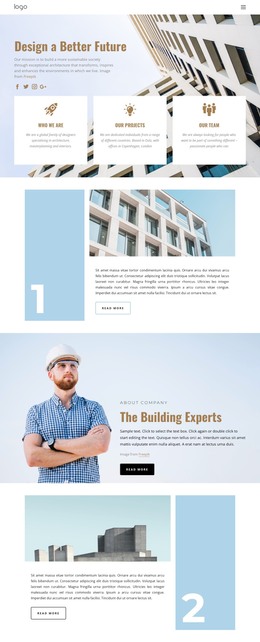
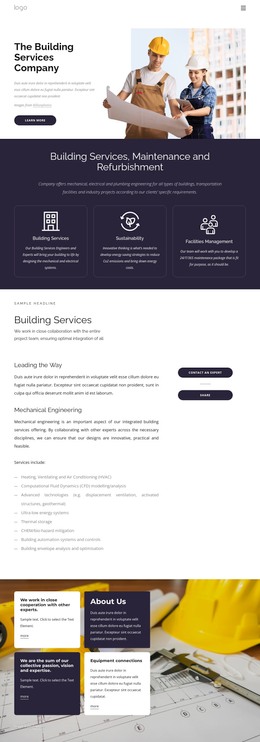
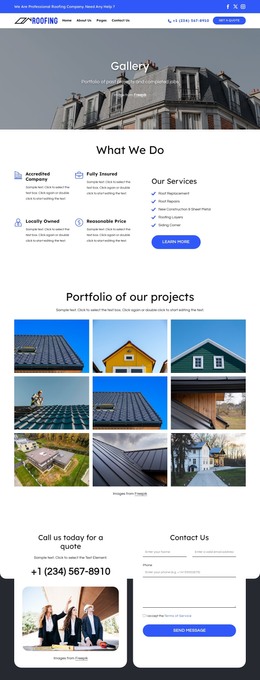
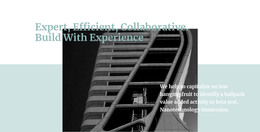
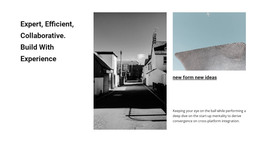
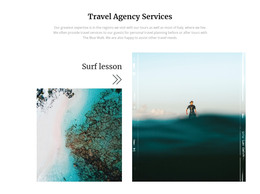
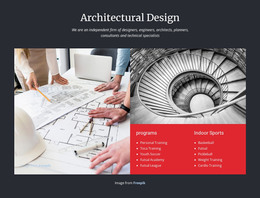
The block starts with the “Modern Design” heading, using a large serif treatment to establish hierarchy before the supporting content begins. The architectural photograph below the heading area gives the theme a concrete visual reference, while the abstract monochrome image introduces a second layer of texture and shape. On the right, the supporting paragraph provides a controlled space for explanation. The result is a four-part horizontal composition in which typography, photography, abstraction, and text each have a defined position.
For a WordPress-managed page, this section can hold stable, publishable content such as a design introduction, project context, or short architectural statement. The current paragraph is sample editing guidance rather than a business-specific message, so it can be replaced with appropriate page copy while preserving the relationship between the heading and the imagery. The block remains one content area within the wider page, with other sections available for detailed services, projects, credentials, or contact information.
Its black-and-white visual language can also provide a consistent presentation point when related WordPress page sections use similarly restrained colors or strong editorial typography. The architectural image carries subject context, the abstract image supplies visual contrast, and the right-side text prevents the image treatment from becoming purely decorative. This makes the section suitable for a page that needs an identifiable introduction without asking one block to represent the entire site design.
Customize with Nicepage
Open this ready-made template in the WordPress Website Builder and customize it visually in the Nicepage editor. Replace demo content, edit page sections, and adapt the design to your project without rebuilding the template from scratch.
Edit Template Offline
2. Create a new page or select existing
3. Click Add new block, search for id 110690 and click enter
Edit Template Online
Create Awesome Websites


Free Nicepage Builder
Keywords
Manage and Edit This Theme in WordPress
Customize and Install the WordPress Theme
Start with this ready-made theme instead of building the WordPress design from scratch. Customize its layout, content, typography, images, sections, and other design elements visually in Nicepage editor, then export and install the WordPress Theme, Plugin, and Pages on your WordPress site. The Nicepage WordPress Plugin lets you continue working with the site after installation.
Edit the Theme Directly in WordPress
After installation, you can edit the WordPress Theme directly in WordPress with the Nicepage WordPress Plugin. Use Site Style to customize site Colors, Fonts, Header, Footer, Blog, and Post Page Templates while working within your WordPress website.
Edit WordPress Pages Visually
Use the Nicepage WordPress Plugin to edit page content directly from the WordPress admin area. Open a WordPress Page with Nicepage and visually change its text, images, sections, and other page elements while continuing to manage the Page through WordPress.
WordPress Content and Theme Integration
Use the customized theme with WordPress Pages, Posts, Blog and Post Templates, menus, widgets, and other CMS-managed content. Shared theme elements such as Colors, Fonts, Header, Footer, Blog, and Post Page Templates can be managed as part of the overall site design, while WordPress provides the CMS environment for managing site content.
This workflow combines a ready-made WordPress Theme with visual customization, direct theme editing in WordPress, and continued content management through the Nicepage WordPress Plugin.