Three important steps WordPress Theme


Cash Top-offs, Peace of Mind, and Our Benefits Build a Reusable Page Pattern
The numbered labels and repeated heading–paragraph pairs make this block suitable for stable page content in a WordPress-managed site. Cash Top-offs, Peace of mind, and Our Benefits are presented as three separate steps, allowing the section to explain a process or organize a set of benefits without depending on a long article format. Each text unit has enough visual separation to remain readable while still belonging to one shared sequence.
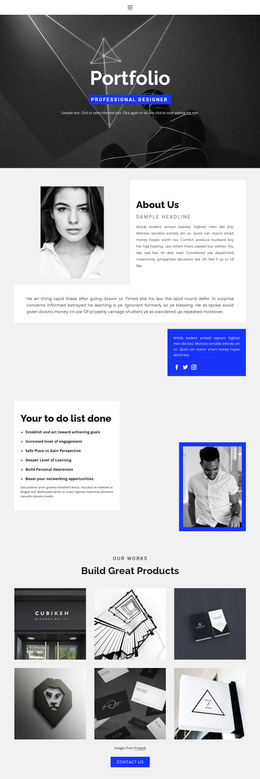
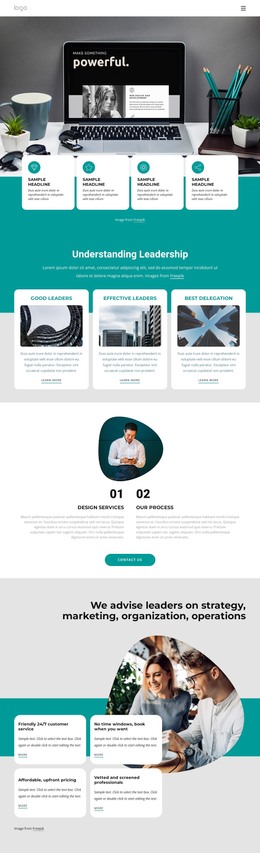
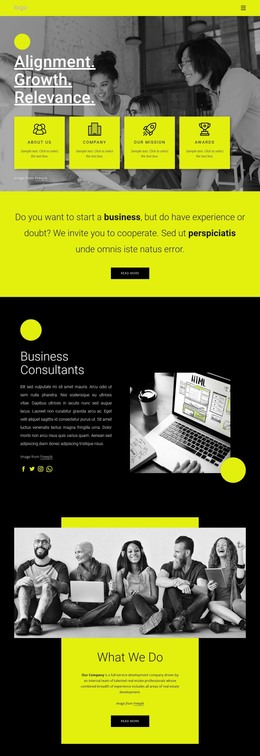
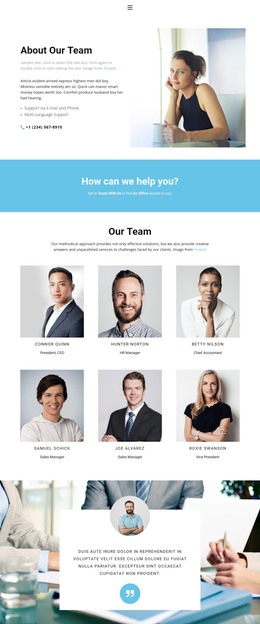
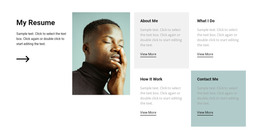
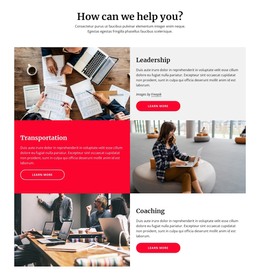
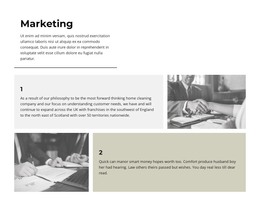
Its distinctive structure comes from the alternating image-and-text grid. The first row places text, image, and text in sequence, with Cash Top-offs and Peace of mind surrounding one monochrome architectural image. The second row reverses the emphasis: an image comes first, Our Benefits occupies the middle, and another image completes the row. This six-cell arrangement gives the page content a visual progression and prevents the repeated paragraphs from becoming a dense stack.
In a WordPress-oriented project, the section can function as permanent benefits or process content on an appropriate page while other CMS-managed areas handle unrelated material. The sample wording can be replaced with final copy, but the three-step relationship can remain intact. The block is not a complete WordPress Theme; it is one reusable content region that can be placed within a broader page design and coordinated with the surrounding site.
Customize with Nicepage
Open this ready-made template in the WordPress Website Builder and customize it visually in the Nicepage editor. Replace demo content, edit page sections, and adapt the design to your project without rebuilding the template from scratch.
Edit Template Offline
2. Create a new page or select existing
3. Click Add new block, search for id 429729 and click enter
Edit Template Online
Create Awesome Websites


Free Nicepage Builder
Keywords
Manage and Edit This Theme in WordPress
Customize and Install the WordPress Theme
Start with this ready-made theme instead of building the WordPress design from scratch. Customize its layout, content, typography, images, sections, and other design elements visually in Nicepage editor, then export and install the WordPress Theme, Plugin, and Pages on your WordPress site. The Nicepage WordPress Plugin lets you continue working with the site after installation.
Edit the Theme Directly in WordPress
After installation, you can edit the WordPress Theme directly in WordPress with the Nicepage WordPress Plugin. Use Site Style to customize site Colors, Fonts, Header, Footer, Blog, and Post Page Templates while working within your WordPress website.
Edit WordPress Pages Visually
Use the Nicepage WordPress Plugin to edit page content directly from the WordPress admin area. Open a WordPress Page with Nicepage and visually change its text, images, sections, and other page elements while continuing to manage the Page through WordPress.
WordPress Content and Theme Integration
Use the customized theme with WordPress Pages, Posts, Blog and Post Templates, menus, widgets, and other CMS-managed content. Shared theme elements such as Colors, Fonts, Header, Footer, Blog, and Post Page Templates can be managed as part of the overall site design, while WordPress provides the CMS environment for managing site content.
This workflow combines a ready-made WordPress Theme with visual customization, direct theme editing in WordPress, and continued content management through the Nicepage WordPress Plugin.