Sport athletic club Template


Edit Template Offline
2. Create new page and search for id 120232
Edit Template Online
Create Awesome Websites


Free Nicepage Builder
Keywords
A six-activity program framed by strong fitness imagery
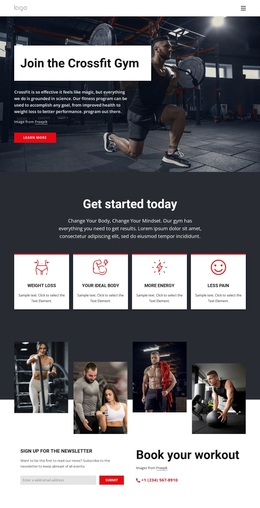
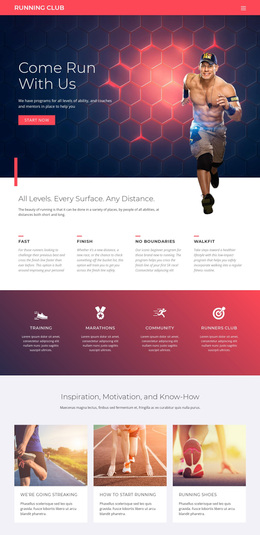
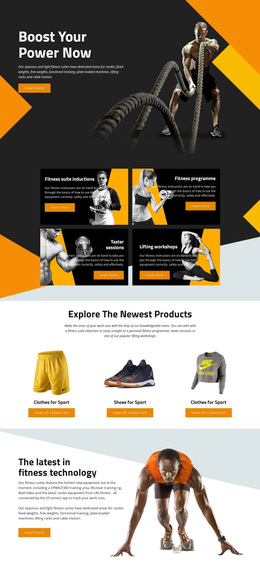
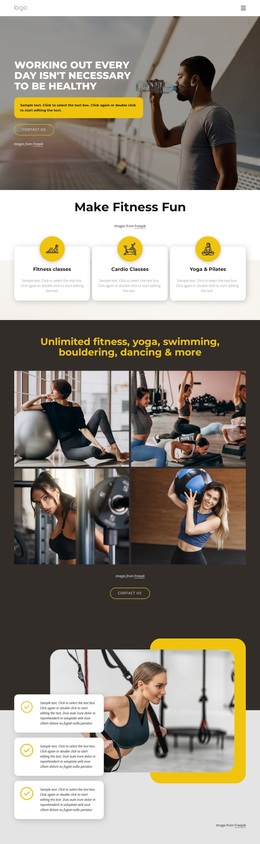
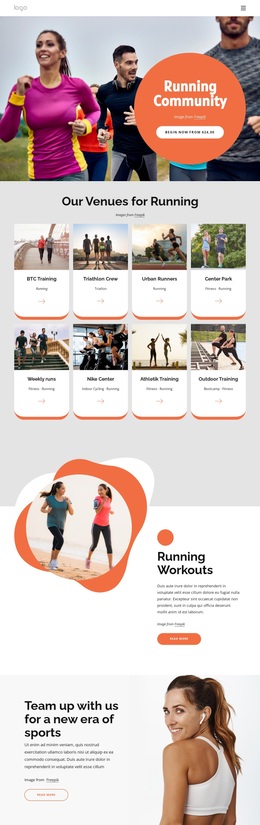
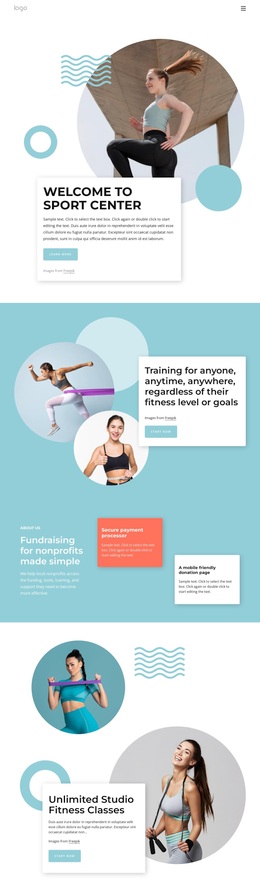
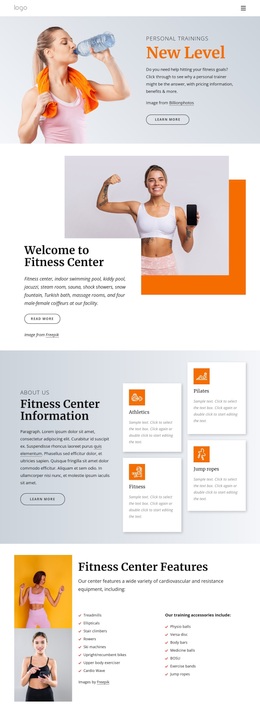
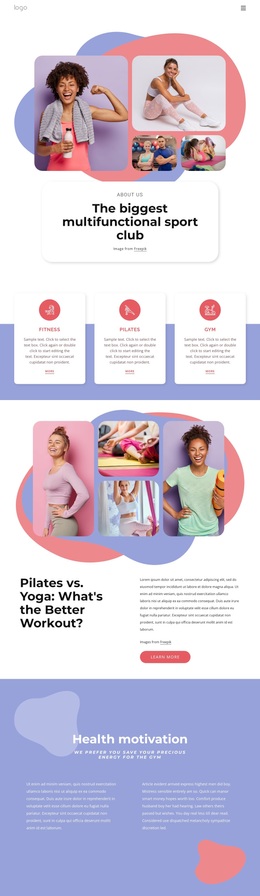
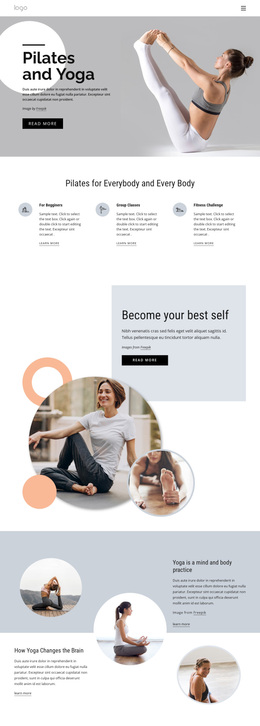
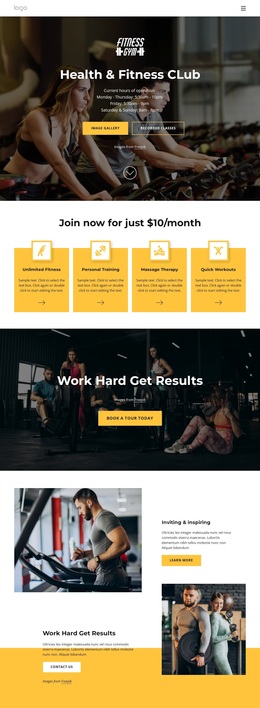
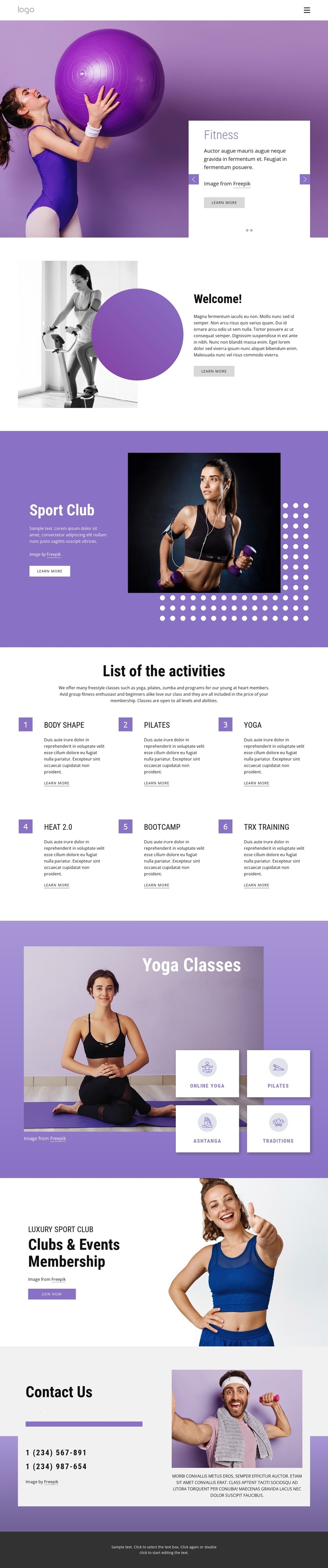
Large fitness photographs carry much of the page’s first impression, beginning with a Fitness and Gym slider that places promotional copy inside white panels over the imagery. The Welcome section continues that image-led approach with a side-by-side introduction, while the purple Sport Club area adds layered photographs, a decorative dot pattern, and a stronger promotional contrast. Together, these sections make the design suitable for projects that want the visual energy of a club to appear before detailed program information.
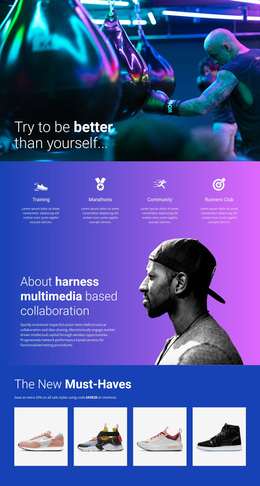
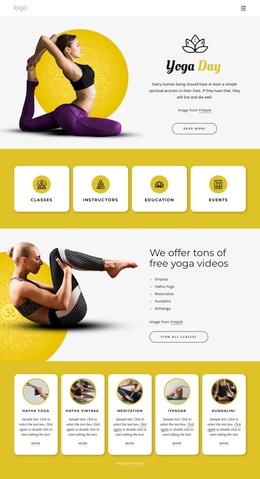
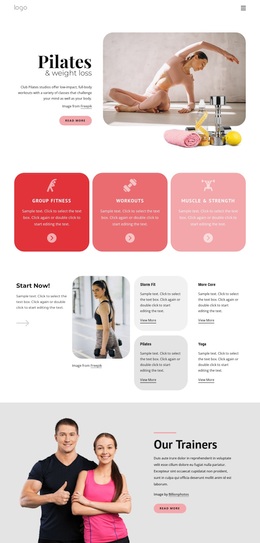
The content coverage is a further reason to choose this option. The numbered activity list names six different offerings—Body Shape, Pilates, Yoga, Heat 2.0, Bootcamp, and TRX training—so the page can communicate variety without relying on a long block of generic text. A separate Yoga Classes area adds four compact categories, Online Yoga, Pilates, Ashtanga, and Traditions, giving the layout a focused specialty section within the broader program.
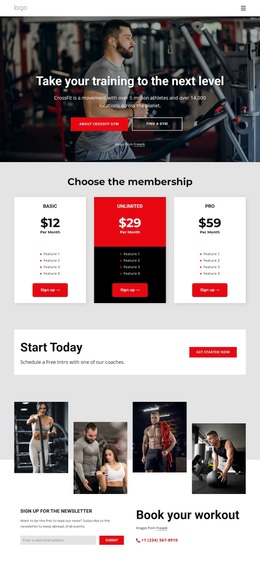
The design also connects interest to participation. Clubs & Events Membership introduces a Join now action next to lifestyle photography, and Contact Us supplies social links, two phone numbers, supporting text, and another image. That combination distinguishes the template from a purely schedule-led or portfolio-led design: it presents activities, a focused class theme, membership, and contact routes in one visually consistent fitness direction.
Customize with Nicepage
Open this ready-made template in the Template Builder and customize it visually in the Nicepage editor. Replace demo content, edit page sections, and adapt the design to your project without rebuilding the template from scratch.
Start With a Ready-Made Template
Choose a Design for a New Page
Use a ready-made template as a starting point instead of creating every page from a blank canvas. When adding a new page in Nicepage, browse available designs, compare different layouts, and choose an option that already fits the general purpose and visual direction of your project.
Browse Different Page Designs
Explore Page Designs using search, thematic categories, Design Sets, and full-page previews. The collection includes layouts for different subjects and page purposes, making it easier to compare alternatives before selecting a design to customize.
Customize the Selected Template
After choosing a design, create the page and continue editing it visually in Nicepage. Replace the demo content, adjust images, typography, colors, sections, and other elements, and adapt the ready-made layout to your own content instead of rebuilding the design from the beginning.
Explore More Design Directions
If the first option does not match your project closely enough, return to the design collection and compare other templates before committing to a layout. This makes the template library useful not only for faster page creation, but also for exploring different visual approaches and finding a suitable starting point for a new project.
This workflow gives you access to a broad collection of ready-made designs that can be selected, compared, and customized according to the needs of each new page or project.