Local running programs Template



Edit Template Offline
2. Create new page and search for id 6070878
Edit Template Online
Create Awesome Websites


Free Nicepage Builder
Keywords
Four Running Topics and Eight Activity Cards Give the Design Its Direction
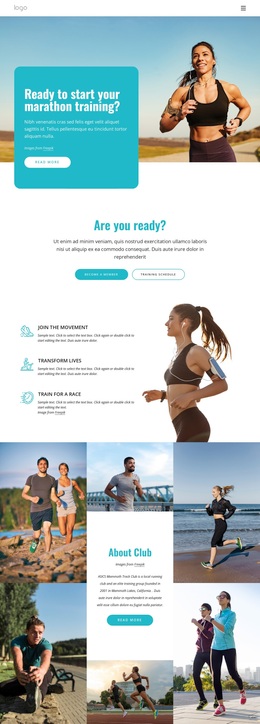
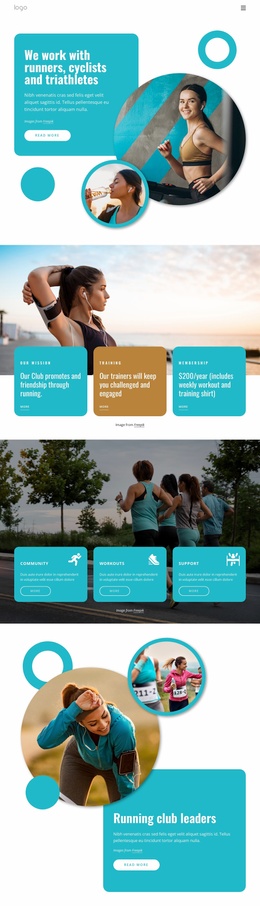
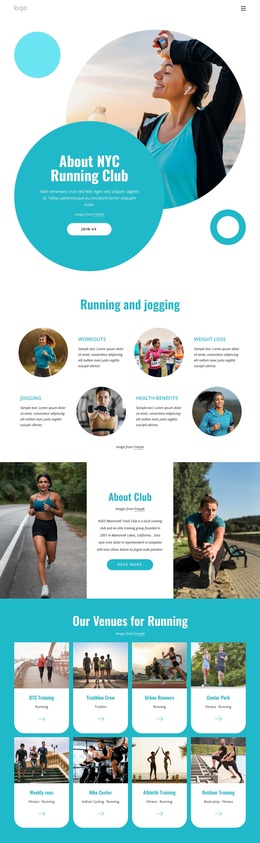
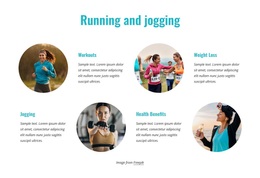
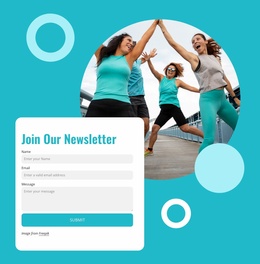
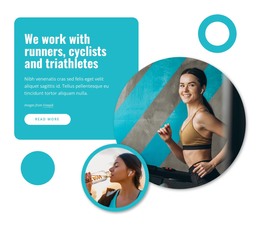
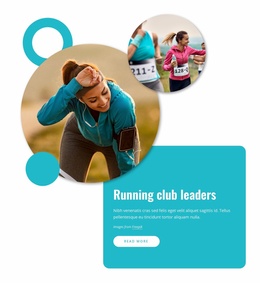
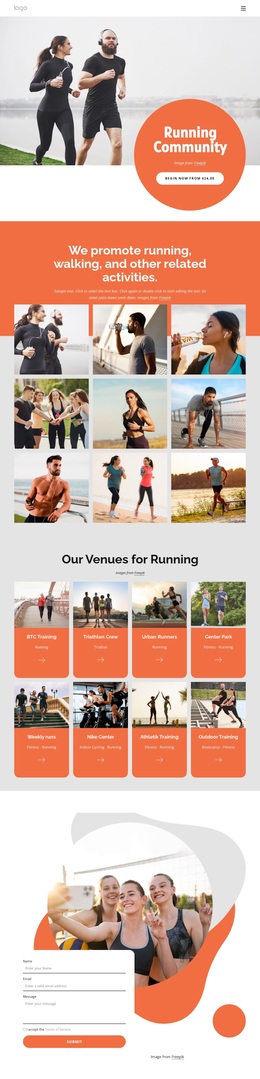
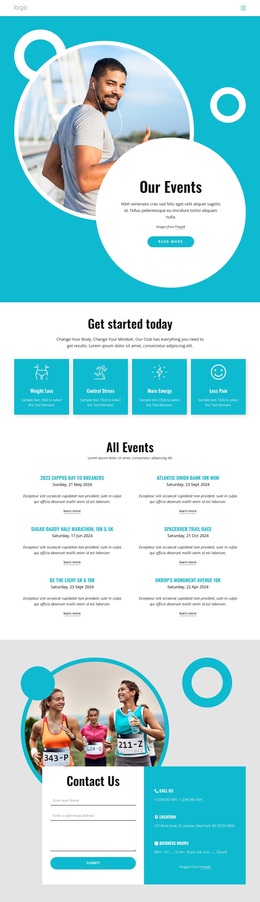
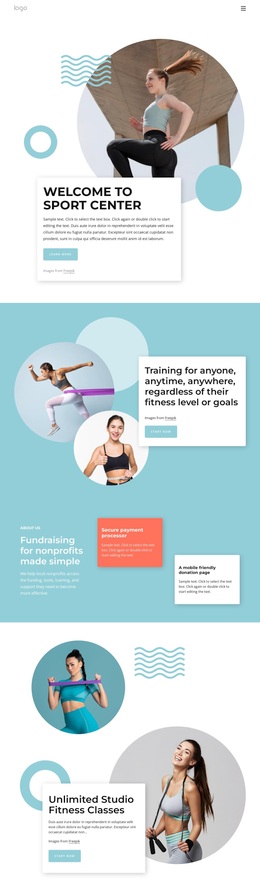
The combination of a club introduction and practical running content makes this design a clear option for projects that need more than a generic sports landing screen. The opening circular photo composition establishes an energetic fitness subject, while the four topic items move into recognizable areas of interest: workouts, weight loss, jogging, and health benefits. That balance gives the page both an organizational message and a useful explanation of what the club discusses.
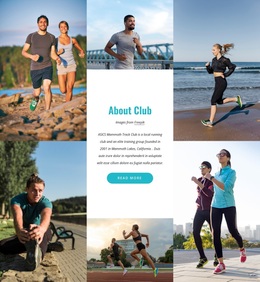
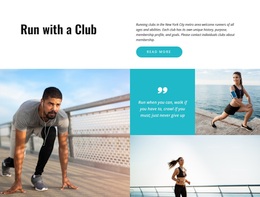
The eight rounded activity cards are the most distinctive content feature. They turn the middle of the page into a visual directory for venues or programs, with repeated image treatment that can accommodate different local running activities without changing the overall composition. The club overview and second membership invitation then connect those individual topics back to the organization and its invitation to participate. The turquoise-and-white palette, bold condensed headings, compact text, and generous spacing keep the page energetic while leaving room for the imagery to carry attention.
Three contact cards and a newsletter form complete the content coverage. The form requests a name, email address, and message, so the page does not end with imagery alone. Choose this design when a running, jogging, or fitness project needs a visually active about page that combines club identity, program discovery, membership prompts, contact information, and updates in one coordinated presentation.
Customize with Nicepage
Open this ready-made template in the Template Builder and customize it visually in the Nicepage editor. Replace demo content, edit page sections, and adapt the design to your project without rebuilding the template from scratch.
Start With a Ready-Made Template
Choose a Design for a New Page
Use a ready-made template as a starting point instead of creating every page from a blank canvas. When adding a new page in Nicepage, browse available designs, compare different layouts, and choose an option that already fits the general purpose and visual direction of your project.
Browse Different Page Designs
Explore Page Designs using search, thematic categories, Design Sets, and full-page previews. The collection includes layouts for different subjects and page purposes, making it easier to compare alternatives before selecting a design to customize.
Customize the Selected Template
After choosing a design, create the page and continue editing it visually in Nicepage. Replace the demo content, adjust images, typography, colors, sections, and other elements, and adapt the ready-made layout to your own content instead of rebuilding the design from the beginning.
Explore More Design Directions
If the first option does not match your project closely enough, return to the design collection and compare other templates before committing to a layout. This makes the template library useful not only for faster page creation, but also for exploring different visual approaches and finding a suitable starting point for a new project.
This workflow gives you access to a broad collection of ready-made designs that can be selected, compared, and customized according to the needs of each new page or project.