Crossfit training community Template



Edit Template Offline
2. Create new page and search for id 4154503
Edit Template Online
Create Awesome Websites


Free Nicepage Builder
Keywords
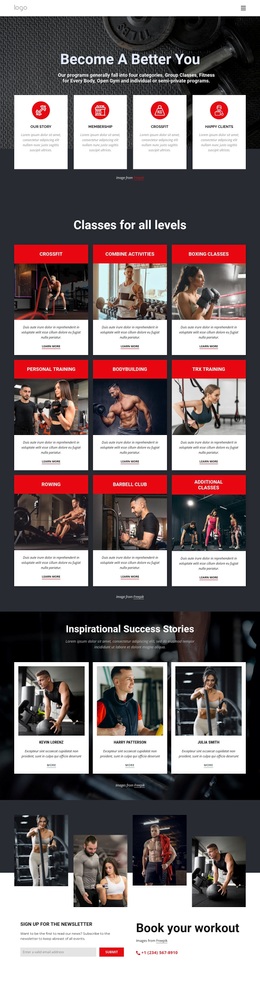
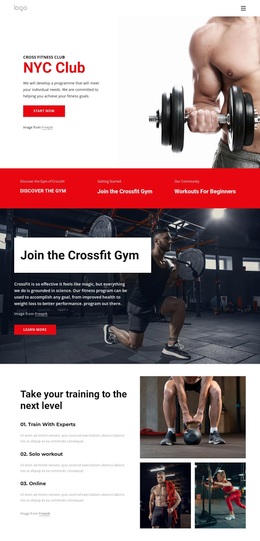
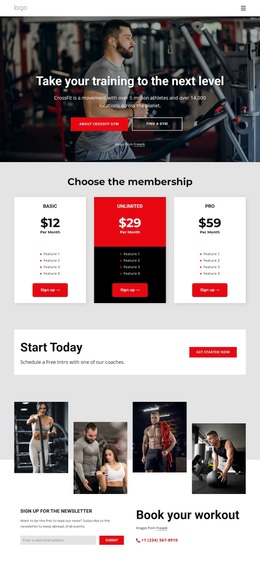
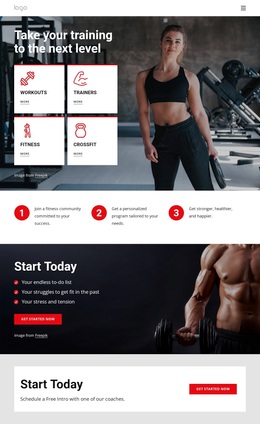
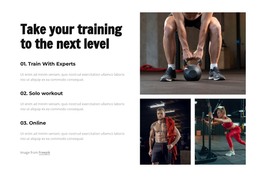
Three training programs connect visual energy with practical fitness choices
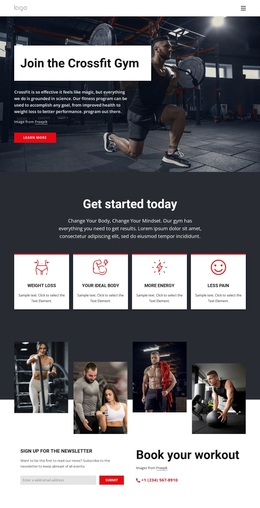
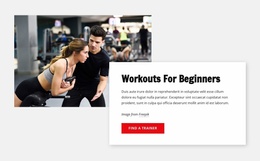
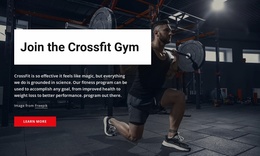
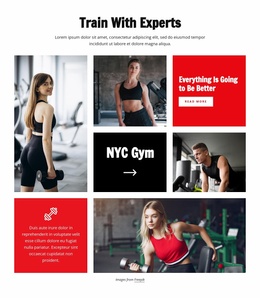
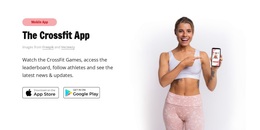
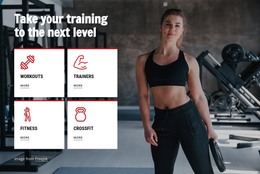
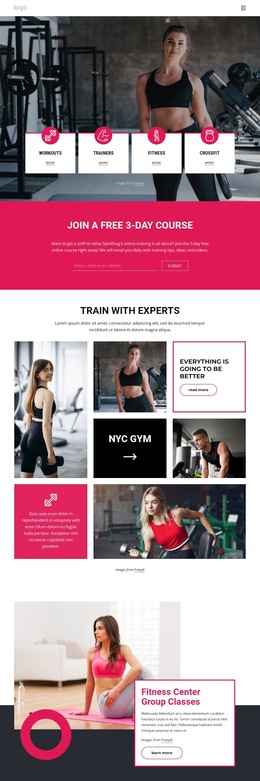
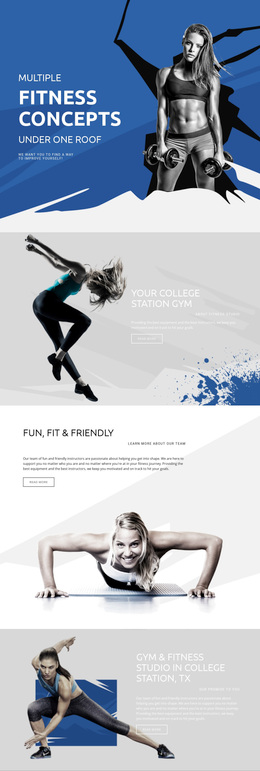
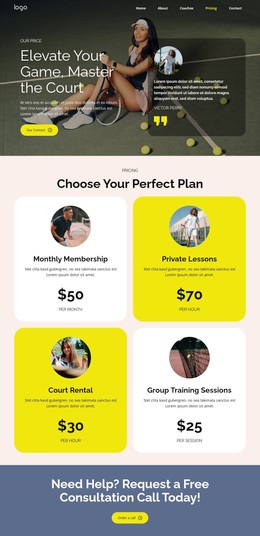
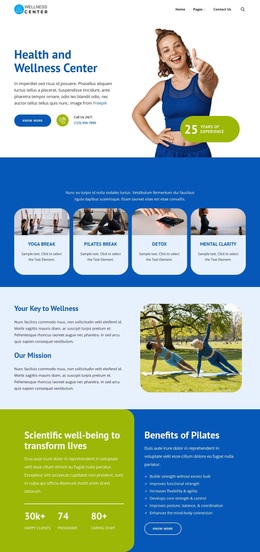
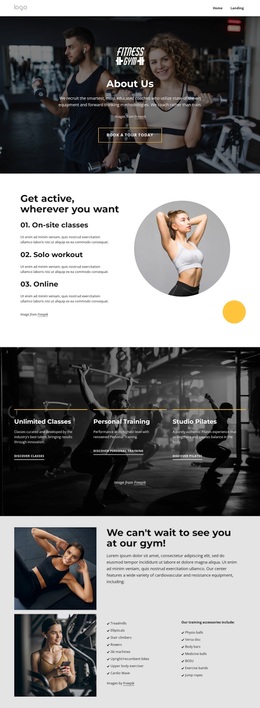
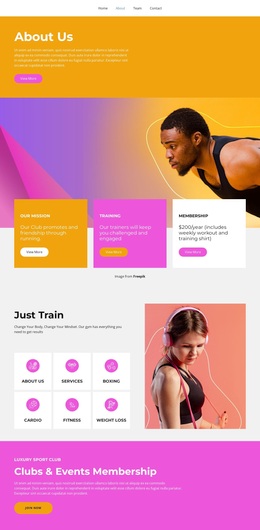
The page is worth considering when a fitness project needs to show several related reasons to begin training without relying on dense introductory text. The large athlete imagery establishes an immediate gym context, while the four opening cards—Workouts, Trainers, Fitness, and CrossFit—separate the broad subject into recognizable entry points. That makes the design more specific than a generic sports landing page.
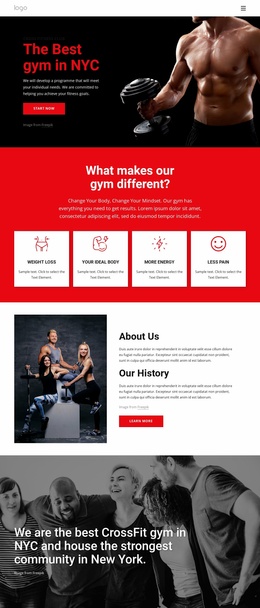
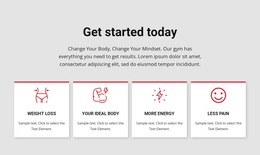
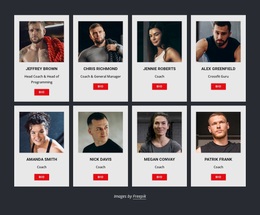
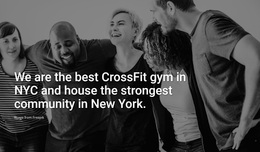
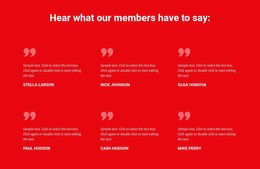
Its strongest content distinction is the relationship between the three named programs and the four outcome categories. CrossFit, Personalized Training, and Foundations describe different training directions, while Weight Loss, Your Ideal Body, More Energy, and Less Pain describe the outcomes visitors may associate with joining. The page therefore connects what the gym offers with why a visitor may be interested. Six testimonial cards add a visible member-proof section, giving the design another content layer beyond services and promotional imagery.
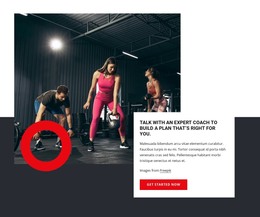
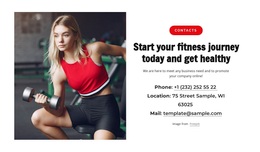
The template also covers both immediate and ongoing contact. “Get Started Now” actions and introductory coaching prompts encourage a first conversation, while the newsletter subscription form supports continued communication. The phone contact near “Book your workout” gives the page a direct human channel. Together, these relationships make the design a useful choice for a gym or CrossFit project that needs program coverage, motivation, social proof, outcome framing, and contact content in one energetic visual direction.
Customize with Nicepage
Open this ready-made template in the Template Builder and customize it visually in the Nicepage editor. Replace demo content, edit page sections, and adapt the design to your project without rebuilding the template from scratch.
Start With a Ready-Made Template
Choose a Design for a New Page
Use a ready-made template as a starting point instead of creating every page from a blank canvas. When adding a new page in Nicepage, browse available designs, compare different layouts, and choose an option that already fits the general purpose and visual direction of your project.
Browse Different Page Designs
Explore Page Designs using search, thematic categories, Design Sets, and full-page previews. The collection includes layouts for different subjects and page purposes, making it easier to compare alternatives before selecting a design to customize.
Customize the Selected Template
After choosing a design, create the page and continue editing it visually in Nicepage. Replace the demo content, adjust images, typography, colors, sections, and other elements, and adapt the ready-made layout to your own content instead of rebuilding the design from the beginning.
Explore More Design Directions
If the first option does not match your project closely enough, return to the design collection and compare other templates before committing to a layout. This makes the template library useful not only for faster page creation, but also for exploring different visual approaches and finding a suitable starting point for a new project.
This workflow gives you access to a broad collection of ready-made designs that can be selected, compared, and customized according to the needs of each new page or project.

Design Set (26)
-

-
-
-
-
-
-
-
-
-
-
-
-
Free Website Builder SoftwareDownload
-
-
-
-
-
-