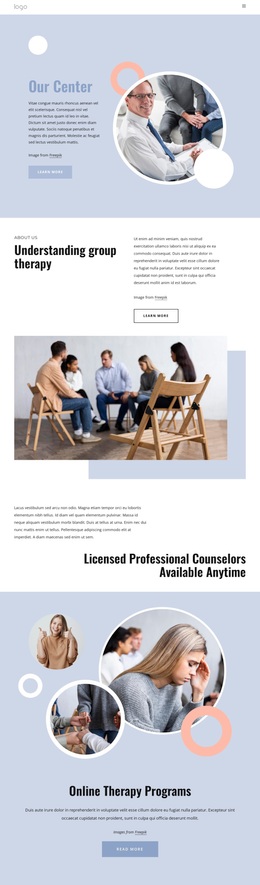
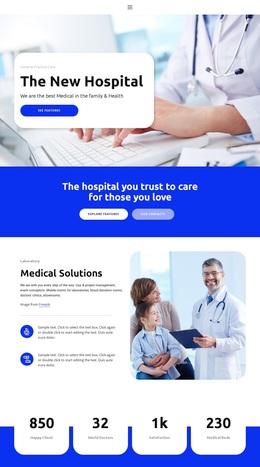
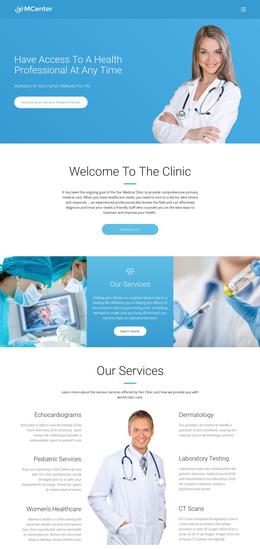
Professional Mental Care Template


Edit Template Offline
2. Create new page and search for id 6613494
Edit Template Online
Create Awesome Websites


Free Nicepage Builder
Keywords
Counseling Imagery and a Four-Step Care Story Distinguish This Choice
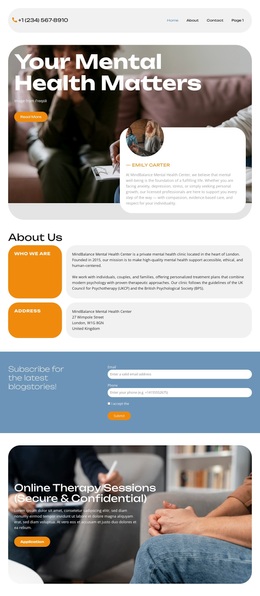
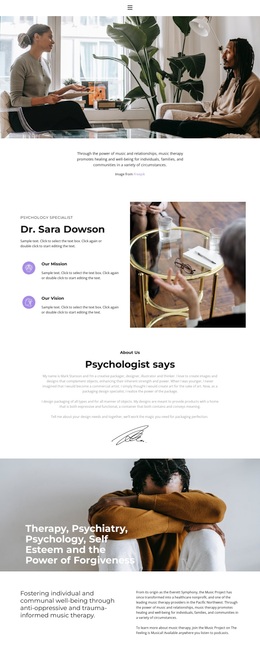
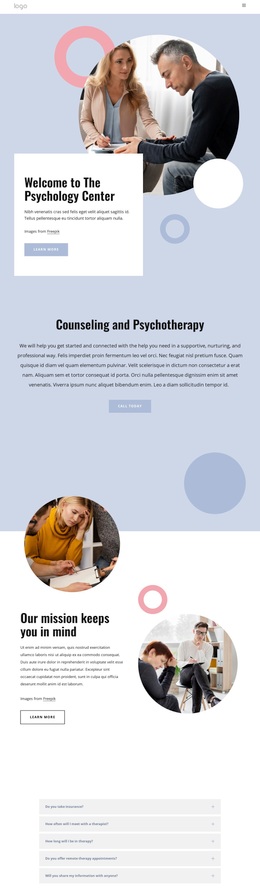
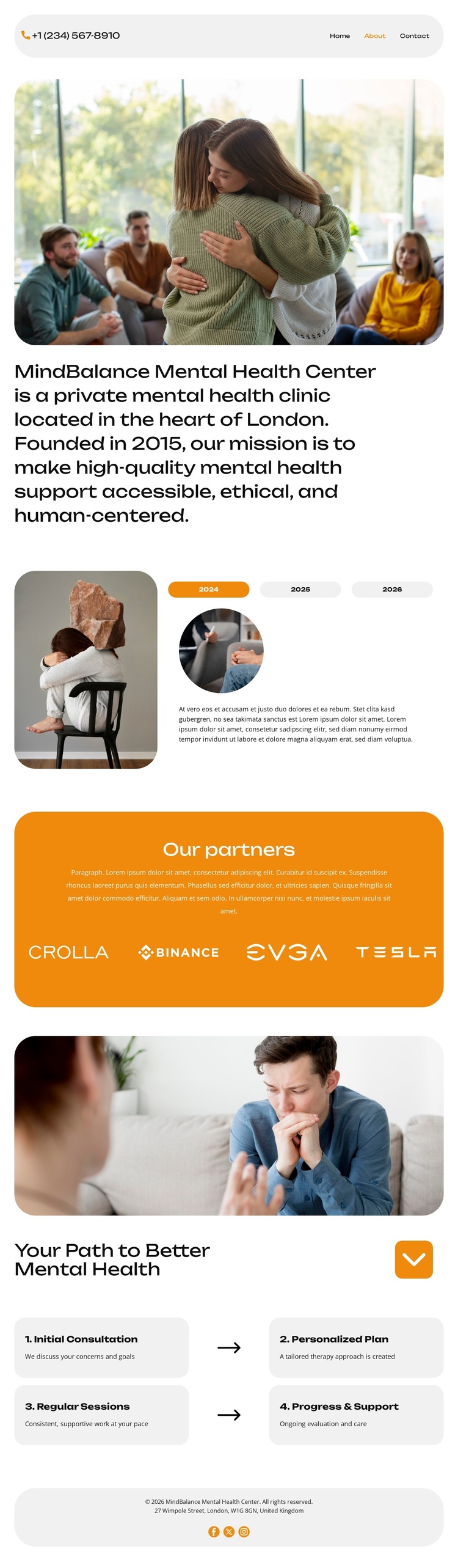
The design places human connection at the center of its presentation. A large counseling photograph introduces the page before the direct statement about MindBalance Mental Health Center establishes the clinic’s identity, London location, and stated founding year. That combination makes the template a useful option for projects that need to explain a care environment before presenting process details, rather than beginning with dense service lists or purely technical information.
The three-tab story section adds variety without disrupting the calm visual direction. Its image-and-content arrangement can hold a clinic narrative, while the “Order a call” action gives the page a clear next step. The visible years and sample copy should be replaced with verified content, and the partner logos should not be treated as confirmed partnerships based on the available evidence. Even so, the structure distinguishes the design through its balance of narrative, visual reassurance, and response access.
The four rounded cards provide the most distinctive content coverage. Initial Consultation, Personalized Plan, Regular Sessions, and Progress & Support describe a complete-looking support progression in a way that is easy to scan. Together with the orange partner panel, soft gray and white surfaces, and rounded typography, these relationships make the design worth considering for a mental health project whose message depends on warmth, trust, and a clearly explained path.
Customize with Nicepage
Open this ready-made template in the Template Builder and customize it visually in the Nicepage editor. Replace demo content, edit page sections, and adapt the design to your project without rebuilding the template from scratch.
Start With a Ready-Made Template
Choose a Design for a New Page
Use a ready-made template as a starting point instead of creating every page from a blank canvas. When adding a new page in Nicepage, browse available designs, compare different layouts, and choose an option that already fits the general purpose and visual direction of your project.
Browse Different Page Designs
Explore Page Designs using search, thematic categories, Design Sets, and full-page previews. The collection includes layouts for different subjects and page purposes, making it easier to compare alternatives before selecting a design to customize.
Customize the Selected Template
After choosing a design, create the page and continue editing it visually in Nicepage. Replace the demo content, adjust images, typography, colors, sections, and other elements, and adapt the ready-made layout to your own content instead of rebuilding the design from the beginning.
Explore More Design Directions
If the first option does not match your project closely enough, return to the design collection and compare other templates before committing to a layout. This makes the template library useful not only for faster page creation, but also for exploring different visual approaches and finding a suitable starting point for a new project.
This workflow gives you access to a broad collection of ready-made designs that can be selected, compared, and customized according to the needs of each new page or project.