Trail running, race walking, wheelchair racing Template



Edit Template Offline
2. Create new page and search for id 6070691
Edit Template Online
Create Awesome Websites


Free Nicepage Builder
Keywords
Six Program Categories Make the Club Offer Easy to Recognize
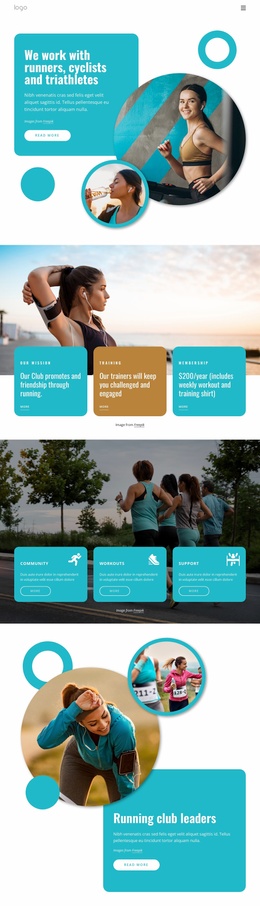
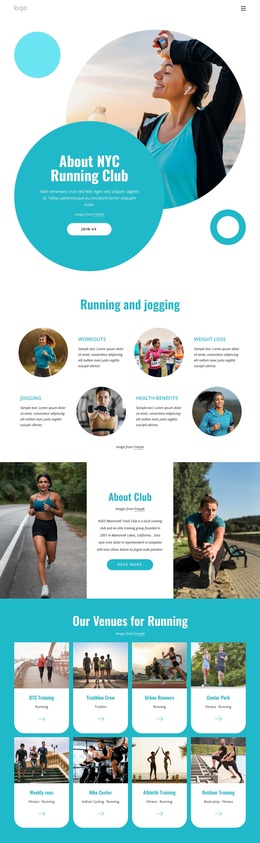
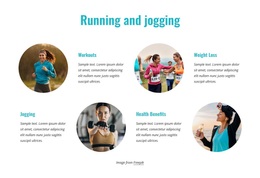
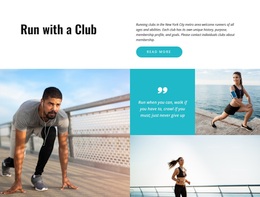
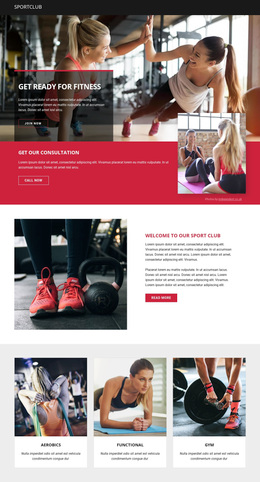
The strongest reason to choose this design is the way it combines an energetic running identity with unusually broad program coverage. The six rounded cards name Gym Training, Running, Virtual Programs, Urban Events, Seasoned Running, and For Beginners, allowing the page to speak to different participation patterns instead of presenting only one race or training message. Their repeated image treatment makes the categories feel related while preserving separate entry points.
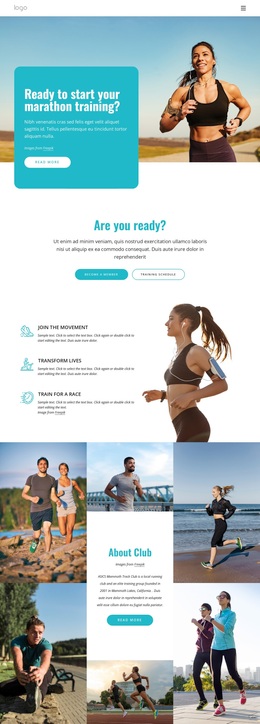
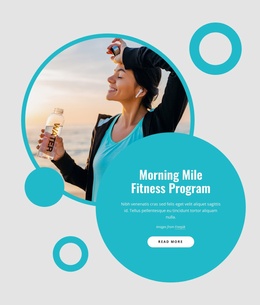
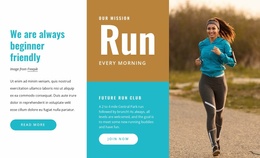
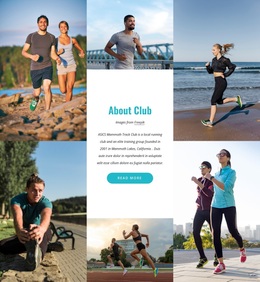
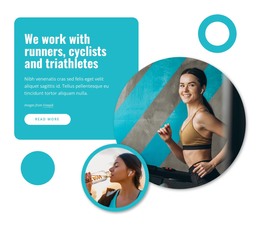
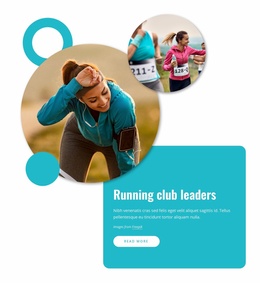
The surrounding content gives those categories a larger community context. A large runner image and turquoise hero panel establish marathon training as the opening subject, while the three benefit items connect participation with movement, personal transformation, and race preparation. The About Club mosaic then adds a visual explanation of the organization, and the Run With Our Team section introduces About Us, Events, Sponsors, and Support as practical club resources.
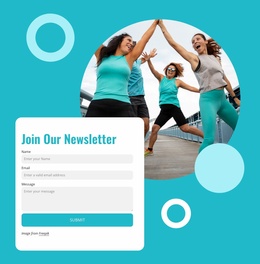
The two contrasting panels for Member Benefits and Who We Are broaden the page beyond program listings. Contact cards, phone and office-location channels, and the Join Our Newsletter form provide clear ways to continue the relationship after visitors explore the offer. This combination makes the template a useful option for projects that need visual energy, multiple running categories, community messaging, and a closing communication path in one coherent design rather than a narrow event-only presentation.
Customize with Nicepage
Open this ready-made template in the Template Builder and customize it visually in the Nicepage editor. Replace demo content, edit page sections, and adapt the design to your project without rebuilding the template from scratch.
Start With a Ready-Made Template
Choose a Design for a New Page
Use a ready-made template as a starting point instead of creating every page from a blank canvas. When adding a new page in Nicepage, browse available designs, compare different layouts, and choose an option that already fits the general purpose and visual direction of your project.
Browse Different Page Designs
Explore Page Designs using search, thematic categories, Design Sets, and full-page previews. The collection includes layouts for different subjects and page purposes, making it easier to compare alternatives before selecting a design to customize.
Customize the Selected Template
After choosing a design, create the page and continue editing it visually in Nicepage. Replace the demo content, adjust images, typography, colors, sections, and other elements, and adapt the ready-made layout to your own content instead of rebuilding the design from the beginning.
Explore More Design Directions
If the first option does not match your project closely enough, return to the design collection and compare other templates before committing to a layout. This makes the template library useful not only for faster page creation, but also for exploring different visual approaches and finding a suitable starting point for a new project.
This workflow gives you access to a broad collection of ready-made designs that can be selected, compared, and customized according to the needs of each new page or project.