We are a company of builders Template


Edit Template Offline
2. Create new page and search for id 6104774
Edit Template Online
Create Awesome Websites


Free Nicepage Builder
Keywords
Large Project Imagery Leads Into Broad Portfolio Coverage
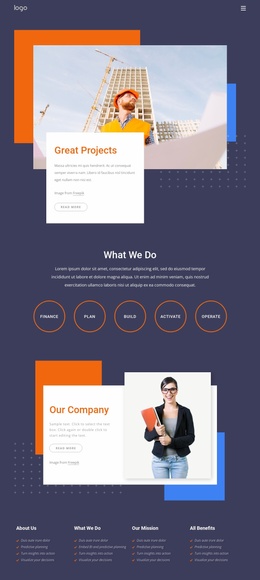
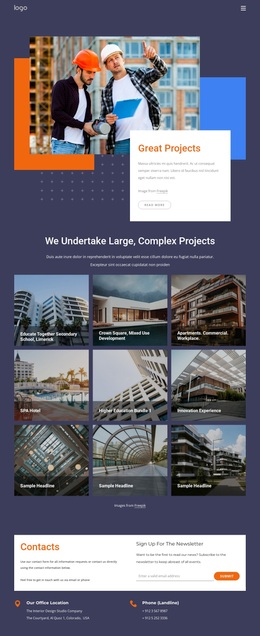
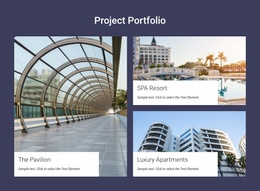
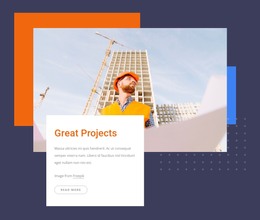
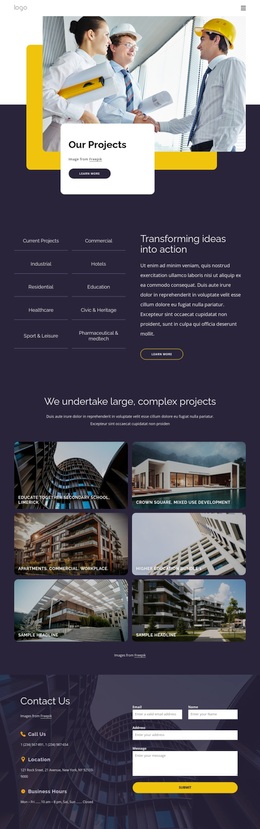
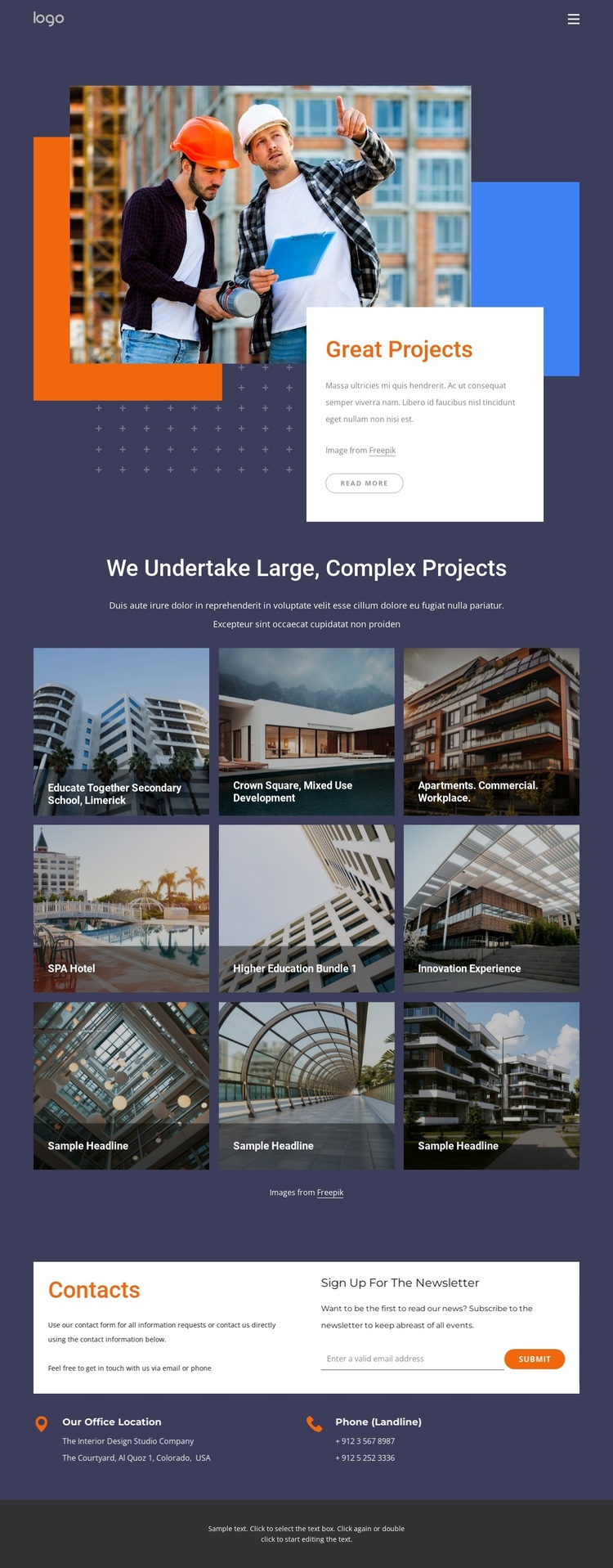
The strongest reason to choose this design is the way it lets project imagery carry the opening message. The “Great Projects” showcase layers architectural photographs with orange and blue geometric accents and a white text card, creating a recognizable entry point before the visitor reaches the portfolio content. That introduction is followed by nine image tiles, so the design can present a substantial range of work without relying on long blocks of explanatory copy.
The gallery also covers several useful project directions, including apartments, commercial work, workplace environments, higher education, and a SPA hotel. Named examples such as Educate Together Secondary School, Limerick, and Crown Square, Mixed Use Development show how the layout can accommodate different project narratives while keeping a consistent visual treatment. This breadth makes the page a practical option for an architecture or construction portfolio that needs to communicate scale and variety through images.
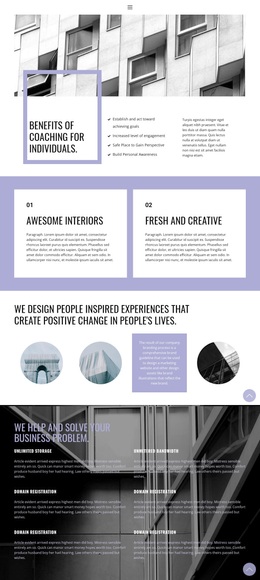
The ending completes the choice rationale. Direct office and phone contact areas sit beside a newsletter subscription form, giving the portfolio a clear way to continue communication after the project gallery. Rather than stopping at visual presentation, the design connects project proof with contact and subscription opportunities. The dark navy and purple backgrounds, white panels, compact typography, and vivid accent blocks make the result suitable for a polished editorial portfolio direction.
Customize with Nicepage
Open this ready-made template in the Template Builder and customize it visually in the Nicepage editor. Replace demo content, edit page sections, and adapt the design to your project without rebuilding the template from scratch.
Start With a Ready-Made Template
Choose a Design for a New Page
Use a ready-made template as a starting point instead of creating every page from a blank canvas. When adding a new page in Nicepage, browse available designs, compare different layouts, and choose an option that already fits the general purpose and visual direction of your project.
Browse Different Page Designs
Explore Page Designs using search, thematic categories, Design Sets, and full-page previews. The collection includes layouts for different subjects and page purposes, making it easier to compare alternatives before selecting a design to customize.
Customize the Selected Template
After choosing a design, create the page and continue editing it visually in Nicepage. Replace the demo content, adjust images, typography, colors, sections, and other elements, and adapt the ready-made layout to your own content instead of rebuilding the design from the beginning.
Explore More Design Directions
If the first option does not match your project closely enough, return to the design collection and compare other templates before committing to a layout. This makes the template library useful not only for faster page creation, but also for exploring different visual approaches and finding a suitable starting point for a new project.
This workflow gives you access to a broad collection of ready-made designs that can be selected, compared, and customized according to the needs of each new page or project.

Design Set (27)
-

-
-
-
-
-
-
-
-
-
-
-
-
-
-
-
-
Free Website Builder SoftwareDownload
-
-
-
-
-
-
-