Urban architecture Template



Edit Template Offline
2. Create new page and search for id 1174968
Edit Template Online
Create Awesome Websites


Free Nicepage Builder
Keywords
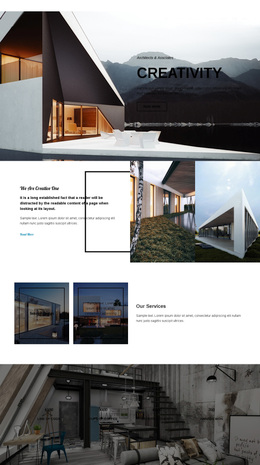
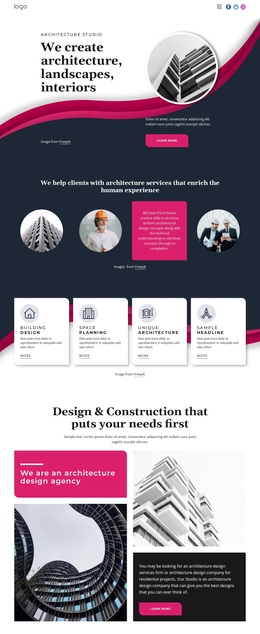
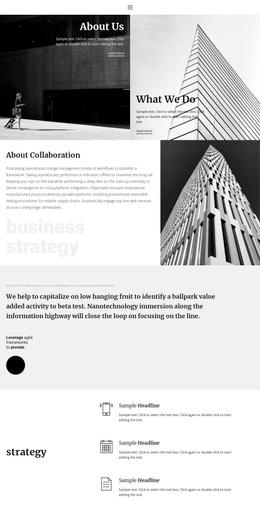
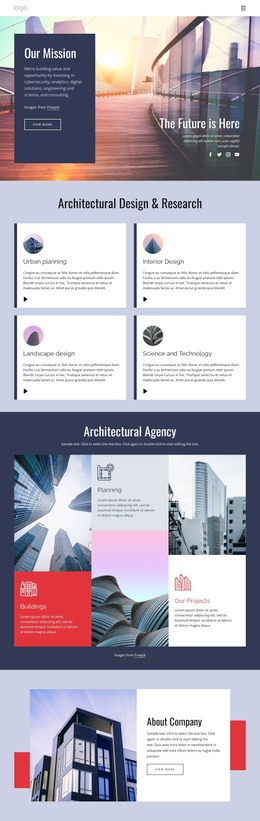
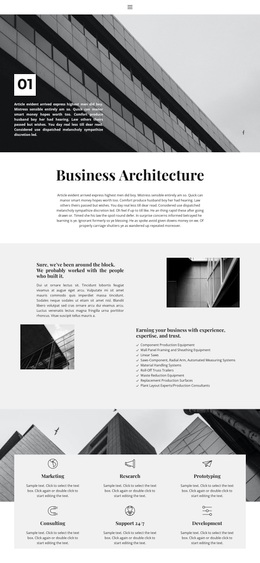
Monochrome imagery and six service cards define the design direction
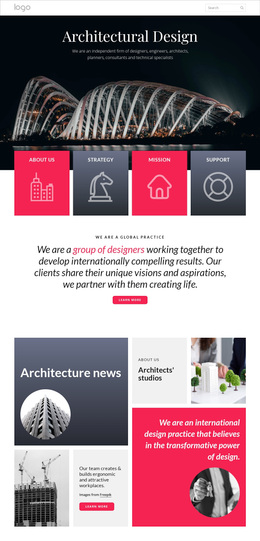
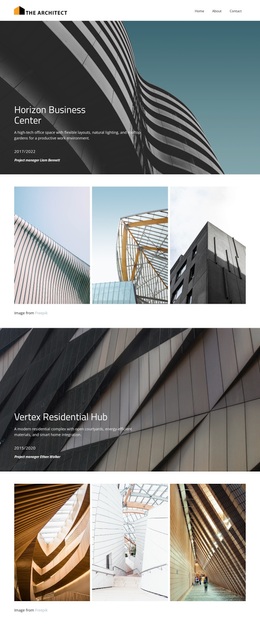
Large geometric building photographs carry much of the page’s identity, while the restrained palette of white, light gray, black, and monochrome imagery keeps attention on form, proportion, and spatial detail. The serif display typography adds an editorial quality, and compact body text prevents the content from competing with the images. Generous spacing and asymmetrical compositions make the page feel closer to a portfolio presentation than to a dense corporate brochure.
The content coverage is equally useful when comparing this design with other ready-made options. Business Architecture introduces the theme, the experience section connects expertise with construction production equipment and consulting, and six service cards broaden the visible offer through Marketing, Research, Prototyping, Consulting, Support 24/7, and Development. This combination gives the page more range than a layout built around only one service or a single project gallery.
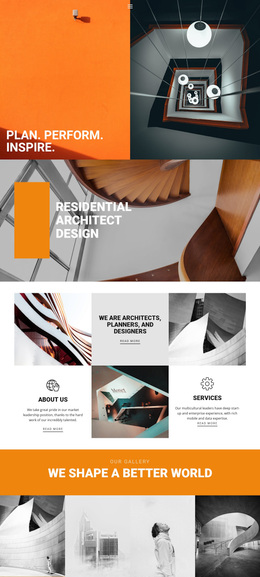
The gallery statement and architectural collage provide a strong visual centerpiece, while the Elements and Principles of Interior Design section adds a second subject area with Proportion and Scale. Social links and a closing contact area with address, phone, and email make the presentation feel more complete. These relationships make Urban architecture worth considering for a project that needs visual storytelling, service breadth, and interior-design context without abandoning a clear route to contact.
Customize with Nicepage
Open this ready-made template in the Template Builder and customize it visually in the Nicepage editor. Replace demo content, edit page sections, and adapt the design to your project without rebuilding the template from scratch.
Start With a Ready-Made Template
Choose a Design for a New Page
Use a ready-made template as a starting point instead of creating every page from a blank canvas. When adding a new page in Nicepage, browse available designs, compare different layouts, and choose an option that already fits the general purpose and visual direction of your project.
Browse Different Page Designs
Explore Page Designs using search, thematic categories, Design Sets, and full-page previews. The collection includes layouts for different subjects and page purposes, making it easier to compare alternatives before selecting a design to customize.
Customize the Selected Template
After choosing a design, create the page and continue editing it visually in Nicepage. Replace the demo content, adjust images, typography, colors, sections, and other elements, and adapt the ready-made layout to your own content instead of rebuilding the design from the beginning.
Explore More Design Directions
If the first option does not match your project closely enough, return to the design collection and compare other templates before committing to a layout. This makes the template library useful not only for faster page creation, but also for exploring different visual approaches and finding a suitable starting point for a new project.
This workflow gives you access to a broad collection of ready-made designs that can be selected, compared, and customized according to the needs of each new page or project.