Top-rated architects Template



Edit Template Offline
2. Create new page and search for id 1381816
Edit Template Online
Create Awesome Websites


Free Nicepage Builder
Keywords
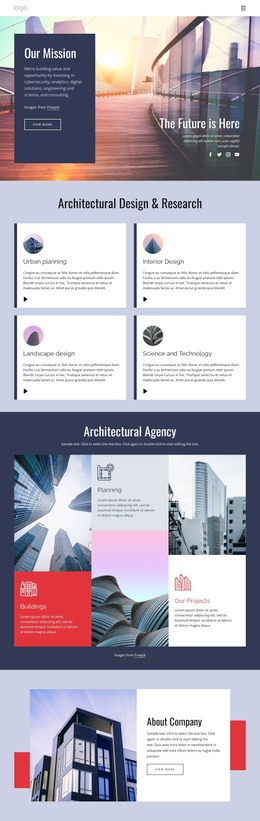
Architecture Cards Meet Editorial Image Storytelling
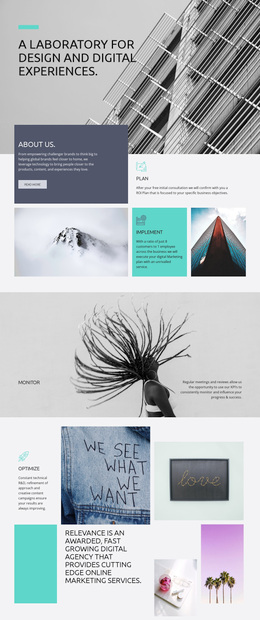
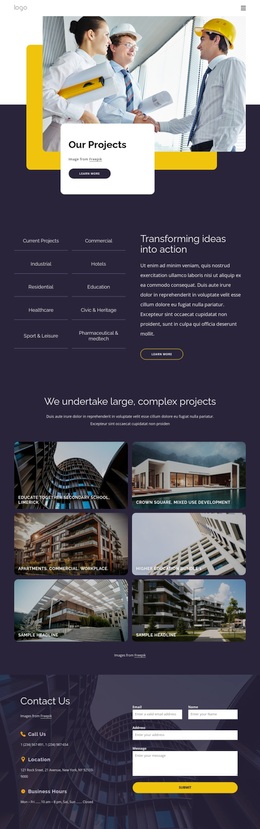
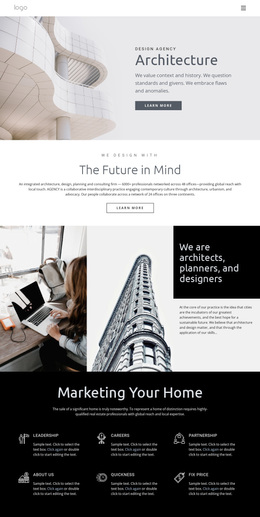
The four capability cards make this design a useful choice for an architecture or design practice that needs to show several related disciplines without flattening them into one generic services paragraph. Architecture, Planning, Urban Design, and Research appear as balanced peer offerings, giving the page a clear professional foundation. The opening collage then adds an immediate visual carrier for the practice’s subject, pairing three architectural images with a concise introduction and Learn more action.
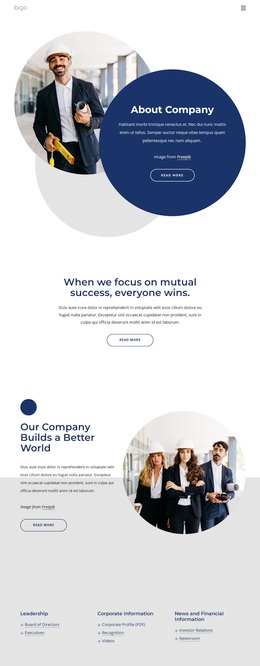
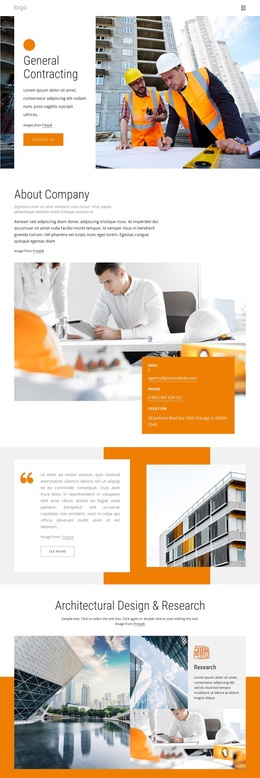
What separates the layout from a purely corporate service page is the way it combines capability content with editorial and philosophical material. A featured question about the best architecture firms in the world introduces article-style interest, while the About Company block provides a more direct account of the studio. Layered imagery supports the idea of embedded architecture, and the statement about positive impact connects design practice with people and the environment. The yellow, navy, white, and charcoal palette, rounded cards, overlapping image blocks, and generous whitespace keep these different subjects within one coherent visual direction. A later full-service studio section adds workplace and architectural imagery, while the final sign-up form creates a practical closing point. The result is an option for projects that need professional scope, editorial perspective, and strong visual storytelling together.
Customize with Nicepage
Open this ready-made template in the Template Builder and customize it visually in the Nicepage editor. Replace demo content, edit page sections, and adapt the design to your project without rebuilding the template from scratch.
Start With a Ready-Made Template
Choose a Design for a New Page
Use a ready-made template as a starting point instead of creating every page from a blank canvas. When adding a new page in Nicepage, browse available designs, compare different layouts, and choose an option that already fits the general purpose and visual direction of your project.
Browse Different Page Designs
Explore Page Designs using search, thematic categories, Design Sets, and full-page previews. The collection includes layouts for different subjects and page purposes, making it easier to compare alternatives before selecting a design to customize.
Customize the Selected Template
After choosing a design, create the page and continue editing it visually in Nicepage. Replace the demo content, adjust images, typography, colors, sections, and other elements, and adapt the ready-made layout to your own content instead of rebuilding the design from the beginning.
Explore More Design Directions
If the first option does not match your project closely enough, return to the design collection and compare other templates before committing to a layout. This makes the template library useful not only for faster page creation, but also for exploring different visual approaches and finding a suitable starting point for a new project.
This workflow gives you access to a broad collection of ready-made designs that can be selected, compared, and customized according to the needs of each new page or project.