Architectural Services Proposal Template


Edit Template Offline
2. Create new page and search for id 6494211
Edit Template Online
Create Awesome Websites


Free Nicepage Builder
Keywords
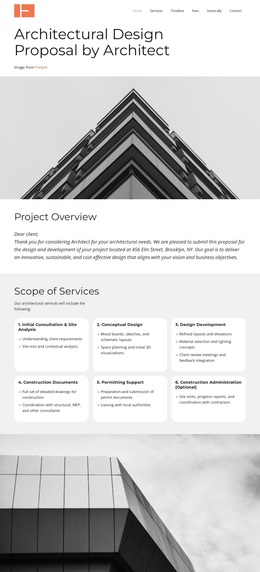
Six Service Phases Give the Proposal Its Distinctive Coverage
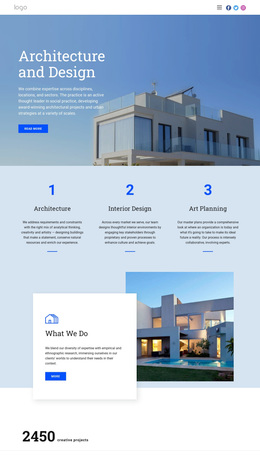
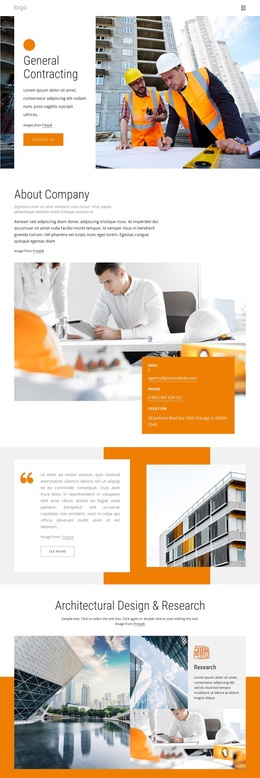
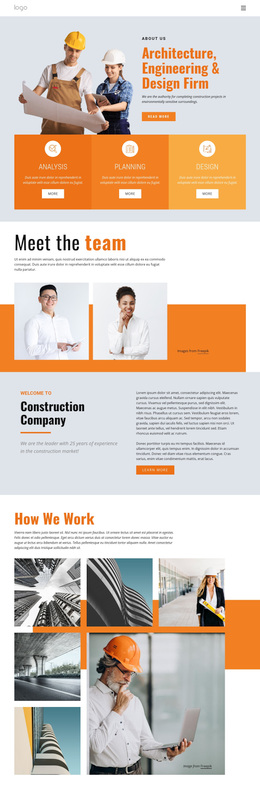
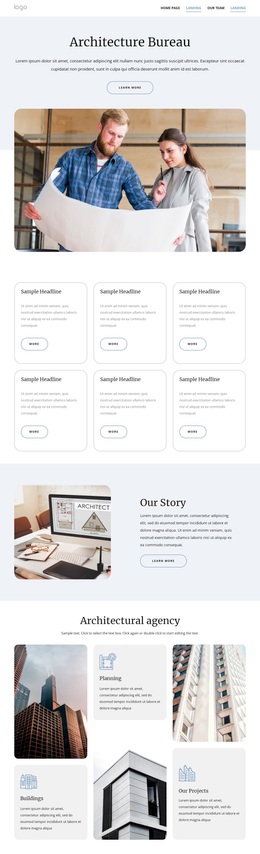
The six named service phases are the strongest reason to choose this design for an architectural proposal. Initial Consultation and Site Analysis, Concept Design, Design Development, Construction Documents, Permitting Support, and Construction Administration describe a broad project path in a compact card arrangement. The page therefore communicates more than a visual identity: it shows how the proposed work can be understood as a sequence of related responsibilities.
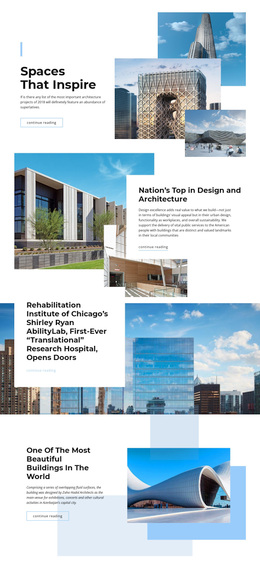
That coverage is reinforced by the Timeline and Estimated Fees sections. The schedule gives the proposal a planning dimension, while the fee table provides a dedicated place for estimated service costs. Architectural photography appears between these information groups and keeps the presentation rooted in the built environment rather than relying on dense explanatory copy alone. The Why Choose Architect section adds a human and credibility-focused counterpoint through a portrait and concise benefit cards.
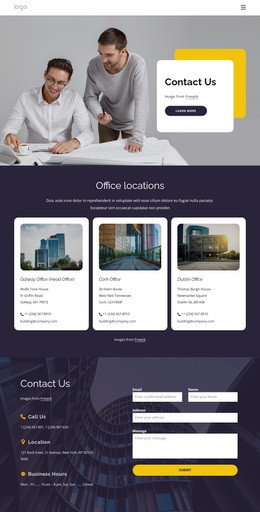
This combination makes the design a useful option for practices that need to present scope, process, schedule, fees, and selection reasons in one polished document. The Next Steps button and final address, phone, and email cards also provide a natural conclusion for prospective client communication. Displayed fees, names, and contact details remain sample content and should be replaced before publication.
Customize with Nicepage
Open this ready-made template in the Template Builder and customize it visually in the Nicepage editor. Replace demo content, edit page sections, and adapt the design to your project without rebuilding the template from scratch.
Start With a Ready-Made Template
Choose a Design for a New Page
Use a ready-made template as a starting point instead of creating every page from a blank canvas. When adding a new page in Nicepage, browse available designs, compare different layouts, and choose an option that already fits the general purpose and visual direction of your project.
Browse Different Page Designs
Explore Page Designs using search, thematic categories, Design Sets, and full-page previews. The collection includes layouts for different subjects and page purposes, making it easier to compare alternatives before selecting a design to customize.
Customize the Selected Template
After choosing a design, create the page and continue editing it visually in Nicepage. Replace the demo content, adjust images, typography, colors, sections, and other elements, and adapt the ready-made layout to your own content instead of rebuilding the design from the beginning.
Explore More Design Directions
If the first option does not match your project closely enough, return to the design collection and compare other templates before committing to a layout. This makes the template library useful not only for faster page creation, but also for exploring different visual approaches and finding a suitable starting point for a new project.
This workflow gives you access to a broad collection of ready-made designs that can be selected, compared, and customized according to the needs of each new page or project.