Zara collection Template


Edit Template Offline
2. Create new page and search for id 26229
Edit Template Online
Create Awesome Websites


Free Nicepage Builder
Keywords
Editorial Fashion Imagery Carries the Collection and Brand Story
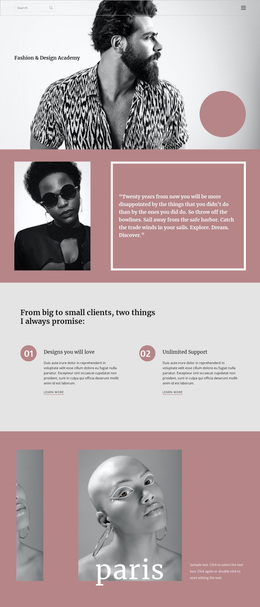
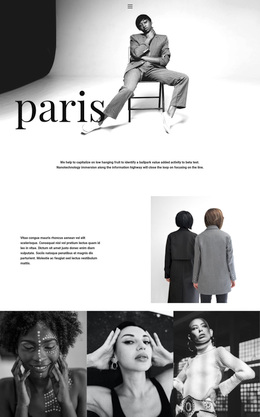
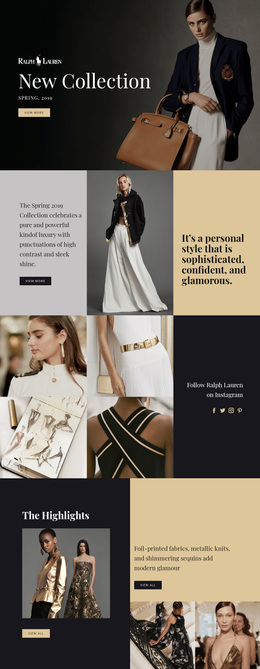
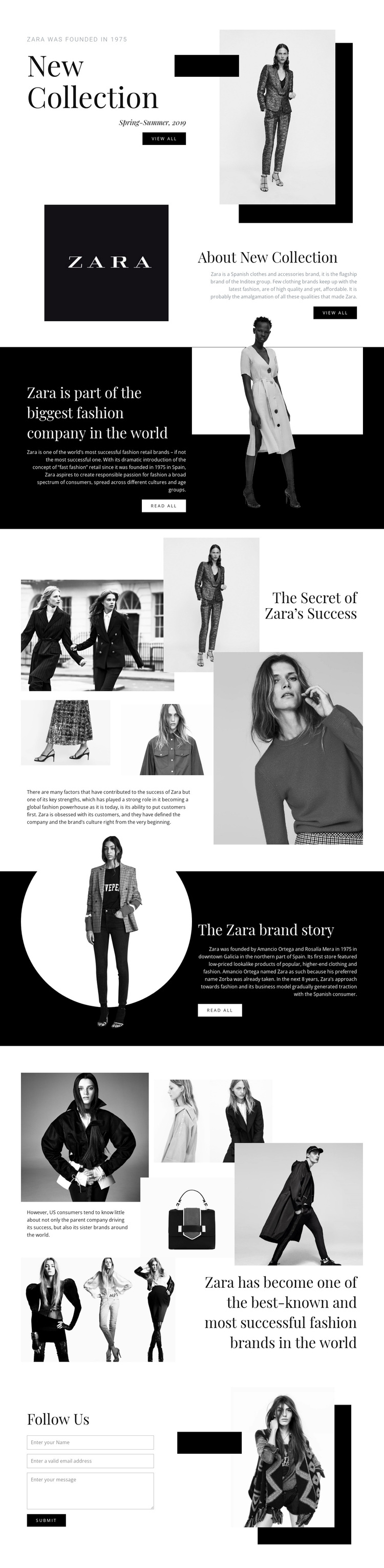
Large black-and-white and grayscale fashion images give this design a clear editorial direction from the first New Collection section. The Spring-Summer 2019 introduction combines a prominent heading, seasonal label, supporting copy, View all action, and framed photograph, while About New Collection continues the subject through another image-led split block. This makes the design a strong option for projects where imagery and concise narrative need to work together rather than compete.
Its coverage also extends beyond a simple collection showcase. A dark section introduces Zara's company positioning, then The Secret of Zara's Success places explanatory text within a four-image collage. The Zara brand story adds historical context beside a circular image treatment, and a second gallery uses five fashion or product images to develop the recognition narrative. These sections give the page several related reasons to choose it: seasonal presentation, company context, visual storytelling, and brand history.
The contrast between pale open areas, black panels, serif display type, compact supporting text, geometric framing, and asymmetrical image placement keeps the page from becoming a uniform catalogue. The closing Follow Us form adds a practical contact point, making the design suitable as a starting choice for fashion-brand storytelling with both visual and informational depth.
Customize with Nicepage
Open this ready-made template in the Template Builder and customize it visually in the Nicepage editor. Replace demo content, edit page sections, and adapt the design to your project without rebuilding the template from scratch.
Start With a Ready-Made Template
Choose a Design for a New Page
Use a ready-made template as a starting point instead of creating every page from a blank canvas. When adding a new page in Nicepage, browse available designs, compare different layouts, and choose an option that already fits the general purpose and visual direction of your project.
Browse Different Page Designs
Explore Page Designs using search, thematic categories, Design Sets, and full-page previews. The collection includes layouts for different subjects and page purposes, making it easier to compare alternatives before selecting a design to customize.
Customize the Selected Template
After choosing a design, create the page and continue editing it visually in Nicepage. Replace the demo content, adjust images, typography, colors, sections, and other elements, and adapt the ready-made layout to your own content instead of rebuilding the design from the beginning.
Explore More Design Directions
If the first option does not match your project closely enough, return to the design collection and compare other templates before committing to a layout. This makes the template library useful not only for faster page creation, but also for exploring different visual approaches and finding a suitable starting point for a new project.
This workflow gives you access to a broad collection of ready-made designs that can be selected, compared, and customized according to the needs of each new page or project.