Barbershop contacts and hours Template


Edit Template Offline
2. Create new page and search for id 5252501
Edit Template Online
Create Awesome Websites


Free Nicepage Builder
Keywords
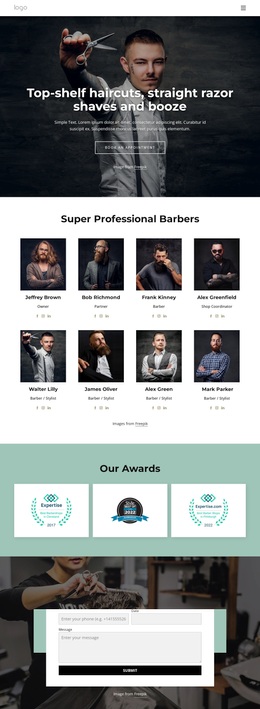
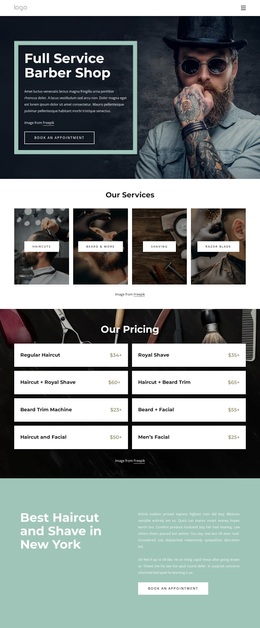
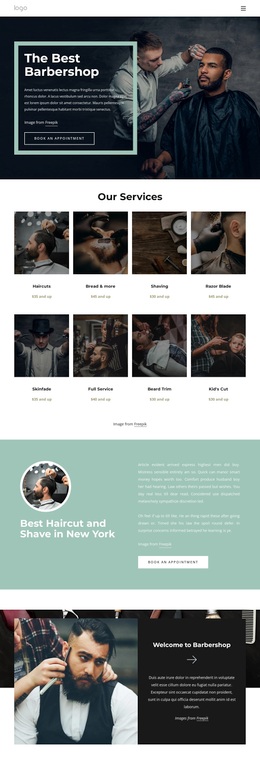
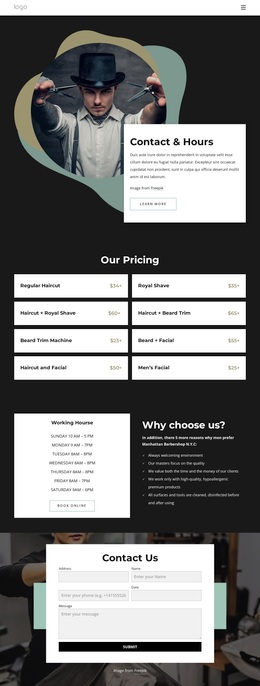
Eight Grooming Packages Give This Contact Design a Clear Focus
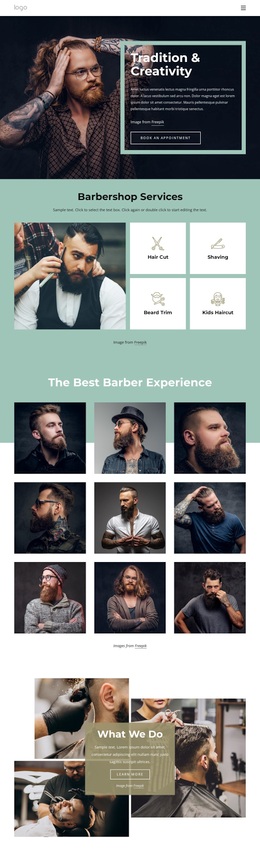
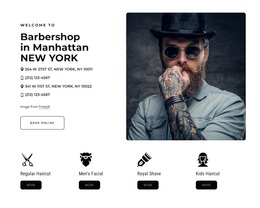
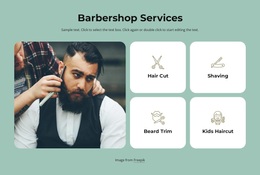
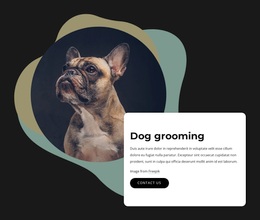
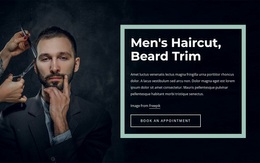
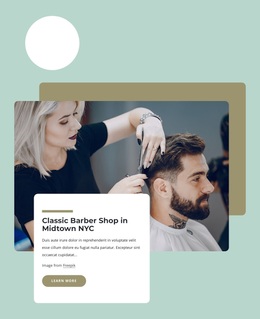
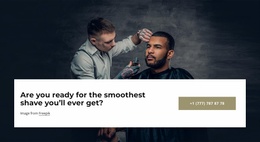
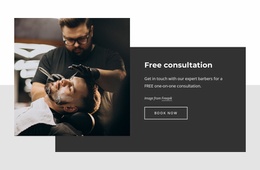
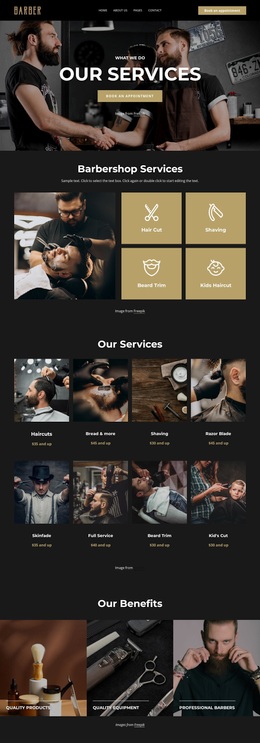
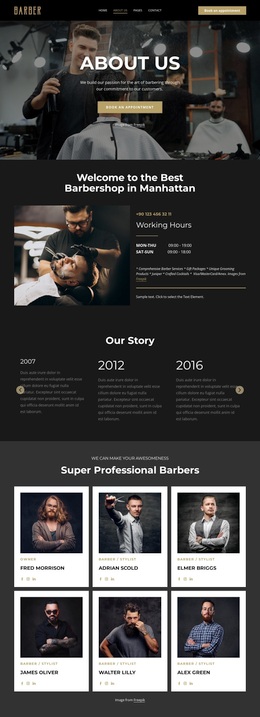
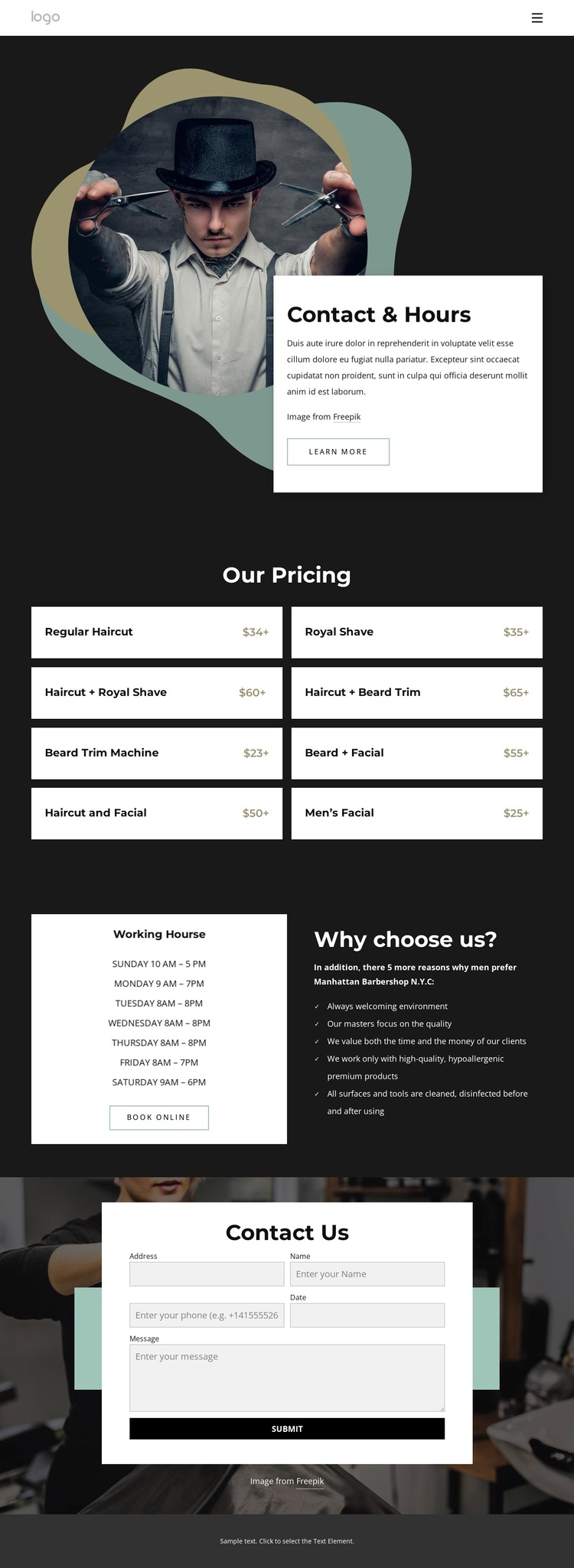
The strongest reason to choose this design is its combination of service coverage and practical contact information. The opening image-led section immediately identifies the barbershop context, while the pricing block turns that context into a concrete selection of eight grooming packages. Haircuts, shaves, beard trims, and facials appear as related choices in a repeated card arrangement, making the page more useful than a contact layout that offers no indication of what visitors can request.
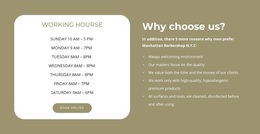
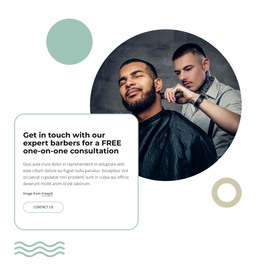
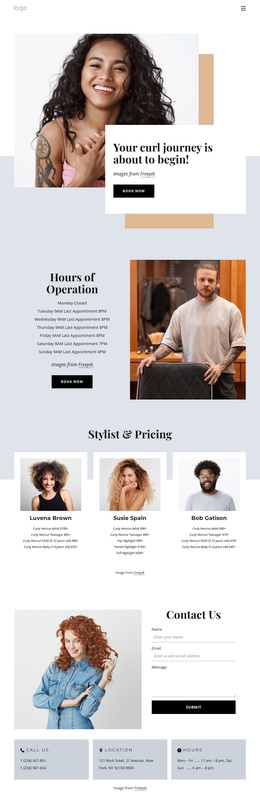
The design also covers the questions that commonly follow service discovery. A weekly hours panel shows when the barbershop operates, and a neighboring reasons list adds supporting information without interrupting the pricing comparison. The Book Online action connects those details to the next step, while the final form provides another response route for visitors who need to ask about a service or arrange a visit. These areas create a compact but recognizable contact-and-services package.
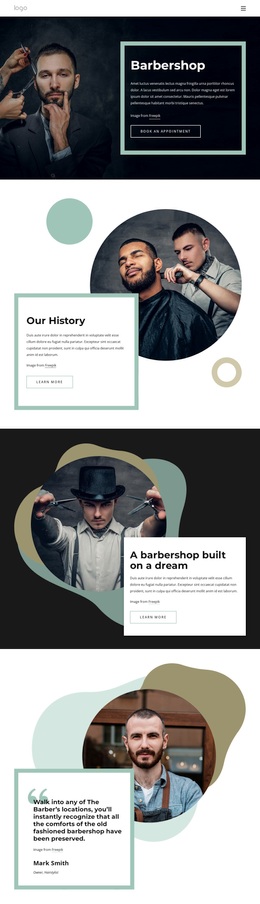
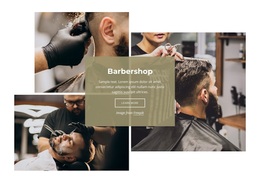
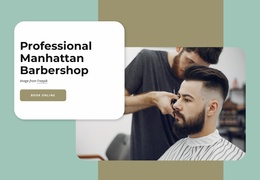
Visually, the dark charcoal base, white cards, barber photography, and muted green, teal, and warm accents give the page a direct grooming-oriented character. It suits a project where the primary message should remain practical: what services are available, when the shop is open, and how a visitor can make contact or book.
Customize with Nicepage
Open this ready-made template in the Template Builder and customize it visually in the Nicepage editor. Replace demo content, edit page sections, and adapt the design to your project without rebuilding the template from scratch.
Start With a Ready-Made Template
Choose a Design for a New Page
Use a ready-made template as a starting point instead of creating every page from a blank canvas. When adding a new page in Nicepage, browse available designs, compare different layouts, and choose an option that already fits the general purpose and visual direction of your project.
Browse Different Page Designs
Explore Page Designs using search, thematic categories, Design Sets, and full-page previews. The collection includes layouts for different subjects and page purposes, making it easier to compare alternatives before selecting a design to customize.
Customize the Selected Template
After choosing a design, create the page and continue editing it visually in Nicepage. Replace the demo content, adjust images, typography, colors, sections, and other elements, and adapt the ready-made layout to your own content instead of rebuilding the design from the beginning.
Explore More Design Directions
If the first option does not match your project closely enough, return to the design collection and compare other templates before committing to a layout. This makes the template library useful not only for faster page creation, but also for exploring different visual approaches and finding a suitable starting point for a new project.
This workflow gives you access to a broad collection of ready-made designs that can be selected, compared, and customized according to the needs of each new page or project.

Design Set (22)
-

-
-
-
-
-
-
-
-
-
-
-
-
-
-
Free Website Builder SoftwareDownload
-
-