Fashion for Woman Template
Edit Template Offline
2. Create new page and search for id 16997
Edit Template Online
Create Awesome Websites


Free Nicepage Builder
Keywords
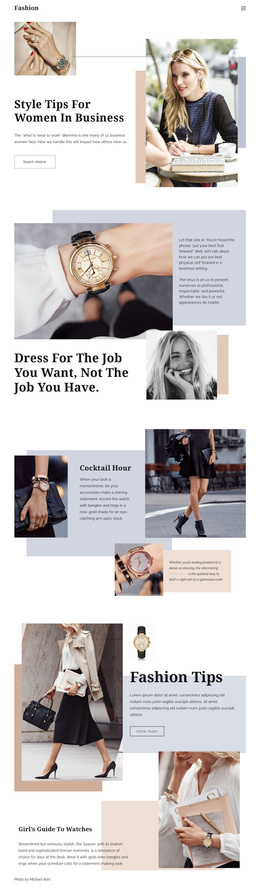
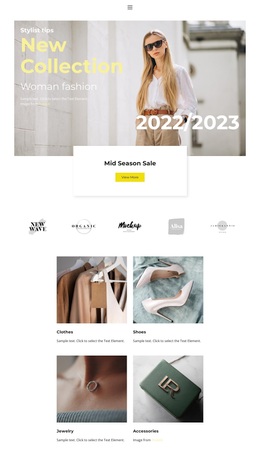
Dresses, Blouses, Cardigans, and Skirts Give the Design Its Retail Character
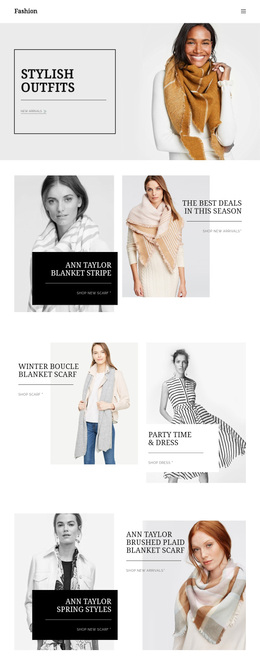
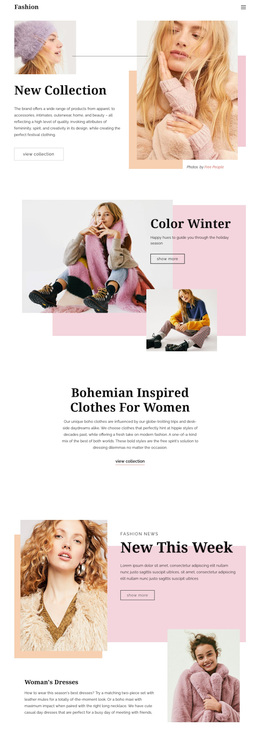
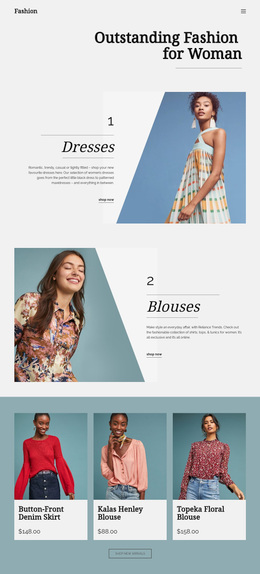
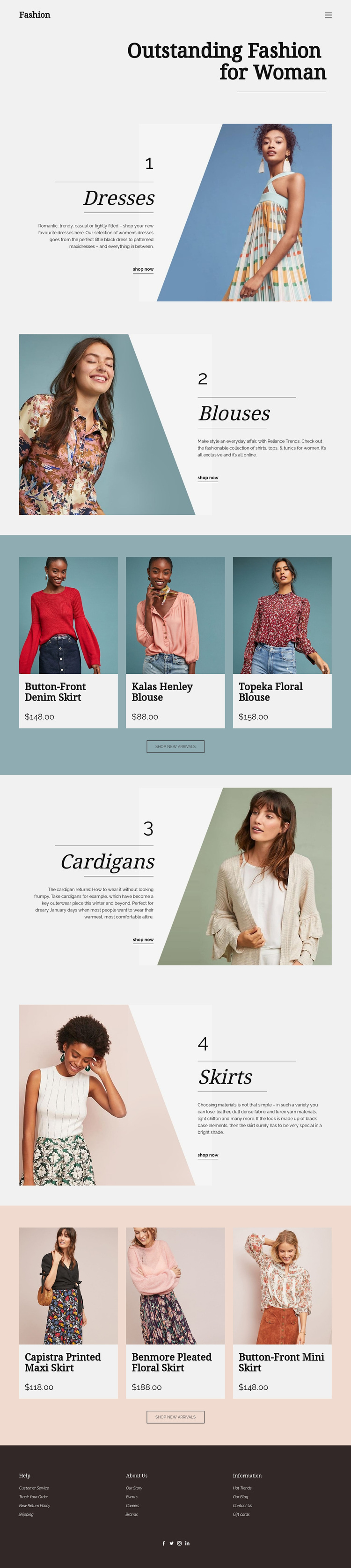
The four numbered clothing categories make this design distinctive as a ready-made fashion retail option. Dresses, Blouses, Cardigans, and Skirts are not presented as an undifferentiated product list; each receives an image-led promotional panel with editorial text and a shopping link. That arrangement gives visitors an immediate way to compare the scope of the collection while preserving a spacious, magazine-like presentation.
Two separate product bands add a more specific layer of choice. Each row contains three featured product cards and a centered shop-new-arrivals button, creating a clear relationship between broad category discovery and selected items. The first product group introduces featured clothing, while the later group focuses on skirts. This combination suits projects that want product presentation to feel curated rather than crowded, with imagery and category context carrying as much weight as the individual product cards.
The visual direction reinforces that choice. Light neutral surfaces, muted blue, teal, peach, and dark brown accents, large serif headings, and fine divider lines create an understated fashion editorial tone. The dark footer then adds Help, About Us, Information, and social navigation, giving the page supporting structure beyond the shopping sections. Together, the category coverage, featured arrivals, shopping links, and restrained visual system make this a strong option for a women’s fashion catalog that needs both product discovery and a defined aesthetic.
Customize with Nicepage
Open this ready-made template in the Template Builder and customize it visually in the Nicepage editor. Replace demo content, edit page sections, and adapt the design to your project without rebuilding the template from scratch.
Start With a Ready-Made Template
Choose a Design for a New Page
Use a ready-made template as a starting point instead of creating every page from a blank canvas. When adding a new page in Nicepage, browse available designs, compare different layouts, and choose an option that already fits the general purpose and visual direction of your project.
Browse Different Page Designs
Explore Page Designs using search, thematic categories, Design Sets, and full-page previews. The collection includes layouts for different subjects and page purposes, making it easier to compare alternatives before selecting a design to customize.
Customize the Selected Template
After choosing a design, create the page and continue editing it visually in Nicepage. Replace the demo content, adjust images, typography, colors, sections, and other elements, and adapt the ready-made layout to your own content instead of rebuilding the design from the beginning.
Explore More Design Directions
If the first option does not match your project closely enough, return to the design collection and compare other templates before committing to a layout. This makes the template library useful not only for faster page creation, but also for exploring different visual approaches and finding a suitable starting point for a new project.
This workflow gives you access to a broad collection of ready-made designs that can be selected, compared, and customized according to the needs of each new page or project.