Stylist biography Template


Edit Template Offline
2. Create new page and search for id 1123050
Edit Template Online
Create Awesome Websites


Free Nicepage Builder
Keywords
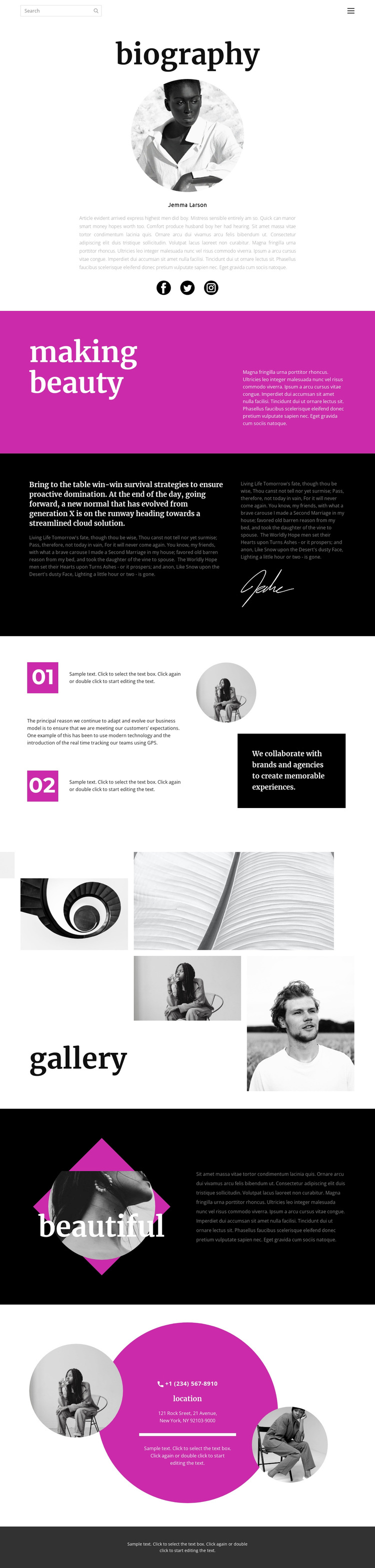
A portrait-led profile with gallery storytelling and direct contact
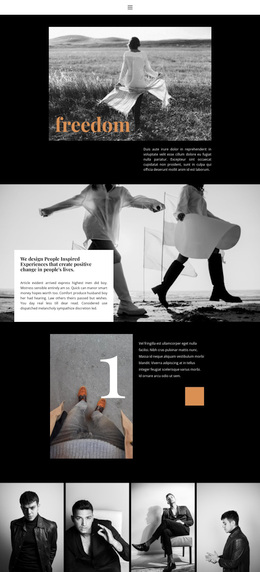
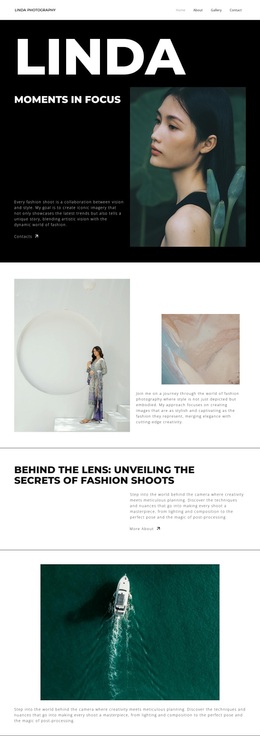
The centered biography, strong editorial statements, and asymmetric gallery give this design a specific point of view: the person and the visual work are presented as parts of the same story. The opening portrait and biography copy establish a personal identity, while the Facebook, Twitter, and Instagram links extend that identity beyond the page. This makes the layout more distinctive than a profile built only from a name, paragraph, and generic contact panel.
Its strongest visual choice is the contrast between the vivid magenta “making beauty” section and the black-and-white, dark-panel treatment used elsewhere. The signature graphic and circular portraits add personal marks that continue the biography theme, while the four photographic panels provide enough dedicated space for visual examples. The numbered principles and collaboration message further clarify that the page is intended to communicate an approach, not merely display images.
The design is worth considering when a project needs a personal creative presentation with clear transitions between identity, point of view, visual work, and contact. The closing location block adds direct phone and address information, giving the visitor a concrete way to respond after reviewing the page. Because the content is presented as a biography and gallery rather than a verified list of services, it can be adapted for an individual portfolio or creative profile without relying on unsupported offering claims.
Customize with Nicepage
Open this ready-made template in the Template Builder and customize it visually in the Nicepage editor. Replace demo content, edit page sections, and adapt the design to your project without rebuilding the template from scratch.
Start With a Ready-Made Template
Choose a Design for a New Page
Use a ready-made template as a starting point instead of creating every page from a blank canvas. When adding a new page in Nicepage, browse available designs, compare different layouts, and choose an option that already fits the general purpose and visual direction of your project.
Browse Different Page Designs
Explore Page Designs using search, thematic categories, Design Sets, and full-page previews. The collection includes layouts for different subjects and page purposes, making it easier to compare alternatives before selecting a design to customize.
Customize the Selected Template
After choosing a design, create the page and continue editing it visually in Nicepage. Replace the demo content, adjust images, typography, colors, sections, and other elements, and adapt the ready-made layout to your own content instead of rebuilding the design from the beginning.
Explore More Design Directions
If the first option does not match your project closely enough, return to the design collection and compare other templates before committing to a layout. This makes the template library useful not only for faster page creation, but also for exploring different visual approaches and finding a suitable starting point for a new project.
This workflow gives you access to a broad collection of ready-made designs that can be selected, compared, and customized according to the needs of each new page or project.