Best world places for travel Joomla Template


Edit Template Offline
2. Create new page and search for id 91275
Edit Template Online
Create Awesome Websites


Free Nicepage Builder
Keywords
Hiking, Package, and Contact Regions Create Joomla Content Areas
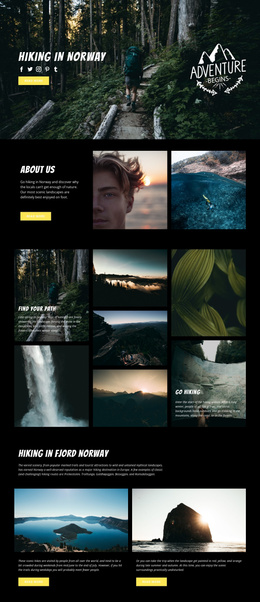
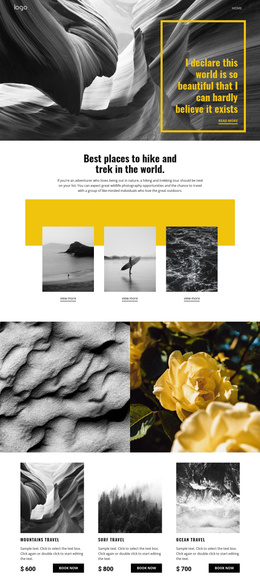
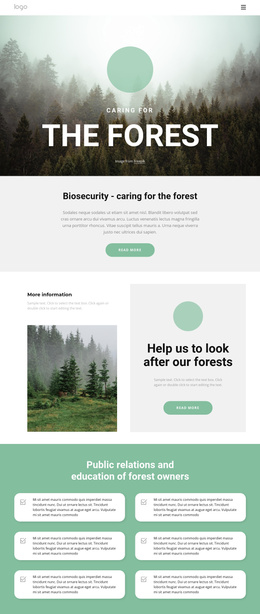
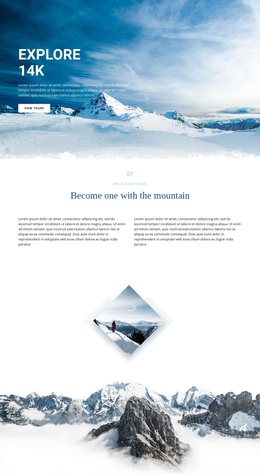
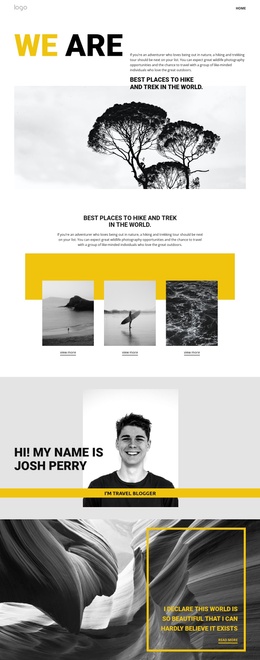
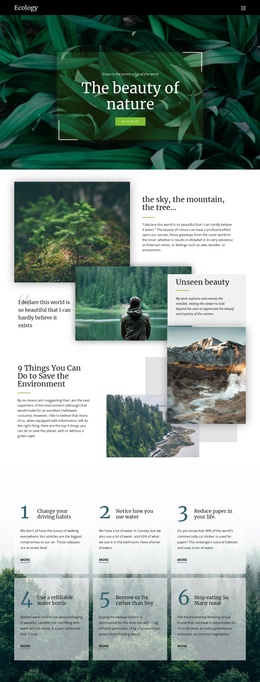
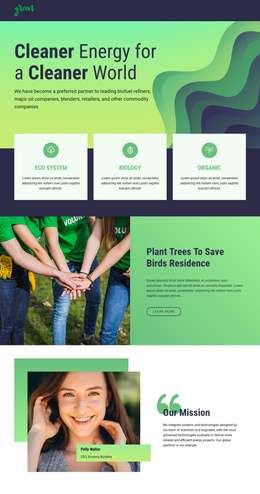
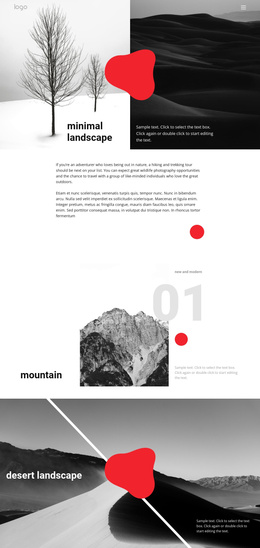
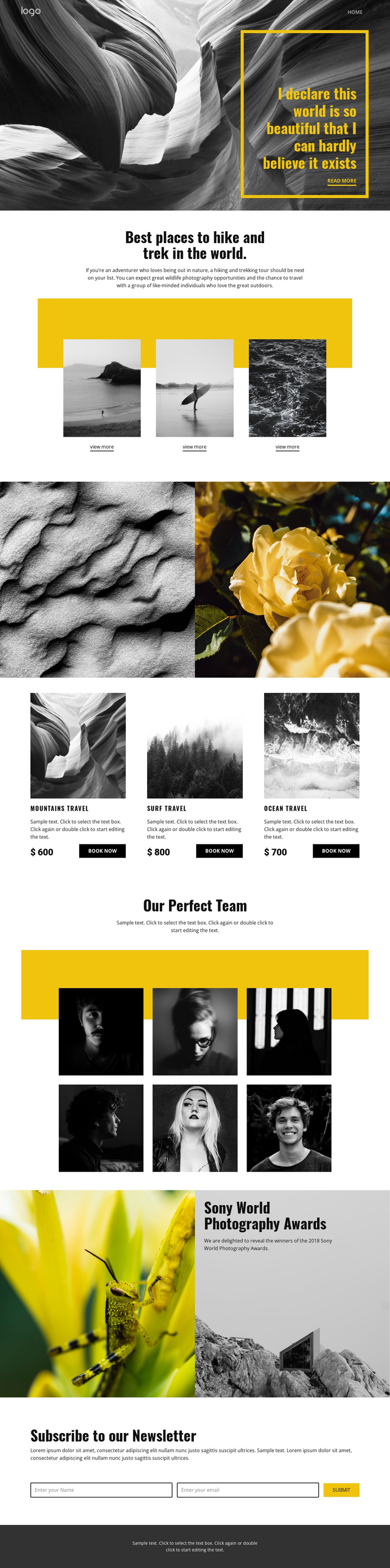
The hiking and trekking introduction divides the page into a clear informational region: a centered heading and paragraph lead into three destination items, each pairing an image with a View more link. That repeated structure can correspond to organized travel content while the shared navigation and dark footer provide consistent regions around it. The two-image nature showcase offers a separate visual area for photography-led material rather than merging every image into the destination section.
The package row introduces another structured content group. Mountains, surf, and ocean travel are presented as three related cards, each with an image, descriptive space, a displayed price, and a Book now action. The amounts shown in the design are sample values, so they demonstrate the card structure rather than verified Joomla offers. The six portrait images under Our Perfect Team create a further recurring content area, while the Sony World Photography Awards feature connects editorial copy with contrasting photographs. Near the end, the newsletter heading and horizontal subscription form establish a defined contact region. In a Joomla-managed project, these distinct sections can be organized as coordinated site content and navigation areas without treating the sample names, prices, or award wording as independently verified business facts.
Customize with Nicepage
Open this ready-made template in the Joomla Page Builder and customize it visually in the Nicepage editor. Replace demo content, edit page sections, and adapt the design to your project without rebuilding the template from scratch.
Work With This Template in Joomla
Customize and Install the Joomla Template
Start with this ready-made template instead of building the Joomla design from scratch. Customize its layout, content, typography, images, sections, and other design elements visually in the Nicepage application, then export and install the Joomla Template, Nicepage Extension, and supported content on your Joomla website.
Edit the Template Directly in Joomla
After installation, you can edit the Joomla Template directly in Joomla with the Nicepage Joomla Extension. Customize the Header, Footer, Colors, Fonts, typography, and Page Templates from the Joomla workflow while keeping the site design connected with your CMS content.
Edit Joomla Articles Visually
Use the Nicepage Joomla Extension to open and edit Joomla Articles visually from the Joomla Administrator. Change text, images, sections, layouts, and other page content in the Nicepage editor while continuing to manage the Articles through Joomla.
Joomla Content and Template Integration
Use the customized template together with Joomla Articles, module Positions, menus, forms, Blog Pages, and other supported CMS elements. With the Nicepage Extension used as the Site Style Source, shared design settings can be applied across Joomla Articles while Joomla continues to provide the CMS environment for managing site content.
This workflow combines a ready-made Joomla Template with visual customization, direct template editing in Joomla, and continued content management through the Nicepage Joomla Extension.