Power your home with clean solar energy Joomla Template



Edit Template Offline
2. Create new page and search for id 5214757
Edit Template Online
Create Awesome Websites


Free Nicepage Builder
Keywords
Service categories and reusable regions support organized solar content
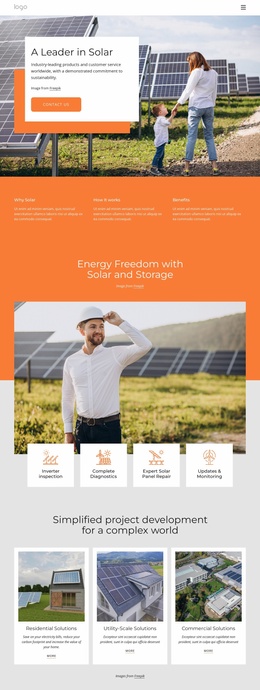
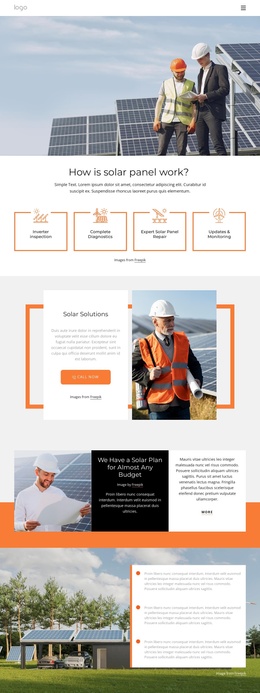
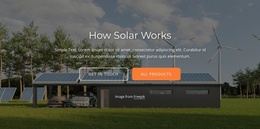
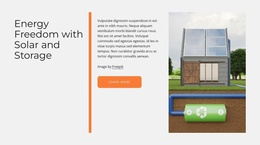
The page separates broad solar information from more specific service content in a way that suits a CMS-managed site. The opening explanation and three benefit columns can hold stable informational material about renewable, clean, and carbon-free energy, while the How Solar Works and science sections provide additional areas for structured educational content. The navigation bar and dark footer establish shared regions that can frame those areas consistently.
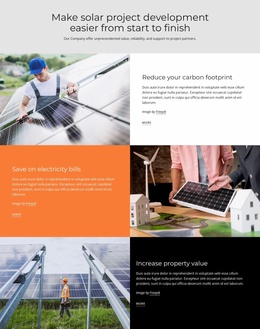
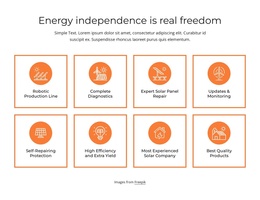
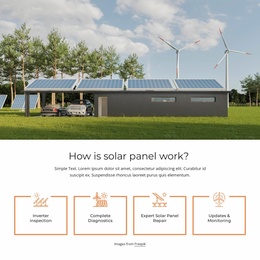
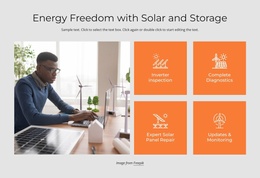
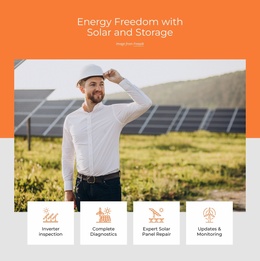
The four orange service tiles create the clearest content grouping: inverter inspection, complete diagnostics, expert solar panel repair, and updates and monitoring. They are distinct enough to represent separate service subjects while remaining part of one visual system. The About Us, Our Story, and Our Mission cards provide another structured group for organization information, and the environmental panels reinforce the subject without depending on the placeholder copy shown in the demo.
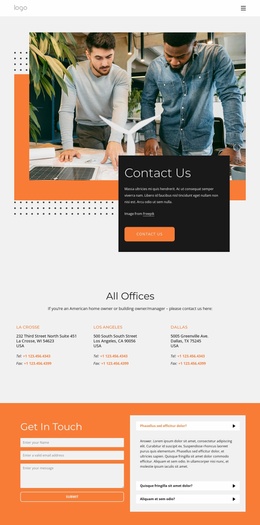
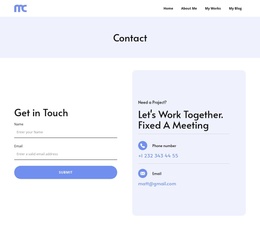
The lower contact area brings together a form with name, email, and message inputs and an expandable list of three questions. In a Joomla project, those regions can be treated as coordinated site content areas rather than as unrelated blocks. The design therefore supports a navigation-led presentation in which educational information, service categories, organization details, and contact content remain visually connected while their text is managed through the CMS.
Customize with Nicepage
Open this ready-made template in the Joomla Page Builder and customize it visually in the Nicepage editor. Replace demo content, edit page sections, and adapt the design to your project without rebuilding the template from scratch.
Work With This Template in Joomla
Customize and Install the Joomla Template
Start with this ready-made template instead of building the Joomla design from scratch. Customize its layout, content, typography, images, sections, and other design elements visually in the Nicepage application, then export and install the Joomla Template, Nicepage Extension, and supported content on your Joomla website.
Edit the Template Directly in Joomla
After installation, you can edit the Joomla Template directly in Joomla with the Nicepage Joomla Extension. Customize the Header, Footer, Colors, Fonts, typography, and Page Templates from the Joomla workflow while keeping the site design connected with your CMS content.
Edit Joomla Articles Visually
Use the Nicepage Joomla Extension to open and edit Joomla Articles visually from the Joomla Administrator. Change text, images, sections, layouts, and other page content in the Nicepage editor while continuing to manage the Articles through Joomla.
Joomla Content and Template Integration
Use the customized template together with Joomla Articles, module Positions, menus, forms, Blog Pages, and other supported CMS elements. With the Nicepage Extension used as the Site Style Source, shared design settings can be applied across Joomla Articles while Joomla continues to provide the CMS environment for managing site content.
This workflow combines a ready-made Joomla Template with visual customization, direct template editing in Joomla, and continued content management through the Nicepage Joomla Extension.