First Human On Mars Joomla Template


Edit Template Offline
2. Create new page and search for id 14292
Edit Template Online
Create Awesome Websites


Free Nicepage Builder
Keywords
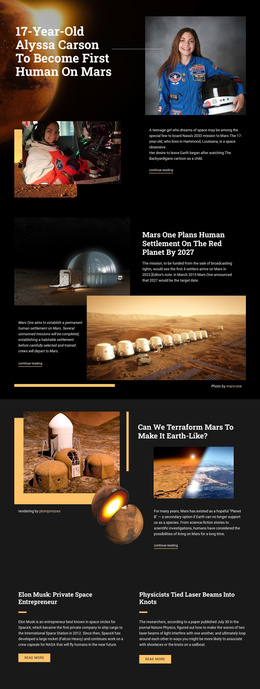
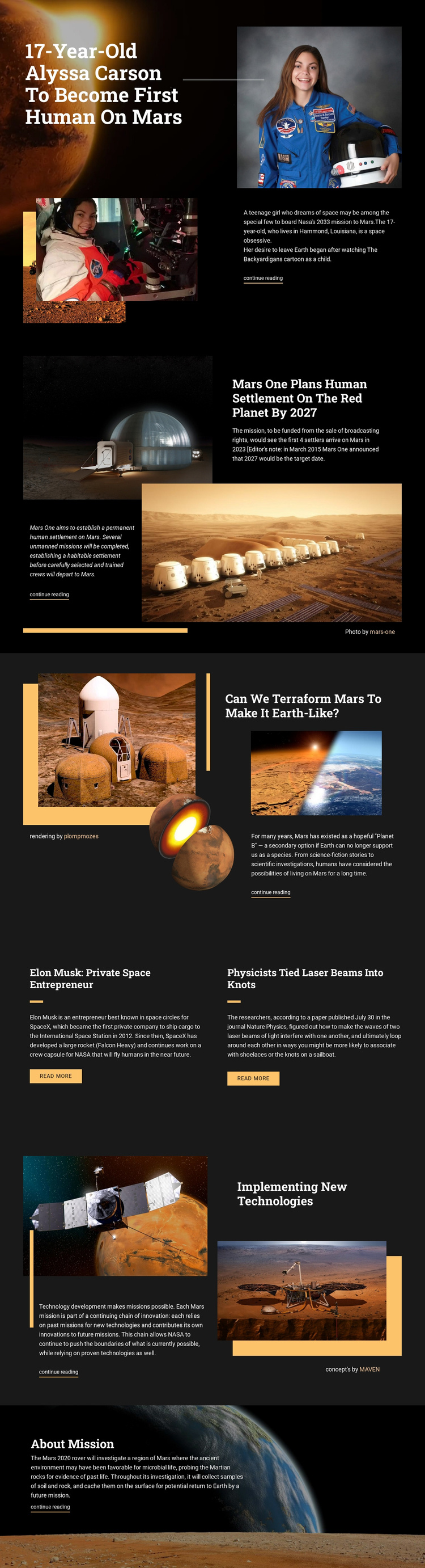
Mars Topics Divide Naturally into Structured Editorial Regions
The page separates its subject matter into recognizable information regions that can be understood as managed site content. The opening Alyssa Carson feature establishes the central Mars theme, while the Mars One and terraforming sections introduce two different lines of inquiry through image-led layouts, concise explanations, and continue-reading links. Their repeated structure makes the stories related without making them interchangeable.
The two-item grid provides another useful region for grouped editorial material. Its matching panels give the Elon Musk and laser-beam stories the same visual treatment, while separate summaries and read-more buttons preserve their individual destinations. The technology section adds a further information area focused on implementing new technologies, and the final Mars 2020 feature supplies a distinct closing mission topic. Shared dark backgrounds, orange rules, and white typography help these areas remain coordinated when content is organized through a CMS.
For a Joomla project, the design therefore offers more than a decorative homepage: it divides a science-media subject into navigable story regions, repeated editorial items, and a consistent closing area. The verified layout does not prove that Joomla Articles, categories, or module positions already exist, but its content boundaries provide a practical visual basis for organizing those kinds of site-managed information without losing the original editorial character.
Customize with Nicepage
Open this ready-made template in the Joomla Page Builder and customize it visually in the Nicepage editor. Replace demo content, edit page sections, and adapt the design to your project without rebuilding the template from scratch.
Work With This Template in Joomla
Customize and Install the Joomla Template
Start with this ready-made template instead of building the Joomla design from scratch. Customize its layout, content, typography, images, sections, and other design elements visually in the Nicepage application, then export and install the Joomla Template, Nicepage Extension, and supported content on your Joomla website.
Edit the Template Directly in Joomla
After installation, you can edit the Joomla Template directly in Joomla with the Nicepage Joomla Extension. Customize the Header, Footer, Colors, Fonts, typography, and Page Templates from the Joomla workflow while keeping the site design connected with your CMS content.
Edit Joomla Articles Visually
Use the Nicepage Joomla Extension to open and edit Joomla Articles visually from the Joomla Administrator. Change text, images, sections, layouts, and other page content in the Nicepage editor while continuing to manage the Articles through Joomla.
Joomla Content and Template Integration
Use the customized template together with Joomla Articles, module Positions, menus, forms, Blog Pages, and other supported CMS elements. With the Nicepage Extension used as the Site Style Source, shared design settings can be applied across Joomla Articles while Joomla continues to provide the CMS environment for managing site content.
This workflow combines a ready-made Joomla Template with visual customization, direct template editing in Joomla, and continued content management through the Nicepage Joomla Extension.