Revolutionary smart home app Joomla Template



Edit Template Offline
2. Create new page and search for id 6539482
Edit Template Online
Create Awesome Websites


Free Nicepage Builder
Keywords
Security, Automation, and Support Form Distinct CMS Content Regions
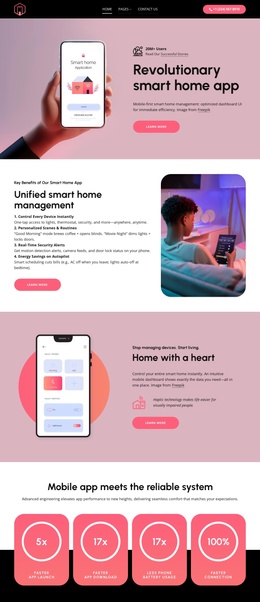
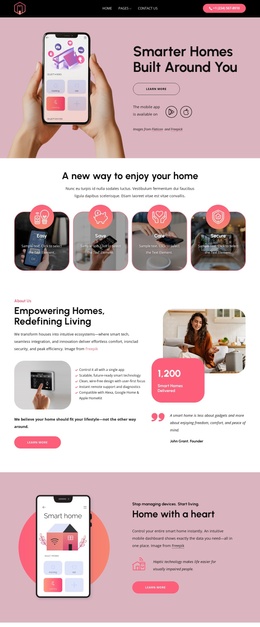
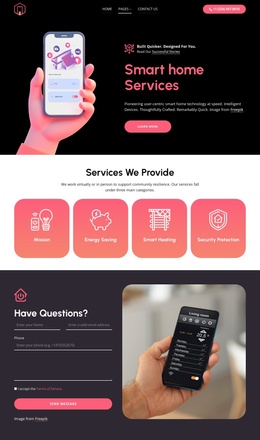
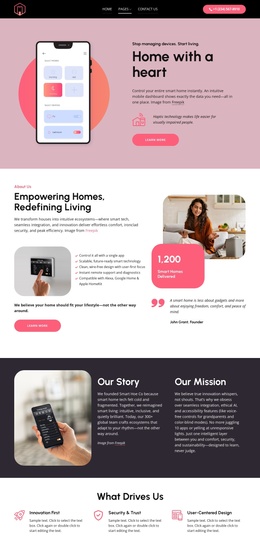
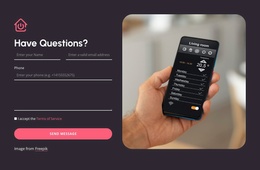
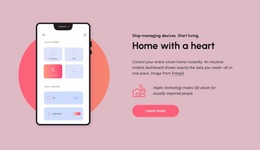
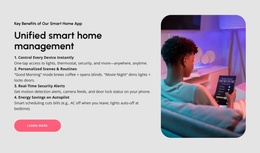
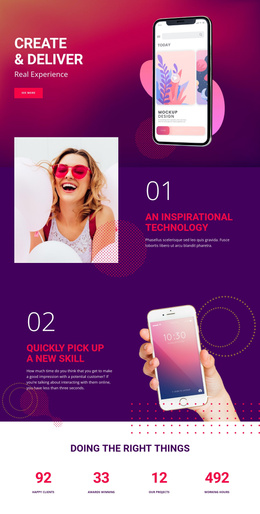
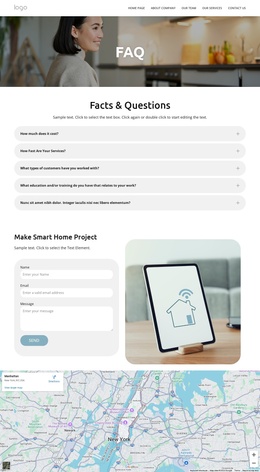
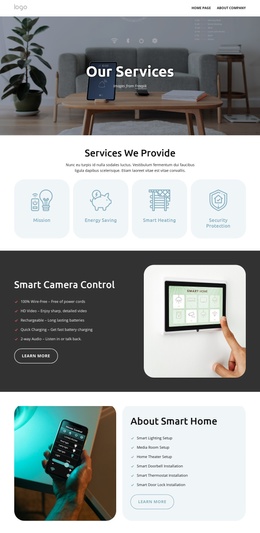
The page divides the smart home offering into recognizable informational areas: unified management, remote control, personalized automation, security monitoring, and smart entertainment. That division is useful for a Joomla-oriented site because each subject can remain a distinct content region while sharing the same visual direction. The opening phone presentation supplies a product overview, whereas the later feature block gathers related benefits for visitors who need a broader explanation of the application.
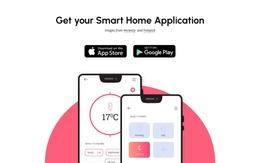
Navigation and contact structure reinforce that organization. The footer groups quick links, solution links, and help resources beside office contact information, creating a clear closing region for site-wide information. The Apple App Store and Google Play buttons also form a specific product-action area, separate from the explanatory sections. Together, these areas give the design a practical relationship between promotional content, product access, support information, and navigation.
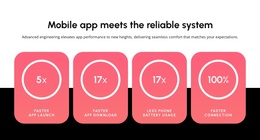
The four displayed reliability cards can remain structural evidence within the product story without requiring their sample figures to be treated as independently verified business claims. In a Joomla project, the sections can therefore be adapted as managed content while preserving the page’s relationships: app explanation before feature detail, evidence before the final download emphasis, and support links at the footer. Joomla content integration can be handled through the Nicepage Joomla Extension when the design is moved into a CMS environment.
Customize with Nicepage
Open this ready-made template in the Joomla Page Builder and customize it visually in the Nicepage editor. Replace demo content, edit page sections, and adapt the design to your project without rebuilding the template from scratch.
Work With This Template in Joomla
Customize and Install the Joomla Template
Start with this ready-made template instead of building the Joomla design from scratch. Customize its layout, content, typography, images, sections, and other design elements visually in the Nicepage application, then export and install the Joomla Template, Nicepage Extension, and supported content on your Joomla website.
Edit the Template Directly in Joomla
After installation, you can edit the Joomla Template directly in Joomla with the Nicepage Joomla Extension. Customize the Header, Footer, Colors, Fonts, typography, and Page Templates from the Joomla workflow while keeping the site design connected with your CMS content.
Edit Joomla Articles Visually
Use the Nicepage Joomla Extension to open and edit Joomla Articles visually from the Joomla Administrator. Change text, images, sections, layouts, and other page content in the Nicepage editor while continuing to manage the Articles through Joomla.
Joomla Content and Template Integration
Use the customized template together with Joomla Articles, module Positions, menus, forms, Blog Pages, and other supported CMS elements. With the Nicepage Extension used as the Site Style Source, shared design settings can be applied across Joomla Articles while Joomla continues to provide the CMS environment for managing site content.
This workflow combines a ready-made Joomla Template with visual customization, direct template editing in Joomla, and continued content management through the Nicepage Joomla Extension.