Delivery technology Joomla Template


Edit Template Offline
2. Create new page and search for id 22491
Edit Template Online
Create Awesome Websites


Free Nicepage Builder
Keywords
Feature sections and contact content create clear CMS regions
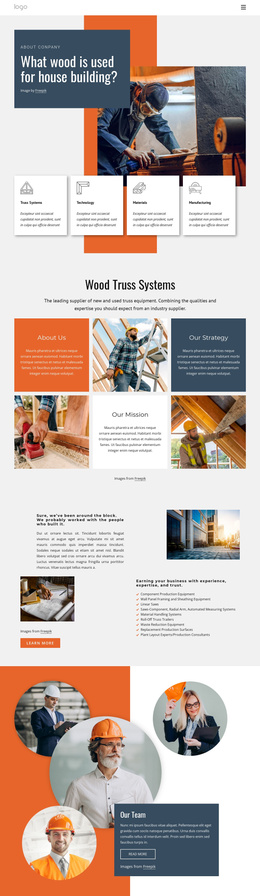
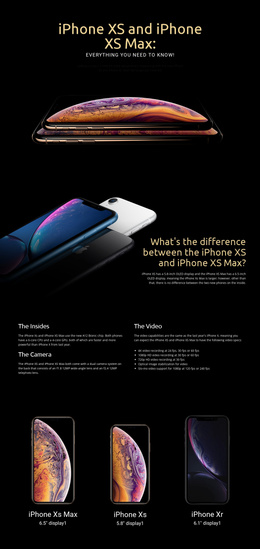
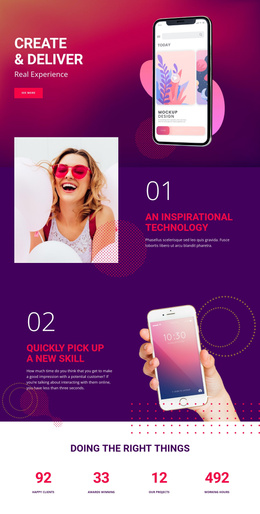
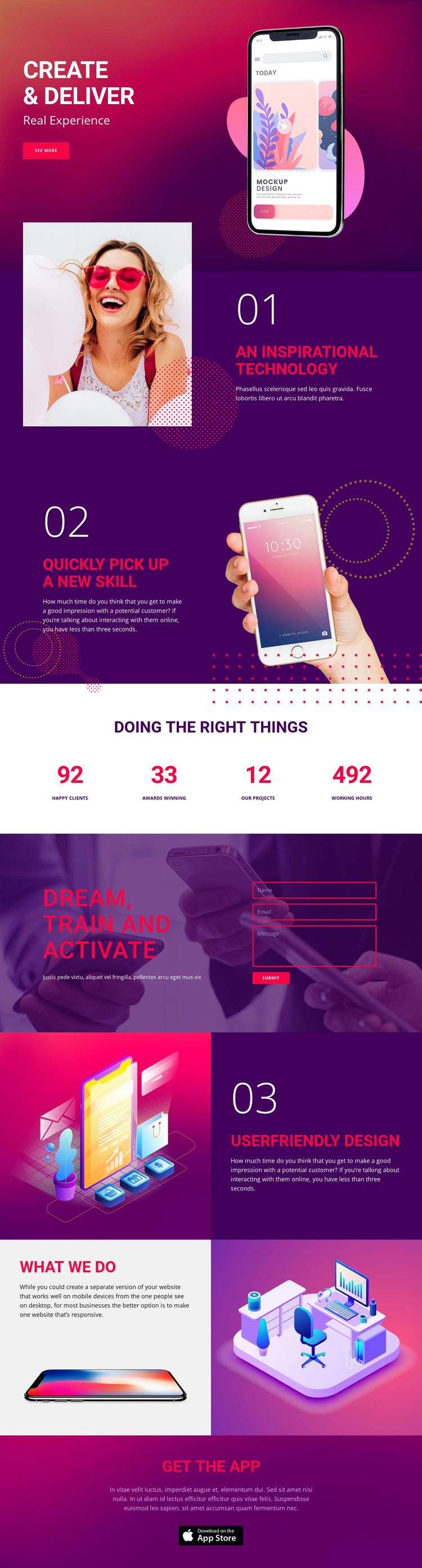
The three numbered feature areas divide the technology message into reusable informational regions. “An Inspirational Technology,” “Quickly pick up a new skill,” and “Userfriendly Design” each combine a heading, supporting text, and visual material, while the alternating split layouts distinguish one topic from the next. In a Joomla-managed project, this separation gives structured content areas a consistent presentation without treating the sample wording as permanent business information.
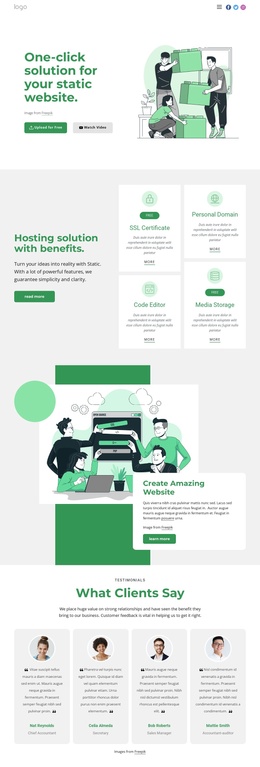
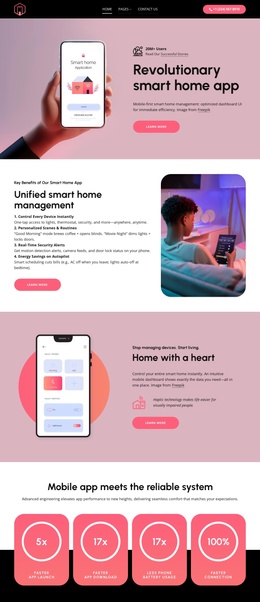
The page also contains several broader site regions. The opening hero establishes the main message and includes a “See More” prompt; the four-item metrics band presents confirmed visual displays that can be replaced with project-specific values; and the dark “Dream, train and activate” section pairs promotional content with a contact form and “Submit” control. The “what we do” collage supplies a separate showcase area, while “Get the App” provides a focused closing region for download-oriented content. Shared navigation is not independently verified, so the interpretation remains centered on the confirmed sections rather than inventing menu behavior. Together, these areas give Joomla content a practical division between feature information, displayed proof, inquiries, visual capabilities, and app promotion.
Customize with Nicepage
Open this ready-made template in the Joomla Page Builder and customize it visually in the Nicepage editor. Replace demo content, edit page sections, and adapt the design to your project without rebuilding the template from scratch.
Work With This Template in Joomla
Customize and Install the Joomla Template
Start with this ready-made template instead of building the Joomla design from scratch. Customize its layout, content, typography, images, sections, and other design elements visually in the Nicepage application, then export and install the Joomla Template, Nicepage Extension, and supported content on your Joomla website.
Edit the Template Directly in Joomla
After installation, you can edit the Joomla Template directly in Joomla with the Nicepage Joomla Extension. Customize the Header, Footer, Colors, Fonts, typography, and Page Templates from the Joomla workflow while keeping the site design connected with your CMS content.
Edit Joomla Articles Visually
Use the Nicepage Joomla Extension to open and edit Joomla Articles visually from the Joomla Administrator. Change text, images, sections, layouts, and other page content in the Nicepage editor while continuing to manage the Articles through Joomla.
Joomla Content and Template Integration
Use the customized template together with Joomla Articles, module Positions, menus, forms, Blog Pages, and other supported CMS elements. With the Nicepage Extension used as the Site Style Source, shared design settings can be applied across Joomla Articles while Joomla continues to provide the CMS environment for managing site content.
This workflow combines a ready-made Joomla Template with visual customization, direct template editing in Joomla, and continued content management through the Nicepage Joomla Extension.