Visionary Building Concepts WordPress Theme


Permanent service content fits the block’s structured page role
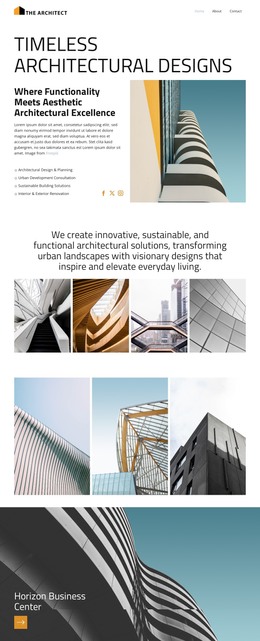
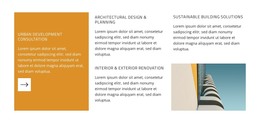
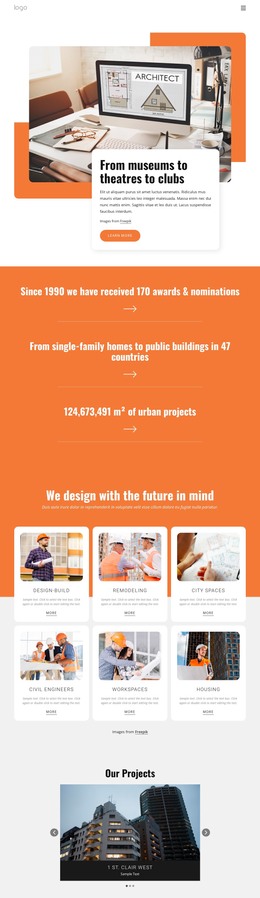
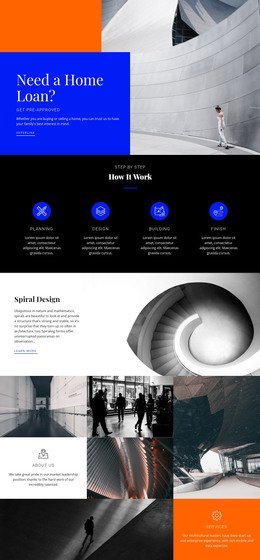
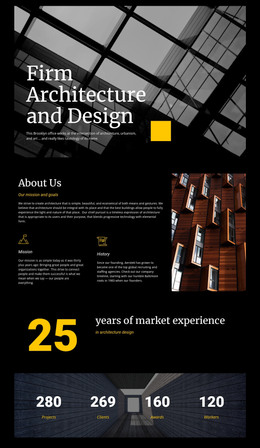
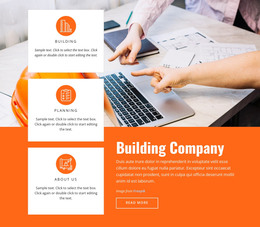
The four named offerings read as stable informational content rather than a time-sensitive stream. Urban Development Consultation forms the lead message in the tall orange panel, complete with its supporting paragraph and arrow icon. Architectural Design & Planning, Sustainable Building Solutions, and Interior & Exterior Renovation are arranged as three additional service areas, each separated by the grid so the content can remain readable and independently edited within a broader page.
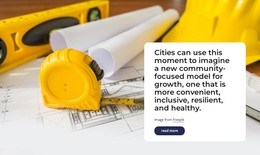
The lower-right building image supports the service explanation without carrying a business claim of its own. In a WordPress-oriented project, this combination can work well as a permanent services section on a page, while other CMS-managed content handles broader site needs such as project details, updates, or contact information. The block remains one visual/content region rather than becoming a standalone theme.
Its visual pattern also supports consistency when the surrounding project contains related sections. The orange lead treatment can distinguish the primary offering, the uppercase headings can repeat the information hierarchy, and the white cells can preserve separation between service descriptions. WordPress provides the surrounding page and publishing context, but the block itself contributes the specific architecture services arrangement shown here. That makes it suitable for a stable page-content role where the section’s four offerings and supporting image remain the central subject.
Customize with Nicepage
Open this ready-made template in the WordPress Website Builder and customize it visually in the Nicepage editor. Replace demo content, edit page sections, and adapt the design to your project without rebuilding the template from scratch.
Edit Template Offline
2. Create a new page or select existing
3. Click Add new block, search for id 6487658 and click enter
Edit Template Online
Create Awesome Websites


Free Nicepage Builder
Keywords
Manage and Edit This Theme in WordPress
Customize and Install the WordPress Theme
Start with this ready-made theme instead of building the WordPress design from scratch. Customize its layout, content, typography, images, sections, and other design elements visually in Nicepage editor, then export and install the WordPress Theme, Plugin, and Pages on your WordPress site. The Nicepage WordPress Plugin lets you continue working with the site after installation.
Edit the Theme Directly in WordPress
After installation, you can edit the WordPress Theme directly in WordPress with the Nicepage WordPress Plugin. Use Site Style to customize site Colors, Fonts, Header, Footer, Blog, and Post Page Templates while working within your WordPress website.
Edit WordPress Pages Visually
Use the Nicepage WordPress Plugin to edit page content directly from the WordPress admin area. Open a WordPress Page with Nicepage and visually change its text, images, sections, and other page elements while continuing to manage the Page through WordPress.
WordPress Content and Theme Integration
Use the customized theme with WordPress Pages, Posts, Blog and Post Templates, menus, widgets, and other CMS-managed content. Shared theme elements such as Colors, Fonts, Header, Footer, Blog, and Post Page Templates can be managed as part of the overall site design, while WordPress provides the CMS environment for managing site content.
This workflow combines a ready-made WordPress Theme with visual customization, direct theme editing in WordPress, and continued content management through the Nicepage WordPress Plugin.