Branding & design solutions WordPress Theme


Edit Template Offline
2. Create new page and search for id 6328170
Edit Template Online
Create Awesome Websites


Free Nicepage Builder
Keywords
The Strategy Content and Team Areas Give the Theme Publishable Page Roles
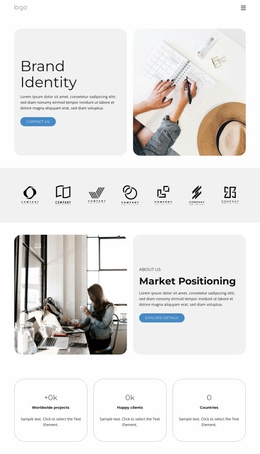
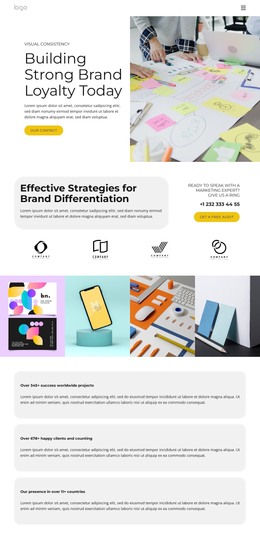
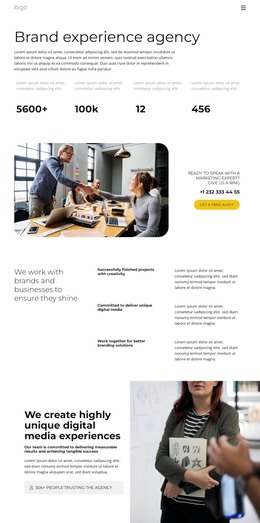
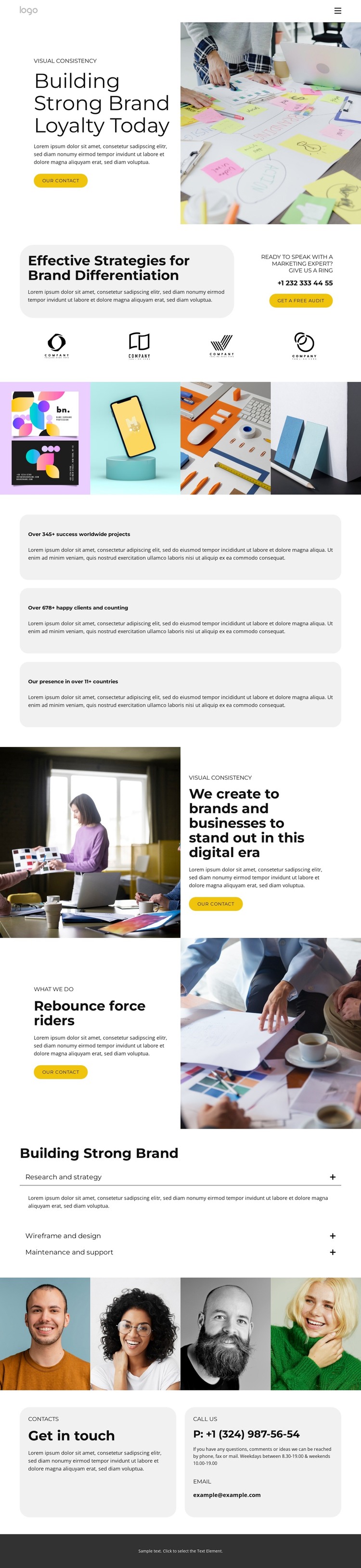
The hero section establishes a permanent page-oriented introduction for a branding and marketing business, combining brand-loyalty messaging with a prominent contact prompt and editorial image. Below it, the differentiation section gives the theme a second content role: a strategy statement, free-audit action, and four client logo tiles create a focused area for describing the agency’s approach and displaying supporting brand references.
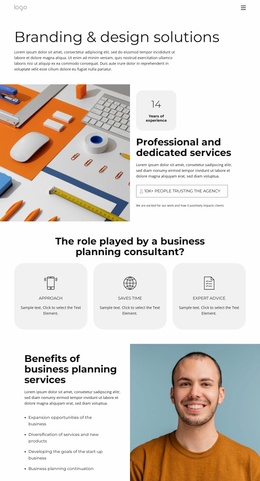
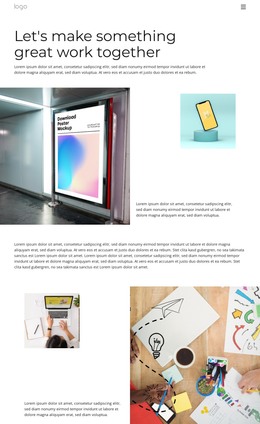
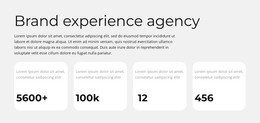
The four-image gallery can serve as a visual portfolio area, while the three rounded cards present the template’s displayed project, client, and country figures as compact highlights. These sections are distinct enough to support separate page content or reusable presentation patterns without claiming that specific WordPress Posts or categories already exist. The following split sections broaden the content with branding capabilities and supporting imagery, keeping the page’s visual system consistent.
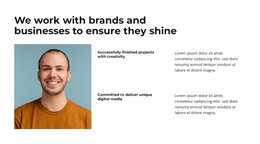
The process accordion adds an efficient service explanation through research and strategy, wireframe and design, and maintenance and support. Four portrait profiles then introduce people and roles, followed by contact cards containing phone and email details. This combination gives a WordPress-oriented project clear permanent content areas for agency information, portfolio material, services, team presentation, and inquiries. The navigation, mobile navigation, and dark footer also provide shared site elements around those areas, allowing future content to remain connected to the same visual character.
Customize with Nicepage
Open this ready-made template in the WordPress Website Builder and customize it visually in the Nicepage editor. Replace demo content, edit page sections, and adapt the design to your project without rebuilding the template from scratch.
Manage and Edit This Theme in WordPress
Customize and Install the WordPress Theme
Start with this ready-made theme instead of building the WordPress design from scratch. Customize its layout, content, typography, images, sections, and other design elements visually in Nicepage editor, then export and install the WordPress Theme, Plugin, and Pages on your WordPress site. The Nicepage WordPress Plugin lets you continue working with the site after installation.
Edit the Theme Directly in WordPress
After installation, you can edit the WordPress Theme directly in WordPress with the Nicepage WordPress Plugin. Use Site Style to customize site Colors, Fonts, Header, Footer, Blog, and Post Page Templates while working within your WordPress website.
Edit WordPress Pages Visually
Use the Nicepage WordPress Plugin to edit page content directly from the WordPress admin area. Open a WordPress Page with Nicepage and visually change its text, images, sections, and other page elements while continuing to manage the Page through WordPress.
WordPress Content and Theme Integration
Use the customized theme with WordPress Pages, Posts, Blog and Post Templates, menus, widgets, and other CMS-managed content. Shared theme elements such as Colors, Fonts, Header, Footer, Blog, and Post Page Templates can be managed as part of the overall site design, while WordPress provides the CMS environment for managing site content.
This workflow combines a ready-made WordPress Theme with visual customization, direct theme editing in WordPress, and continued content management through the Nicepage WordPress Plugin.