Professional and dedicated services WordPress Theme


Edit Template Offline
2. Create new page and search for id 6328169
Edit Template Online
Create Awesome Websites


Free Nicepage Builder
Keywords
Portfolio Imagery and Repeated Agency Content Fit WordPress Page Areas
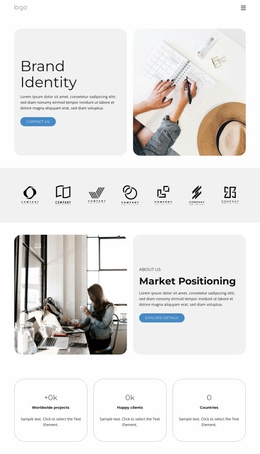
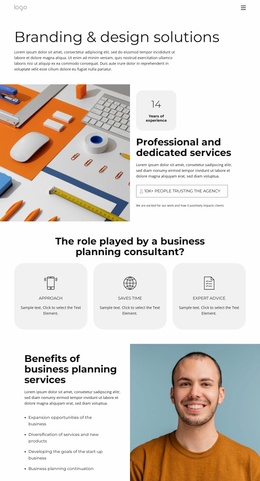
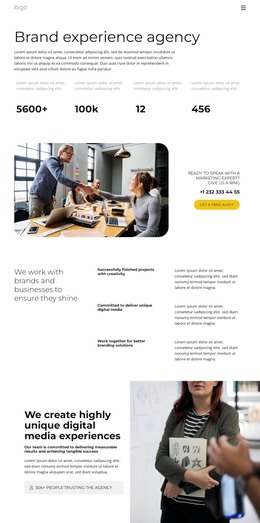
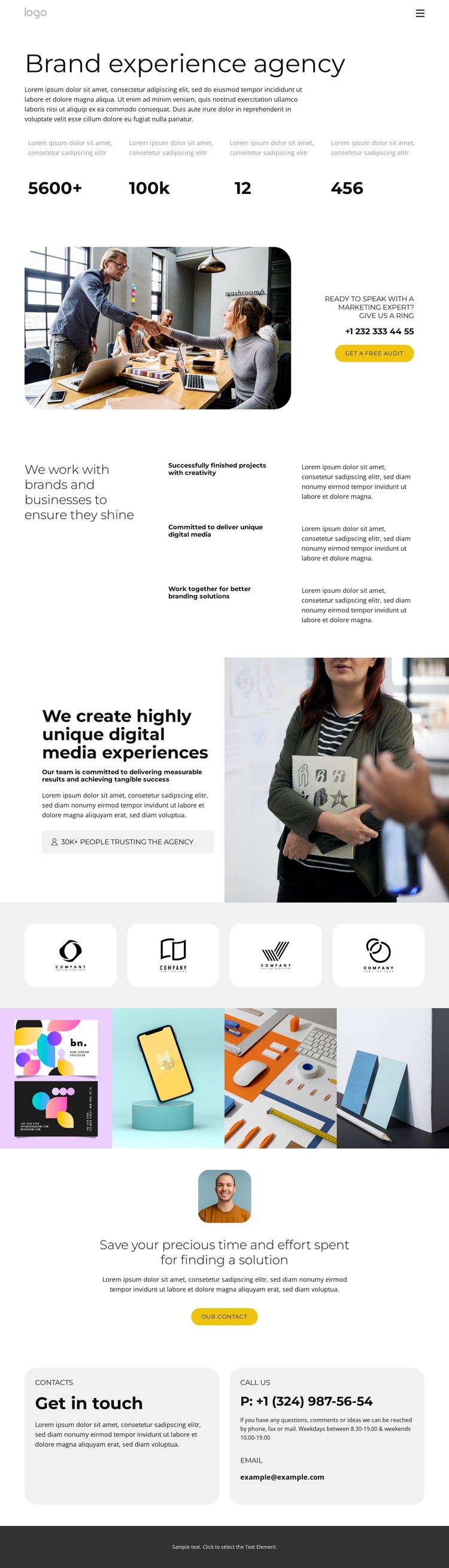
The opening agency statement and the three capability rows create distinct page-oriented content rather than one long block of promotional copy. The headline identifies a brand experience agency, while the repeated rows describe project creativity, unique digital media delivery, and collaborative branding solutions. That separation gives a WordPress-oriented project clear permanent content areas for agency information and services. The four displayed numeric callouts can reinforce the visual rhythm of the introduction, but their sample values should remain replaceable content rather than being treated as confirmed achievements.
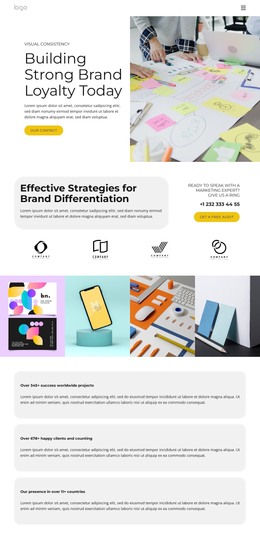
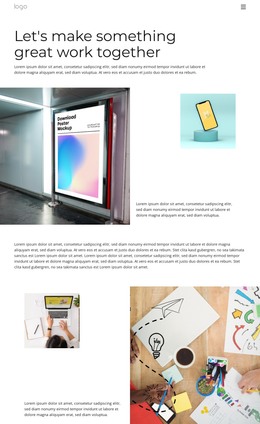
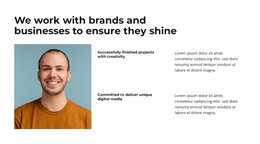
The four-image gallery and four brand-mark tiles provide a second content pattern: visual material that can support portfolio or client-facing presentation. The gallery runs across the page as a continuous image sequence, while the logo tiles use evenly sized rounded panels for a more compact display. A split image-and-text section adds another way to present the agency’s digital media proposition, and the Free Audit button leads into phone, email, and contact content near the end of the page. These relationships allow permanent agency information, visual work, and future editorial or project content to share one visual direction in WordPress. The design supports a theme interpretation based on pages and recurring content areas, without claiming that Posts, blog structures, or WordPress-specific elements already exist.
Customize with Nicepage
Open this ready-made template in the WordPress Website Builder and customize it visually in the Nicepage editor. Replace demo content, edit page sections, and adapt the design to your project without rebuilding the template from scratch.
Manage and Edit This Theme in WordPress
Customize and Install the WordPress Theme
Start with this ready-made theme instead of building the WordPress design from scratch. Customize its layout, content, typography, images, sections, and other design elements visually in Nicepage editor, then export and install the WordPress Theme, Plugin, and Pages on your WordPress site. The Nicepage WordPress Plugin lets you continue working with the site after installation.
Edit the Theme Directly in WordPress
After installation, you can edit the WordPress Theme directly in WordPress with the Nicepage WordPress Plugin. Use Site Style to customize site Colors, Fonts, Header, Footer, Blog, and Post Page Templates while working within your WordPress website.
Edit WordPress Pages Visually
Use the Nicepage WordPress Plugin to edit page content directly from the WordPress admin area. Open a WordPress Page with Nicepage and visually change its text, images, sections, and other page elements while continuing to manage the Page through WordPress.
WordPress Content and Theme Integration
Use the customized theme with WordPress Pages, Posts, Blog and Post Templates, menus, widgets, and other CMS-managed content. Shared theme elements such as Colors, Fonts, Header, Footer, Blog, and Post Page Templates can be managed as part of the overall site design, while WordPress provides the CMS environment for managing site content.
This workflow combines a ready-made WordPress Theme with visual customization, direct theme editing in WordPress, and continued content management through the Nicepage WordPress Plugin.