We provide brilliant ideas WordPress Theme


Edit Template Offline
2. Create new page and search for id 6328887
Edit Template Online
Create Awesome Websites


Free Nicepage Builder
Keywords
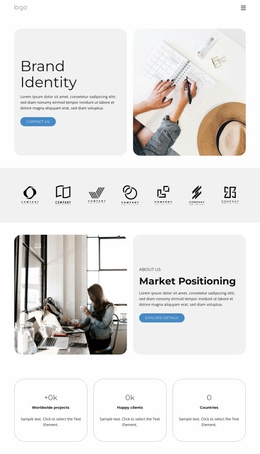
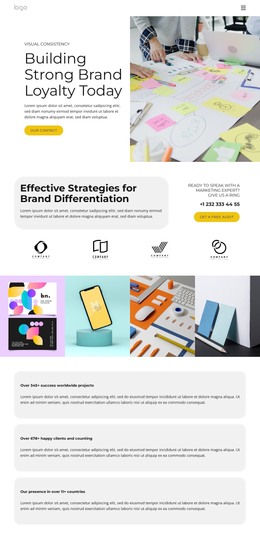
Image-led portfolio sections support page-based WordPress content
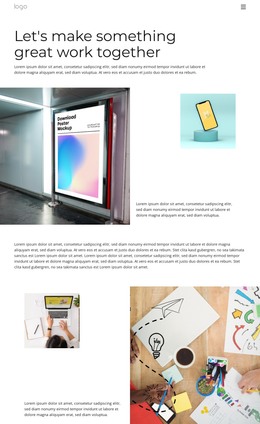
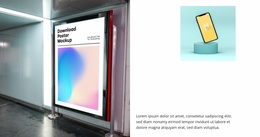
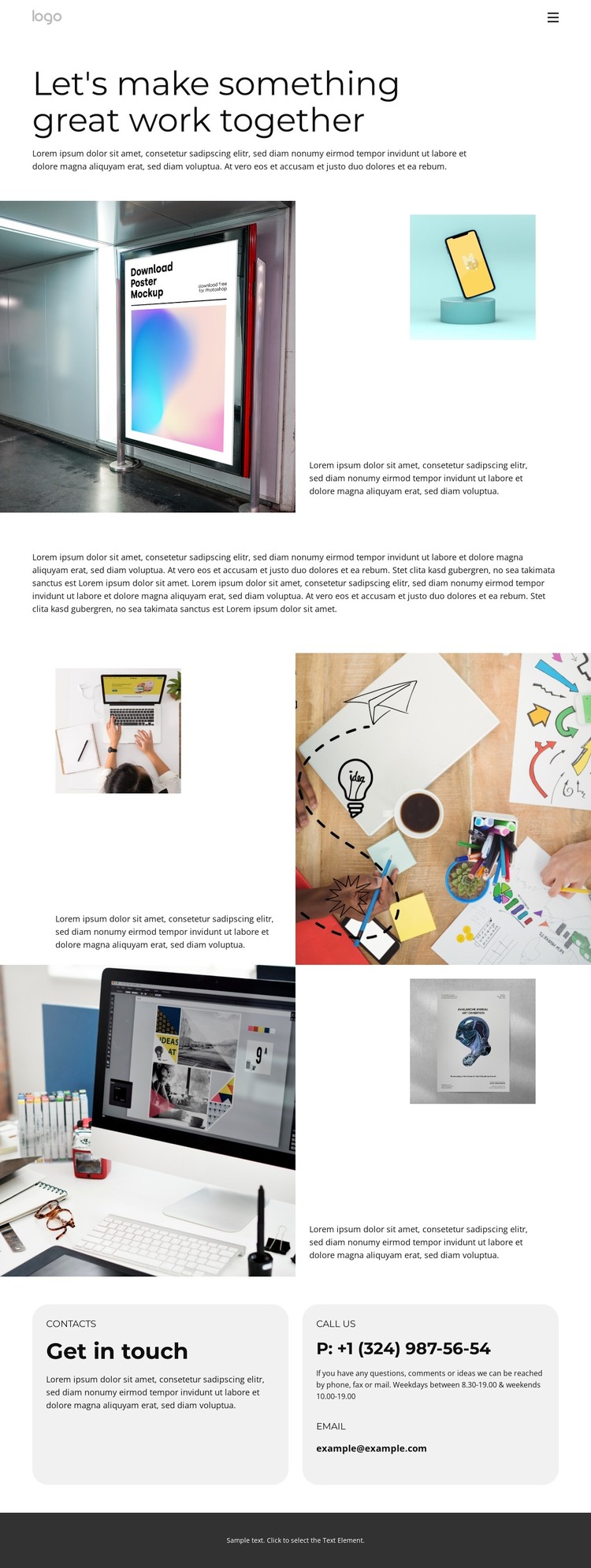
The large portfolio introduction creates a permanent page-oriented starting point, while the following showcase sections provide separate areas for presenting creative work and its descriptions. Their alternating split layouts keep the imagery prominent but change which side carries the strongest visual weight. This relationship gives a WordPress-oriented content environment clear places for portfolio information, rather than relying on a single undifferentiated gallery. The standalone wide paragraph can hold supporting editorial text between the image-led sections, preserving the page’s spacious reading rhythm.
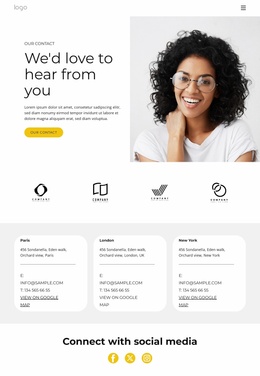
The navigation adds another layer of page structure. Home, Landing, Agency, Services, Portfolio, and Contact point to the wider site context, with Portfolio acting as the current content destination. At the bottom, the “Get in touch” section combines an introduction with two side-by-side contact cards, separating phone and email details from the showcase material. This makes the contact area a reusable page section that can remain visually distinct from the creative work. For a WordPress project, the design can frame permanent portfolio content and additional page-based material within one consistent visual system, while the supplied sample copy and contact values should be replaced with verified project information.
Customize with Nicepage
Open this ready-made template in the WordPress Website Builder and customize it visually in the Nicepage editor. Replace demo content, edit page sections, and adapt the design to your project without rebuilding the template from scratch.
Manage and Edit This Theme in WordPress
Customize and Install the WordPress Theme
Start with this ready-made theme instead of building the WordPress design from scratch. Customize its layout, content, typography, images, sections, and other design elements visually in Nicepage editor, then export and install the WordPress Theme, Plugin, and Pages on your WordPress site. The Nicepage WordPress Plugin lets you continue working with the site after installation.
Edit the Theme Directly in WordPress
After installation, you can edit the WordPress Theme directly in WordPress with the Nicepage WordPress Plugin. Use Site Style to customize site Colors, Fonts, Header, Footer, Blog, and Post Page Templates while working within your WordPress website.
Edit WordPress Pages Visually
Use the Nicepage WordPress Plugin to edit page content directly from the WordPress admin area. Open a WordPress Page with Nicepage and visually change its text, images, sections, and other page elements while continuing to manage the Page through WordPress.
WordPress Content and Theme Integration
Use the customized theme with WordPress Pages, Posts, Blog and Post Templates, menus, widgets, and other CMS-managed content. Shared theme elements such as Colors, Fonts, Header, Footer, Blog, and Post Page Templates can be managed as part of the overall site design, while WordPress provides the CMS environment for managing site content.
This workflow combines a ready-made WordPress Theme with visual customization, direct theme editing in WordPress, and continued content management through the Nicepage WordPress Plugin.