Here what you will get WordPress Theme



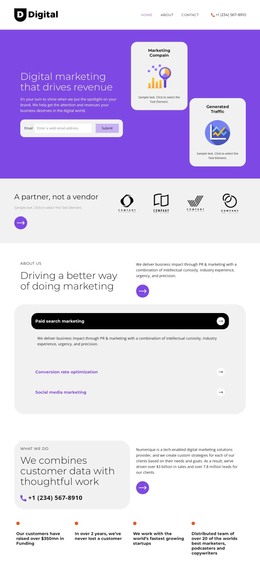
A Consultation Content Region for WordPress-Managed Pages
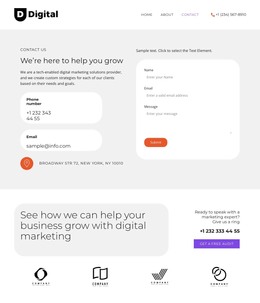
The large growth-oriented heading and the adjacent contact panel give this section a stable page-content role. The left side introduces digital marketing help, while the right side gathers the supporting prompt, phone number, and “Get a Free Audit” button into one practical response area. That arrangement suits a WordPress-managed services or marketing page where the consultation message needs to remain visually clear alongside other published content.
The four monochrome logo cards provide a separate recognition row beneath the CTA. Because each logo is contained in an individual rounded white card, the repeated items can support the consultation message without blending into the contact panel. The generous whitespace between the upper CTA row and the logos also preserves a clear content boundary, making the section readable when placed among other page blocks.
In a WordPress-oriented project, this block can function as stable page content within a broader theme and site structure. It does not need to carry navigation, site-wide templates, or additional CMS regions to perform its section role. Nicepage supports working with WordPress-managed page content through its WordPress Theme, Plugin, and Pages workflow, while this block remains the specific consultation and brand-recognition area placed within that wider environment.
Customize with Nicepage
Open this ready-made template in the WordPress Website Builder and customize it visually in the Nicepage editor. Replace demo content, edit page sections, and adapt the design to your project without rebuilding the template from scratch.
Edit Template Offline
2. Create a new page or select existing
3. Click Add new block, search for id 6284170 and click enter
Edit Template Online
Create Awesome Websites


Free Nicepage Builder
Keywords
Manage and Edit This Theme in WordPress
Customize and Install the WordPress Theme
Start with this ready-made theme instead of building the WordPress design from scratch. Customize its layout, content, typography, images, sections, and other design elements visually in Nicepage editor, then export and install the WordPress Theme, Plugin, and Pages on your WordPress site. The Nicepage WordPress Plugin lets you continue working with the site after installation.
Edit the Theme Directly in WordPress
After installation, you can edit the WordPress Theme directly in WordPress with the Nicepage WordPress Plugin. Use Site Style to customize site Colors, Fonts, Header, Footer, Blog, and Post Page Templates while working within your WordPress website.
Edit WordPress Pages Visually
Use the Nicepage WordPress Plugin to edit page content directly from the WordPress admin area. Open a WordPress Page with Nicepage and visually change its text, images, sections, and other page elements while continuing to manage the Page through WordPress.
WordPress Content and Theme Integration
Use the customized theme with WordPress Pages, Posts, Blog and Post Templates, menus, widgets, and other CMS-managed content. Shared theme elements such as Colors, Fonts, Header, Footer, Blog, and Post Page Templates can be managed as part of the overall site design, while WordPress provides the CMS environment for managing site content.
This workflow combines a ready-made WordPress Theme with visual customization, direct theme editing in WordPress, and continued content management through the Nicepage WordPress Plugin.