One digital stride at a time WordPress Theme


Edit Template Offline
2. Create new page and search for id 6257875
Edit Template Online
Create Awesome Websites


Free Nicepage Builder
Keywords
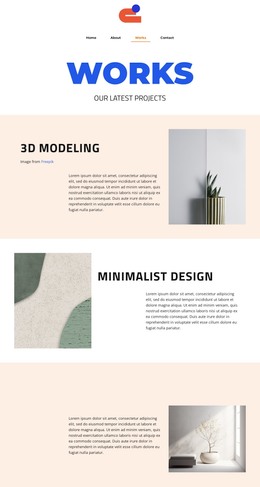
Agency content areas translate naturally into a WordPress page structure
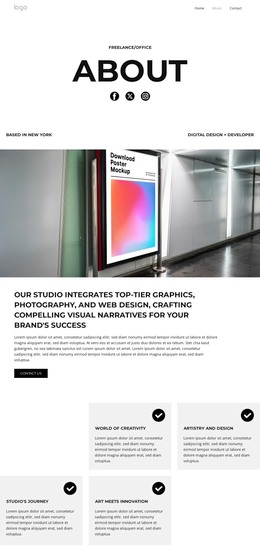
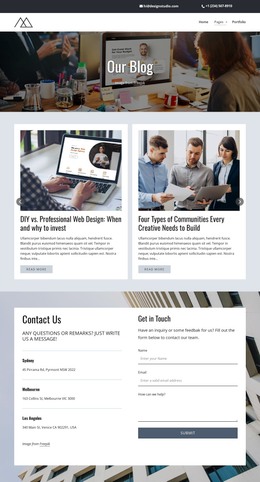
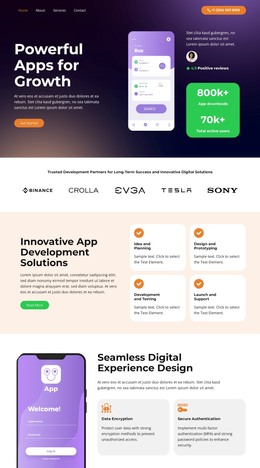
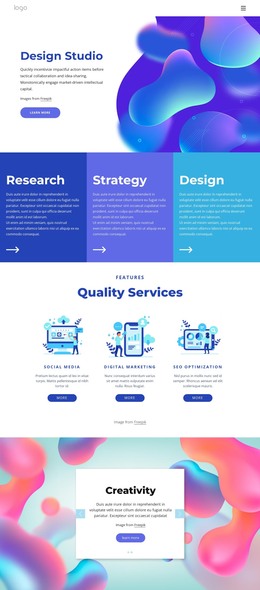
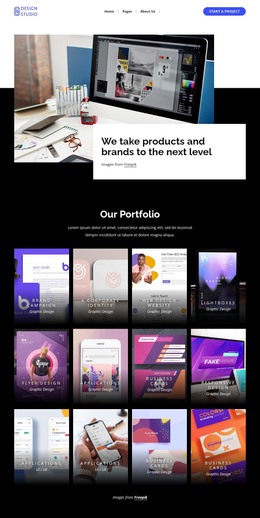
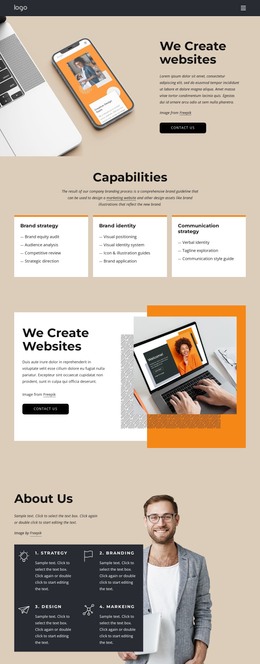
The design divides the agency story into content areas that can remain recognizable as a WordPress-managed presentation. The About Us opening and expertise section provide permanent page-oriented information, while the partner-logo strip gives the agency a repeated brand showcase. The strategy statement adds a focused explanatory block, and the four metric items create a compact proof-style group that can be maintained as part of the page’s content rather than treated as an unrelated graphic.
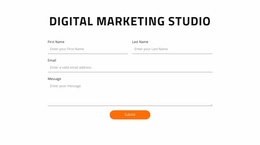
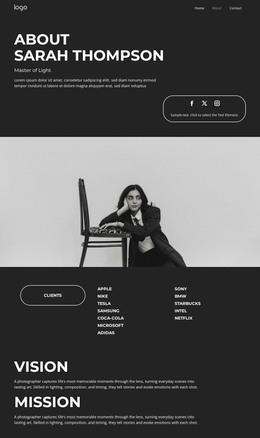
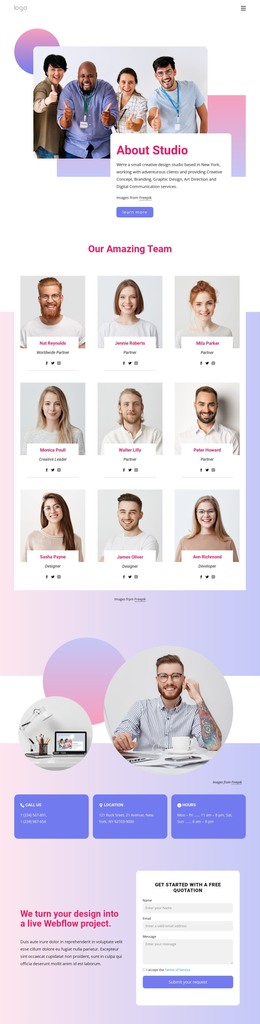
The three team profile cards and testimonial carousel introduce a different kind of content relationship. They present people, quotations, portraits, and repeated item patterns, giving the design room for structured agency information that may change independently from the main introduction. The support section continues that organization with three capability labels, while the email subscription form provides a clear interaction area near the end of the page. These relationships are more important than simply attaching a CMS label to the design: they show how the page separates durable agency information, recurring profiles, client perspective, and response content.
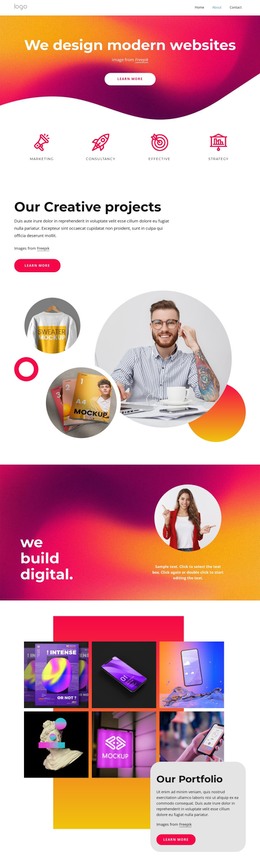
The compact navigation, shared footer, strong color system, and consistent typography can keep those areas within one recognizable theme presentation. WordPress can therefore serve as the content environment around this particular agency layout, while the original visual direction remains anchored by its blue, peach, orange, and white section structure.
Customize with Nicepage
Open this ready-made template in the WordPress Website Builder and customize it visually in the Nicepage editor. Replace demo content, edit page sections, and adapt the design to your project without rebuilding the template from scratch.
Manage and Edit This Theme in WordPress
Customize and Install the WordPress Theme
Start with this ready-made theme instead of building the WordPress design from scratch. Customize its layout, content, typography, images, sections, and other design elements visually in Nicepage editor, then export and install the WordPress Theme, Plugin, and Pages on your WordPress site. The Nicepage WordPress Plugin lets you continue working with the site after installation.
Edit the Theme Directly in WordPress
After installation, you can edit the WordPress Theme directly in WordPress with the Nicepage WordPress Plugin. Use Site Style to customize site Colors, Fonts, Header, Footer, Blog, and Post Page Templates while working within your WordPress website.
Edit WordPress Pages Visually
Use the Nicepage WordPress Plugin to edit page content directly from the WordPress admin area. Open a WordPress Page with Nicepage and visually change its text, images, sections, and other page elements while continuing to manage the Page through WordPress.
WordPress Content and Theme Integration
Use the customized theme with WordPress Pages, Posts, Blog and Post Templates, menus, widgets, and other CMS-managed content. Shared theme elements such as Colors, Fonts, Header, Footer, Blog, and Post Page Templates can be managed as part of the overall site design, while WordPress provides the CMS environment for managing site content.
This workflow combines a ready-made WordPress Theme with visual customization, direct theme editing in WordPress, and continued content management through the Nicepage WordPress Plugin.