Our famous projects WordPress Theme


Edit Template Offline
2. Create new page and search for id 6231829
Edit Template Online
Create Awesome Websites


Free Nicepage Builder
Keywords
Gallery Content and Brand Marks Create Clear WordPress Page Areas
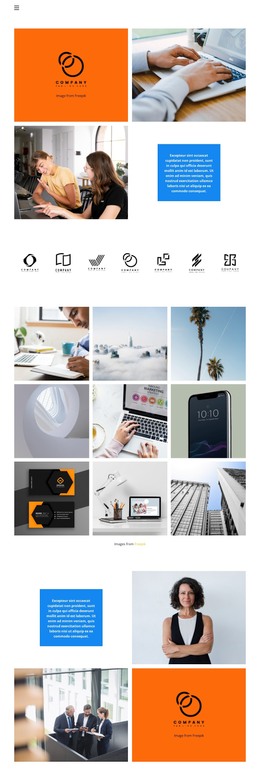
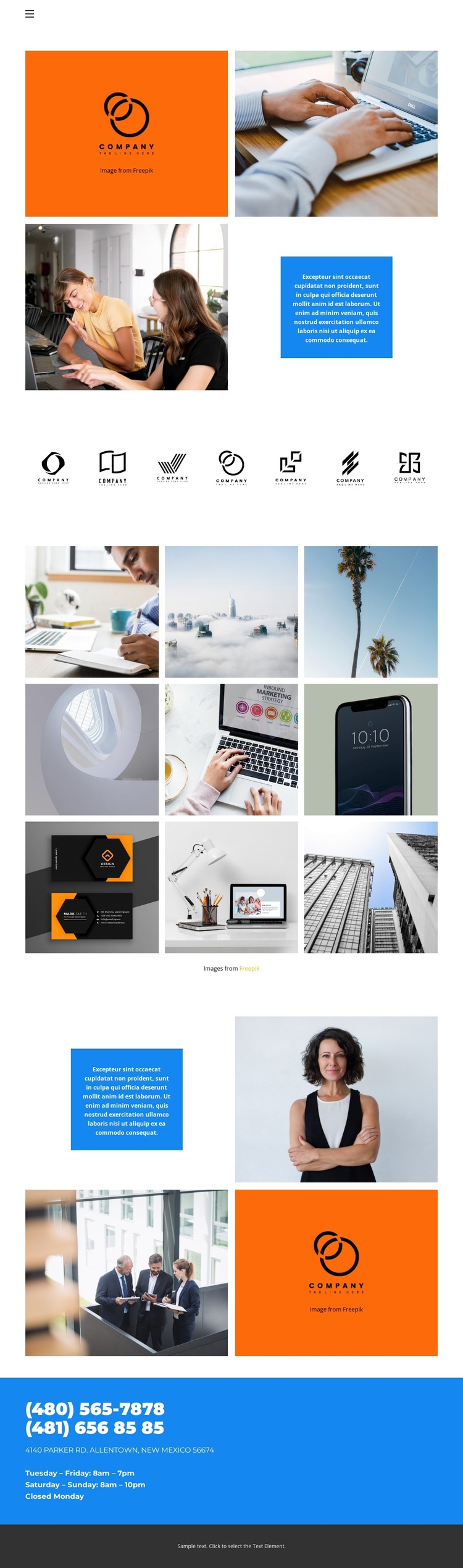
The nine-image gallery gives the design a natural permanent page area for visual projects, while the seven-logo row supplies a separate place for brand marks or related identity content. Their different arrangements matter: the compact tiled gallery emphasizes image-by-image viewing, whereas the evenly spaced logo row presents repeated items in a more concise and scannable format. Together, they provide distinct content roles that can remain visually coordinated in a WordPress-managed site.
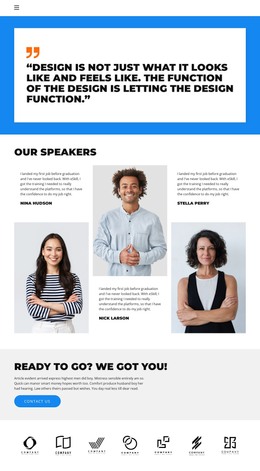
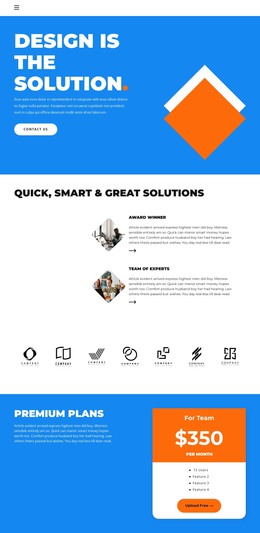
The navigation links for Home 1, Gallery, Team, and Contact 1 also divide the design into page-oriented destinations without proving that corresponding WordPress Pages or Posts already exist. The two four-part collages can guide the visual treatment of related content, repeating orange logo panels, photographic areas, and blue text panels around the central gallery. This repeated pattern gives future page content a recognizable frame rather than treating the gallery as an isolated visual block.
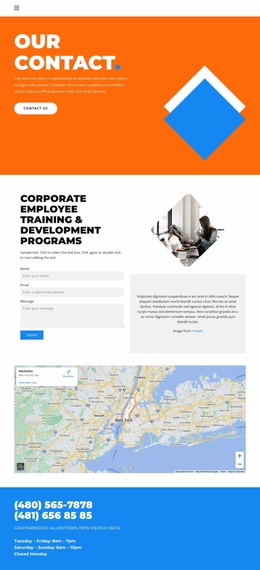
At the end, the blue contact band groups phone numbers, an address, and opening hours into one practical information region. That area can serve as stable page content while the gallery and logo sections carry the visual emphasis. The result is a useful theme direction for a WordPress project built around portfolios, brand showcases, or image-led presentation, without assuming that the sample contact values represent a verified organization.
Customize with Nicepage
Open this ready-made template in the WordPress Website Builder and customize it visually in the Nicepage editor. Replace demo content, edit page sections, and adapt the design to your project without rebuilding the template from scratch.
Manage and Edit This Theme in WordPress
Customize and Install the WordPress Theme
Start with this ready-made theme instead of building the WordPress design from scratch. Customize its layout, content, typography, images, sections, and other design elements visually in Nicepage editor, then export and install the WordPress Theme, Plugin, and Pages on your WordPress site. The Nicepage WordPress Plugin lets you continue working with the site after installation.
Edit the Theme Directly in WordPress
After installation, you can edit the WordPress Theme directly in WordPress with the Nicepage WordPress Plugin. Use Site Style to customize site Colors, Fonts, Header, Footer, Blog, and Post Page Templates while working within your WordPress website.
Edit WordPress Pages Visually
Use the Nicepage WordPress Plugin to edit page content directly from the WordPress admin area. Open a WordPress Page with Nicepage and visually change its text, images, sections, and other page elements while continuing to manage the Page through WordPress.
WordPress Content and Theme Integration
Use the customized theme with WordPress Pages, Posts, Blog and Post Templates, menus, widgets, and other CMS-managed content. Shared theme elements such as Colors, Fonts, Header, Footer, Blog, and Post Page Templates can be managed as part of the overall site design, while WordPress provides the CMS environment for managing site content.
This workflow combines a ready-made WordPress Theme with visual customization, direct theme editing in WordPress, and continued content management through the Nicepage WordPress Plugin.