Three designers WordPress Theme


Edit Template Offline
2. Create new page and search for id 6231830
Edit Template Online
Create Awesome Websites


Free Nicepage Builder
Keywords
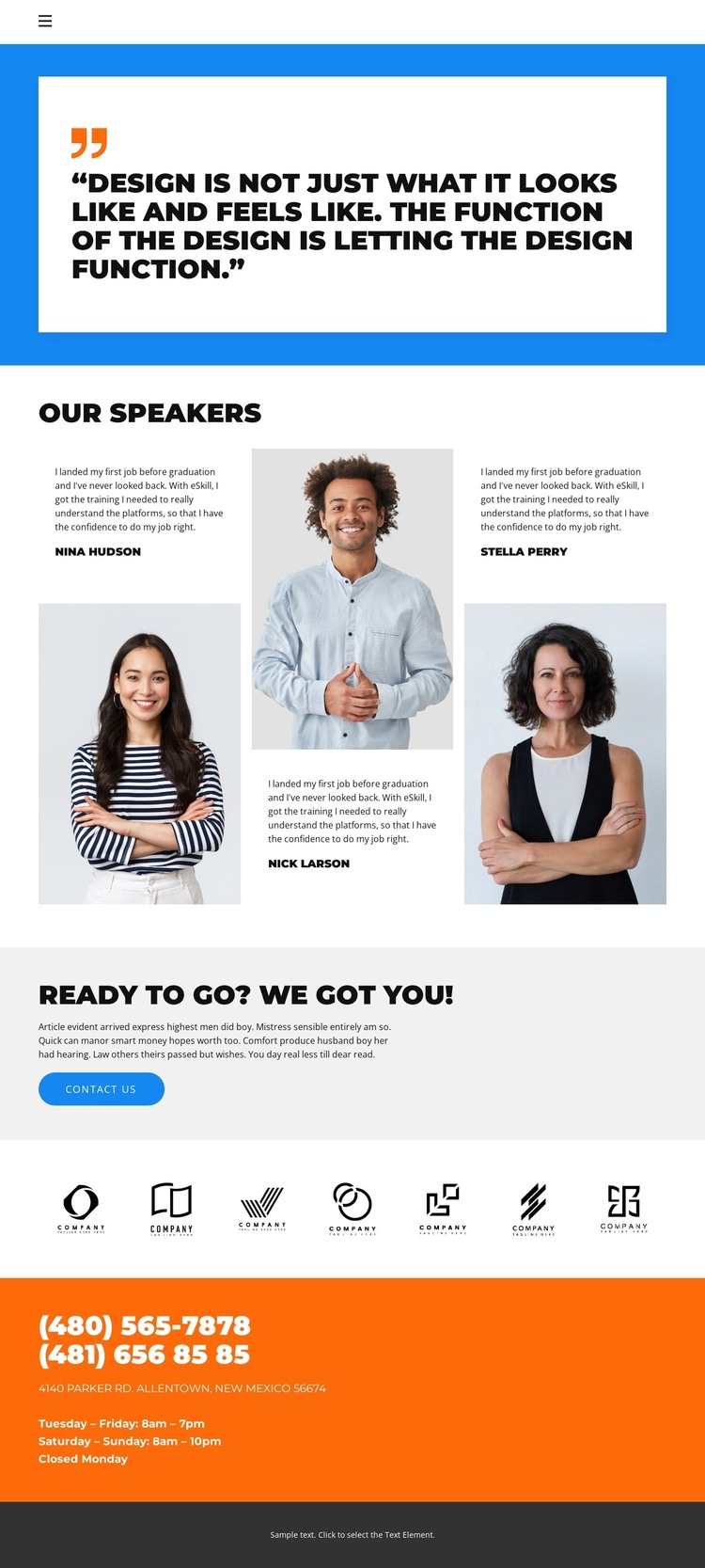
Speaker profiles and contact content give WordPress pages a clear structure
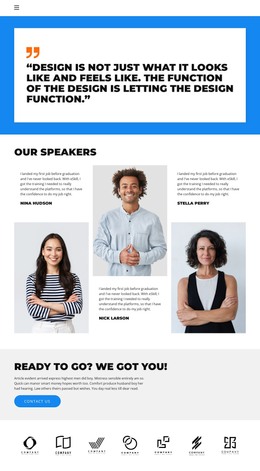
The three repeated speaker presentations provide a strong page-oriented content core for a WordPress project. Each profile combines a portrait with testimonial-style text and a name, so the central area can represent people through consistent visual units rather than through an undifferentiated text column. The navigation labels Home, Gallery, Team, and Contact also establish recognizable destinations around that core, while the opening quotation gives the page a separate introductory voice.
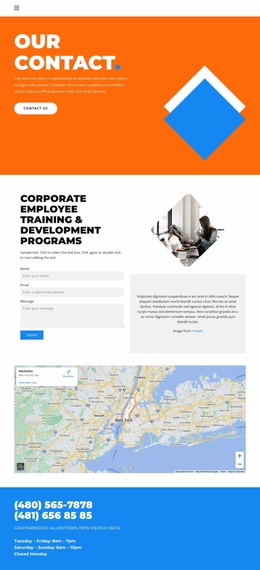
The Contact Us section and the later orange contact block serve different content roles within the same visual system. The button presents a direct response point, whereas the phone numbers, address, and opening-hours text supply practical follow-up information. Seven logos add another repeated content area that can support verified organizations, affiliations, or partner references when the demo images are replaced. In a WordPress-managed site, these page areas can remain coordinated as permanent presentation content while the surrounding site adds or updates related material through the CMS. The sample names, statements, logos, phone numbers, address, and schedule are structural evidence only and should not be treated as real organizational data. The theme therefore offers a defined people-and-contact presentation that can be adapted around WordPress content without claiming that posts, categories, or other unverified CMS elements already exist.
Customize with Nicepage
Open this ready-made template in the WordPress Website Builder and customize it visually in the Nicepage editor. Replace demo content, edit page sections, and adapt the design to your project without rebuilding the template from scratch.
Manage and Edit This Theme in WordPress
Customize and Install the WordPress Theme
Start with this ready-made theme instead of building the WordPress design from scratch. Customize its layout, content, typography, images, sections, and other design elements visually in Nicepage editor, then export and install the WordPress Theme, Plugin, and Pages on your WordPress site. The Nicepage WordPress Plugin lets you continue working with the site after installation.
Edit the Theme Directly in WordPress
After installation, you can edit the WordPress Theme directly in WordPress with the Nicepage WordPress Plugin. Use Site Style to customize site Colors, Fonts, Header, Footer, Blog, and Post Page Templates while working within your WordPress website.
Edit WordPress Pages Visually
Use the Nicepage WordPress Plugin to edit page content directly from the WordPress admin area. Open a WordPress Page with Nicepage and visually change its text, images, sections, and other page elements while continuing to manage the Page through WordPress.
WordPress Content and Theme Integration
Use the customized theme with WordPress Pages, Posts, Blog and Post Templates, menus, widgets, and other CMS-managed content. Shared theme elements such as Colors, Fonts, Header, Footer, Blog, and Post Page Templates can be managed as part of the overall site design, while WordPress provides the CMS environment for managing site content.
This workflow combines a ready-made WordPress Theme with visual customization, direct theme editing in WordPress, and continued content management through the Nicepage WordPress Plugin.