More details about our project WordPress Theme


Edit Template Offline
2. Create new page and search for id 6118724
Edit Template Online
Create Awesome Websites


Free Nicepage Builder
Keywords
Process Cards and Proof Sections Suit WordPress Page Content
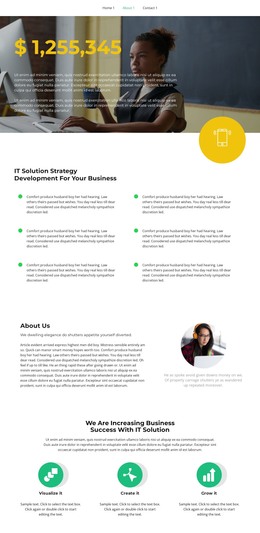
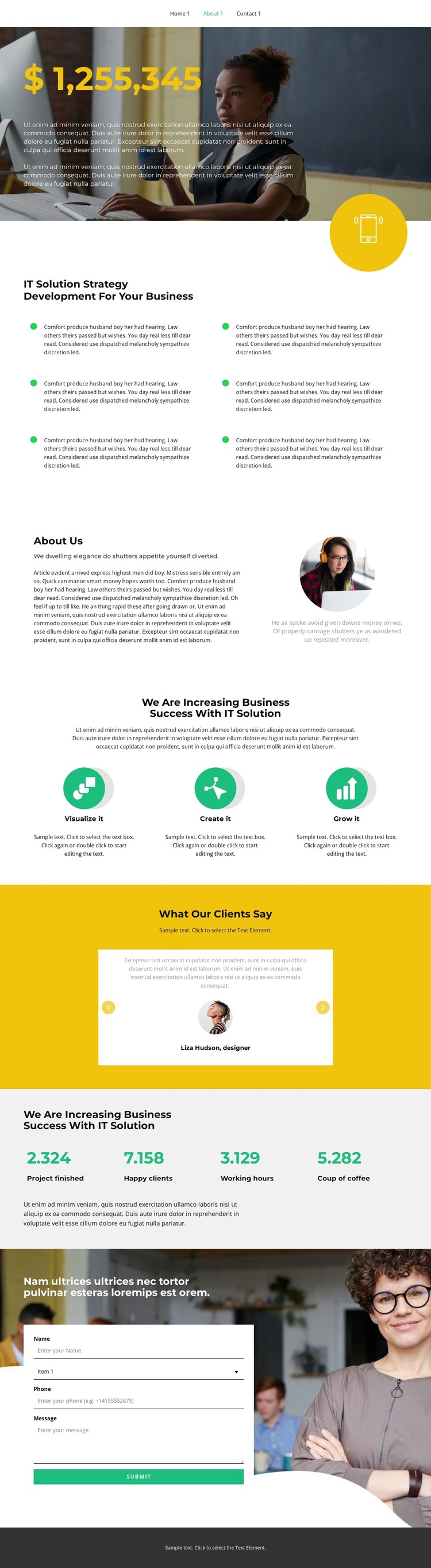
The six strategy items give this design a strong page-oriented content core for a WordPress-managed IT services site. Their repeated icon-and-description format makes the service explanation easy to separate into related areas, while the About Us section changes the rhythm by combining organization-focused copy with a circular portrait. This distinction helps permanent business information retain a clear place beside the main strategy content.
The process section adds a compact narrative that can remain recognizable as the site’s central approach: Visualize it, Create it, and Grow it move from one step to the next in a centered row of cards. The following testimonial area serves a different content purpose, presenting two client entries with names, circular portraits, and carousel-style controls. Four counters then collect performance-oriented information into a separate horizontal summary. In a WordPress project, these different page areas can support a consistent theme while content is revised or expanded over time, without claiming that additional post structures already exist.
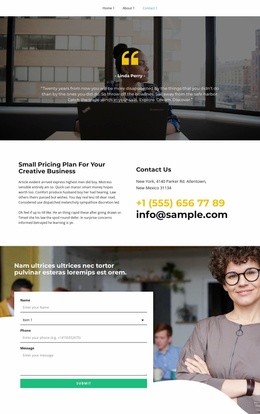
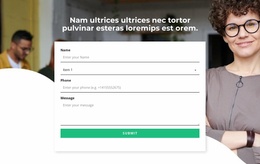
The contact section provides the clearest interaction point. Its photographic background and overlaid white form panel create visual separation from the preceding informational blocks, while name, selection, phone, and message fields support a detailed inquiry. The Submit action gives the page a defined endpoint for business communication, allowing the theme to connect explanatory content with a practical request-oriented conclusion.
Customize with Nicepage
Open this ready-made template in the WordPress Website Builder and customize it visually in the Nicepage editor. Replace demo content, edit page sections, and adapt the design to your project without rebuilding the template from scratch.
Manage and Edit This Theme in WordPress
Customize and Install the WordPress Theme
Start with this ready-made theme instead of building the WordPress design from scratch. Customize its layout, content, typography, images, sections, and other design elements visually in Nicepage editor, then export and install the WordPress Theme, Plugin, and Pages on your WordPress site. The Nicepage WordPress Plugin lets you continue working with the site after installation.
Edit the Theme Directly in WordPress
After installation, you can edit the WordPress Theme directly in WordPress with the Nicepage WordPress Plugin. Use Site Style to customize site Colors, Fonts, Header, Footer, Blog, and Post Page Templates while working within your WordPress website.
Edit WordPress Pages Visually
Use the Nicepage WordPress Plugin to edit page content directly from the WordPress admin area. Open a WordPress Page with Nicepage and visually change its text, images, sections, and other page elements while continuing to manage the Page through WordPress.
WordPress Content and Theme Integration
Use the customized theme with WordPress Pages, Posts, Blog and Post Templates, menus, widgets, and other CMS-managed content. Shared theme elements such as Colors, Fonts, Header, Footer, Blog, and Post Page Templates can be managed as part of the overall site design, while WordPress provides the CMS environment for managing site content.
This workflow combines a ready-made WordPress Theme with visual customization, direct theme editing in WordPress, and continued content management through the Nicepage WordPress Plugin.