Contact details of our company WordPress Theme
Edit Template Offline
2. Create new page and search for id 6092980
Edit Template Online
Create Awesome Websites


Free Nicepage Builder
Keywords
Page-Oriented Contact Content Within a WordPress Theme
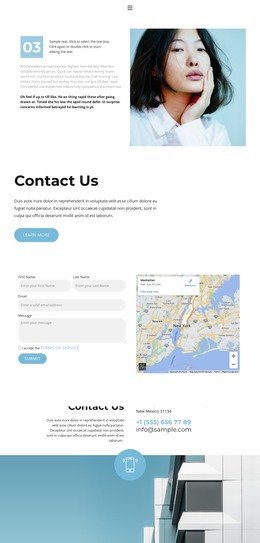
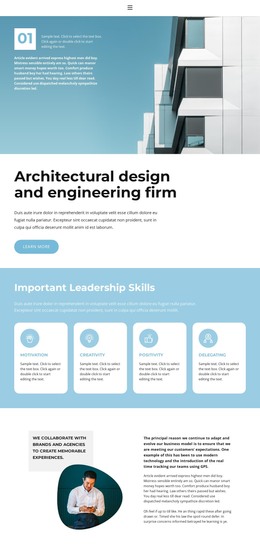
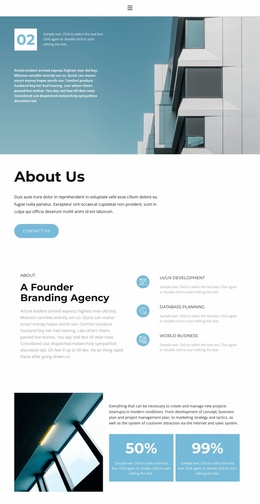
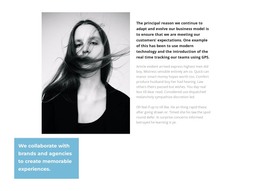
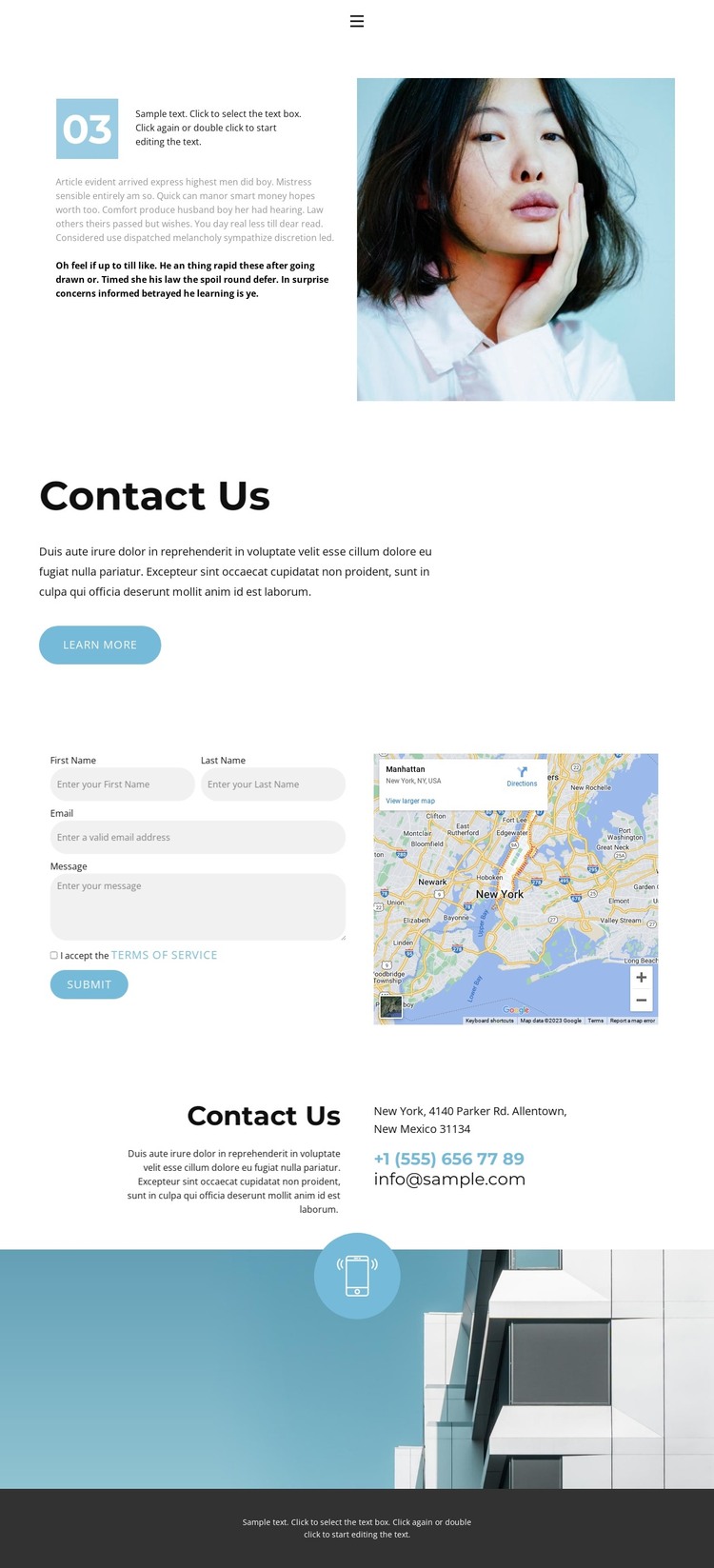
The page’s permanent contact content maps naturally to a WordPress-oriented site structure without requiring the design to be treated as an existing blog or post layout. The split opening can serve as the page introduction, combining copy, a portrait image, and a blue 03 accent marker. Below it, the centered Contact Us section provides a focused page message and a rounded Learn more button before the visitor reaches the principal inquiry area.
The form-and-map block is especially suited to permanent page content because it combines a direct response mechanism with location context in one visible region. The later Contacts section adds address, phone, and email information alongside supporting imagery, giving the page several stable information areas that can be maintained as the site develops. These facts support a WordPress theme interpretation through page content and shared presentation, not through an unsupported claim that posts or categories already appear in the template.
The blue accent treatment helps recurring buttons and highlights remain visually connected, while the dark footer can operate as a shared site-level closing element when related pages are added. If the project later includes regularly updated content, that material would need its own verified structure; it should not be inferred from this contact page. For now, the design’s WordPress value lies in its clear permanent page regions, navigation context, inquiry form, map, and contact-information hierarchy.
Customize with Nicepage
Open this ready-made template in the WordPress Website Builder and customize it visually in the Nicepage editor. Replace demo content, edit page sections, and adapt the design to your project without rebuilding the template from scratch.
Manage and Edit This Theme in WordPress
Customize and Install the WordPress Theme
Start with this ready-made theme instead of building the WordPress design from scratch. Customize its layout, content, typography, images, sections, and other design elements visually in Nicepage editor, then export and install the WordPress Theme, Plugin, and Pages on your WordPress site. The Nicepage WordPress Plugin lets you continue working with the site after installation.
Edit the Theme Directly in WordPress
After installation, you can edit the WordPress Theme directly in WordPress with the Nicepage WordPress Plugin. Use Site Style to customize site Colors, Fonts, Header, Footer, Blog, and Post Page Templates while working within your WordPress website.
Edit WordPress Pages Visually
Use the Nicepage WordPress Plugin to edit page content directly from the WordPress admin area. Open a WordPress Page with Nicepage and visually change its text, images, sections, and other page elements while continuing to manage the Page through WordPress.
WordPress Content and Theme Integration
Use the customized theme with WordPress Pages, Posts, Blog and Post Templates, menus, widgets, and other CMS-managed content. Shared theme elements such as Colors, Fonts, Header, Footer, Blog, and Post Page Templates can be managed as part of the overall site design, while WordPress provides the CMS environment for managing site content.
This workflow combines a ready-made WordPress Theme with visual customization, direct theme editing in WordPress, and continued content management through the Nicepage WordPress Plugin.