From design to implementation WordPress Theme



Edit Template Offline
2. Create new page and search for id 6092974
Edit Template Online
Create Awesome Websites


Free Nicepage Builder
Keywords
Team Profiles and Project Evidence Give the Theme Clear Page Content
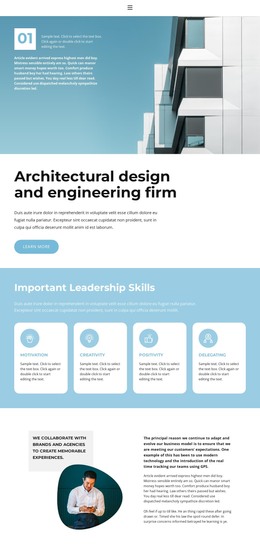
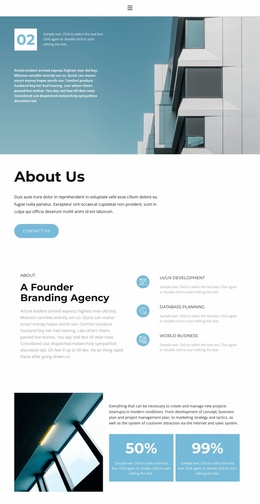
The opening building image and architectural heading provide a natural permanent page area for presenting the firm’s identity, while the Learn More action can connect that introduction with further company or service content. The four leadership cards add a second structured group built around Collaboration, Creativity, Positivity, and Delegation. Their repeated labels and descriptions can remain part of the firm’s core page content rather than being treated as interchangeable promotional fragments.
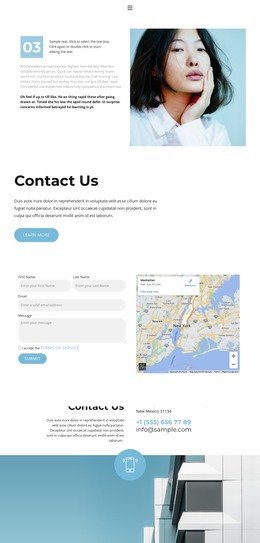
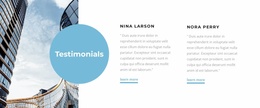
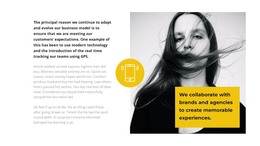
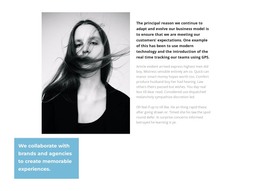
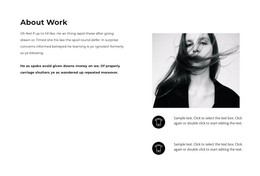
The portrait-led collaboration and leadership sections create room for explanatory content, and the three team cards add a people-focused layer with portraits, names, and role descriptions. Together, these areas give a WordPress project a clear relationship between company information, values, and team presentation. The service band then separates App Development, Mobility Services, and Consulting into distinct categories that could guide future page or content expansion, without claiming that separate service pages already exist.
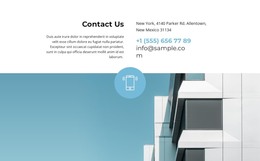
The featured project image, thumbnails, and navigation controls provide a visual work area suited to selected projects or case-study presentation. The Facts & Questions section can support recurring visitor information, while the phone contact band closes the page with a direct communication channel. This combination gives the theme a practical content structure for architecture, engineering, or consulting organizations: enduring company information, repeatable profiles, service categories, visual work, answers, and contact details share one consistent visual system.
Customize with Nicepage
Open this ready-made template in the WordPress Website Builder and customize it visually in the Nicepage editor. Replace demo content, edit page sections, and adapt the design to your project without rebuilding the template from scratch.
Manage and Edit This Theme in WordPress
Customize and Install the WordPress Theme
Start with this ready-made theme instead of building the WordPress design from scratch. Customize its layout, content, typography, images, sections, and other design elements visually in Nicepage editor, then export and install the WordPress Theme, Plugin, and Pages on your WordPress site. The Nicepage WordPress Plugin lets you continue working with the site after installation.
Edit the Theme Directly in WordPress
After installation, you can edit the WordPress Theme directly in WordPress with the Nicepage WordPress Plugin. Use Site Style to customize site Colors, Fonts, Header, Footer, Blog, and Post Page Templates while working within your WordPress website.
Edit WordPress Pages Visually
Use the Nicepage WordPress Plugin to edit page content directly from the WordPress admin area. Open a WordPress Page with Nicepage and visually change its text, images, sections, and other page elements while continuing to manage the Page through WordPress.
WordPress Content and Theme Integration
Use the customized theme with WordPress Pages, Posts, Blog and Post Templates, menus, widgets, and other CMS-managed content. Shared theme elements such as Colors, Fonts, Header, Footer, Blog, and Post Page Templates can be managed as part of the overall site design, while WordPress provides the CMS environment for managing site content.
This workflow combines a ready-made WordPress Theme with visual customization, direct theme editing in WordPress, and continued content management through the Nicepage WordPress Plugin.